
Upload photo
Add your own image from a phone, camera, or saved download and place it into the design.
Instax-style layouts
MemoryPaper helps couples, travelers, photographers, small brands, and anyone saving personal memories create Instax collage templates without opening heavy design software. Upload your photo, choose a template, and edit frames, captions, colors, and layout details directly in the browser. Most designs can be started in under a minute because the spacing, photo slots, and typography are already prepared for you. Replace the sample images, fine-tune the text, and download the final image when it looks right for sharing, printing, or keeping.
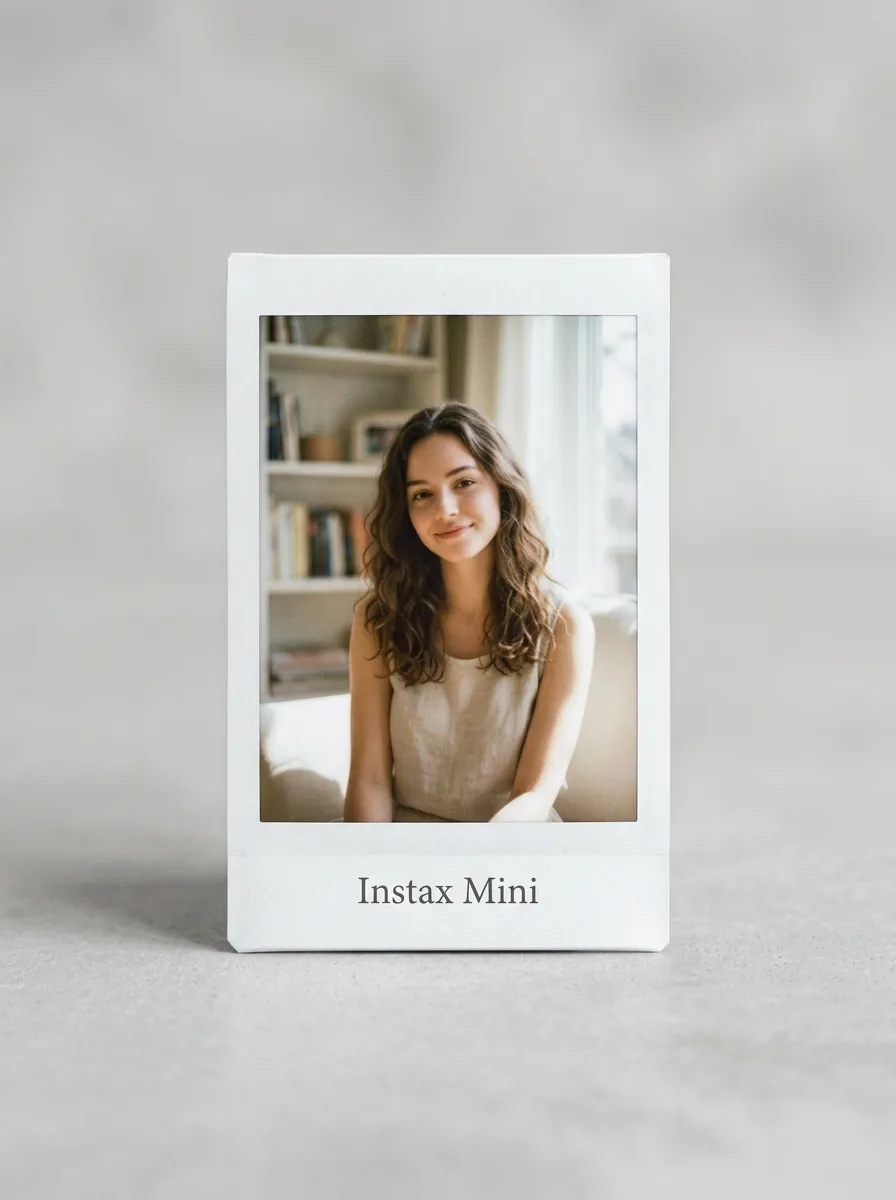
Add your own image from a phone, camera, or saved download and place it into the design.
Start from a related MemoryPaper layout so the frame, spacing, and typography are already prepared.
Adjust photos, text, colors, and layout details without installing desktop design software.
Export the finished design as an image for sharing, printing, or keeping with your memories.
Bring in the image or photo set you want to turn into a finished layout.
Pick a template that matches the style, occasion, and final format you need.
Replace sample content, edit captions, then download the final image when it looks right.
Choose from Instax collage templates templates, then open the selected design in the MemoryPaper editor.
A beautiful interactive Instax photo gallery effect.
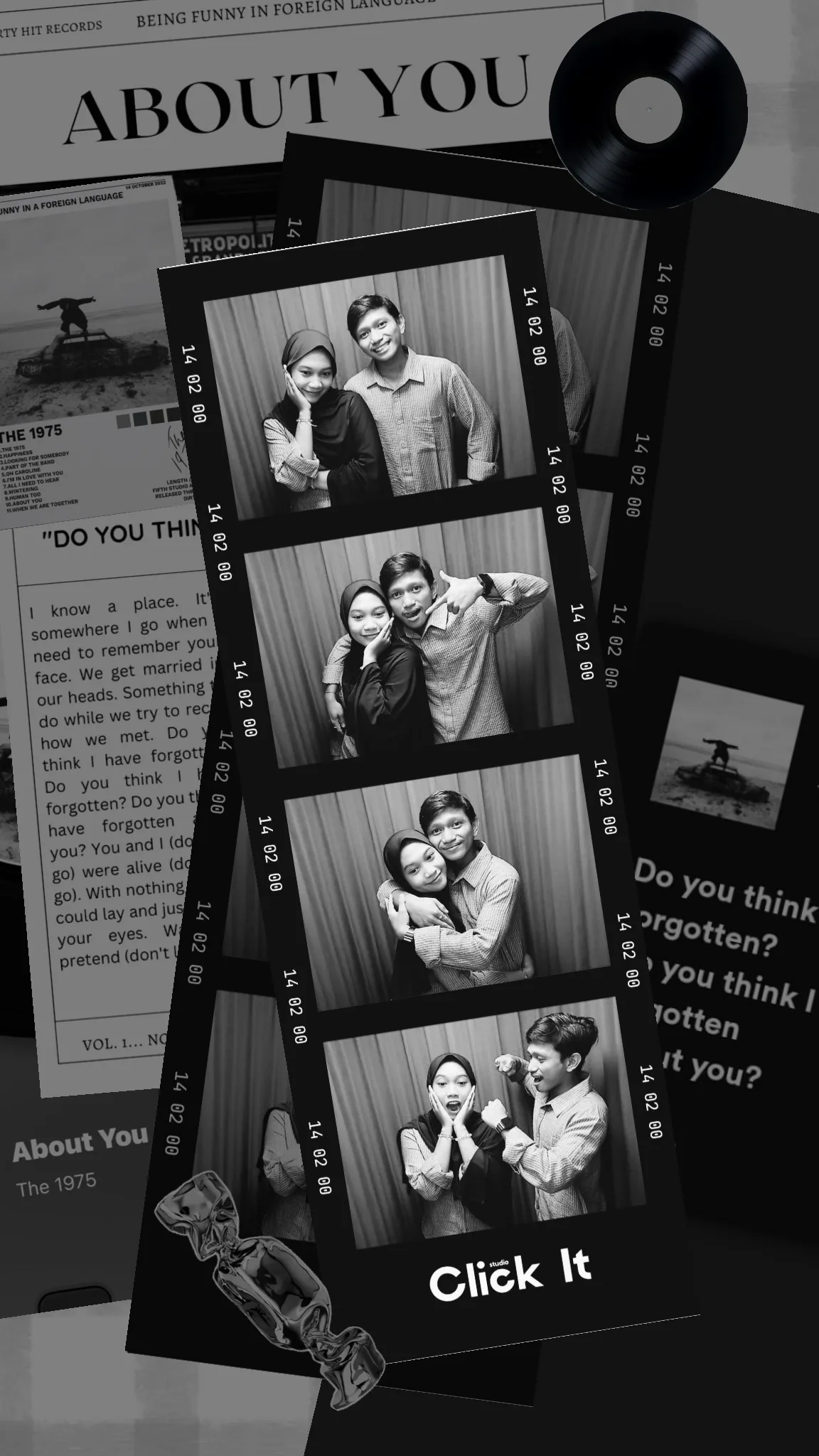
About You Template

A beautiful moments template with tapes, torn paper edges, and overlapping photos.
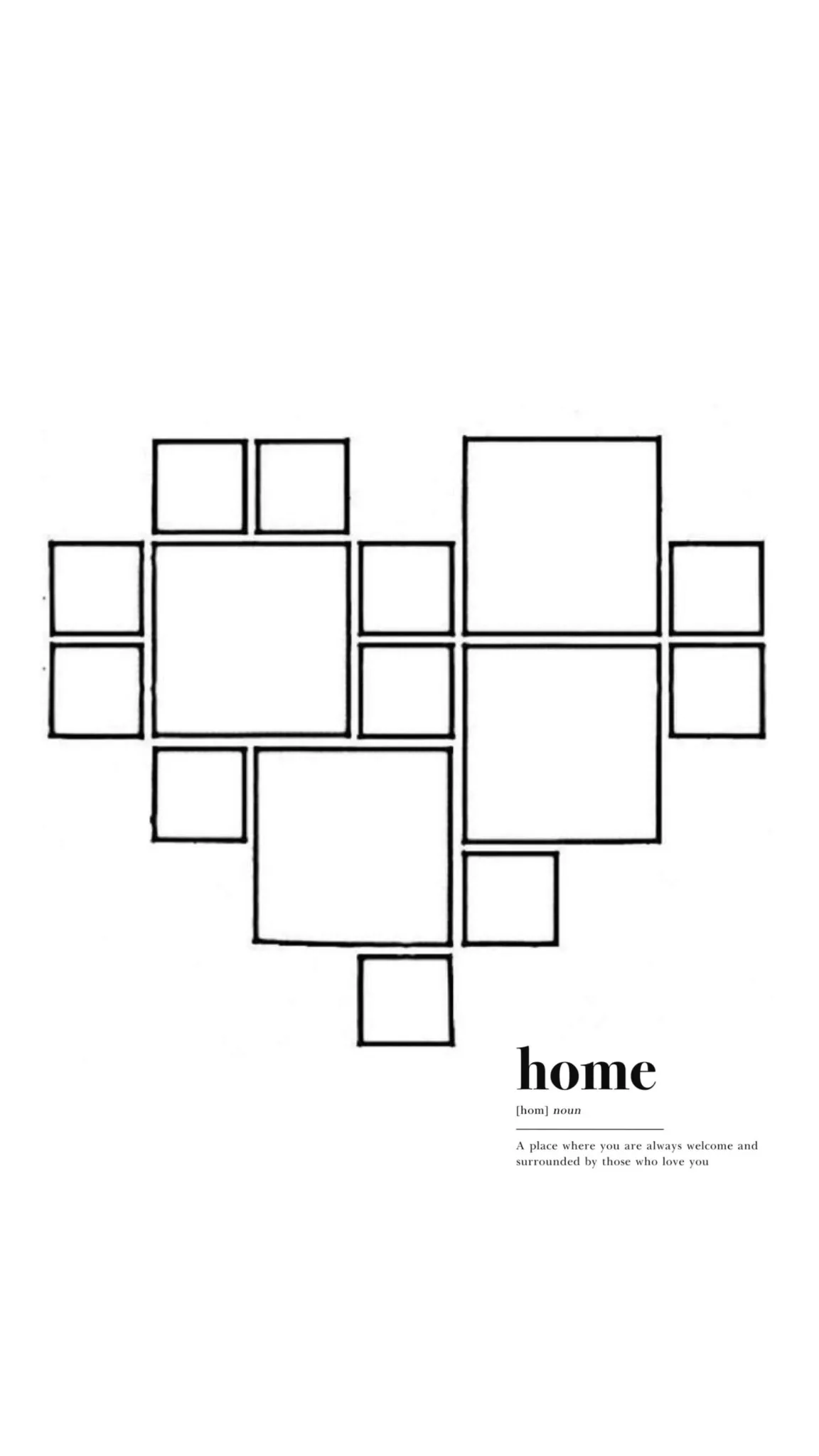
Heart-shaped photo collage with a dictionary definition of home.

A beautiful memory collage with torn paper and polaroids.

A layered collage featuring torn paper edges, translucent tape, and elegant typography.
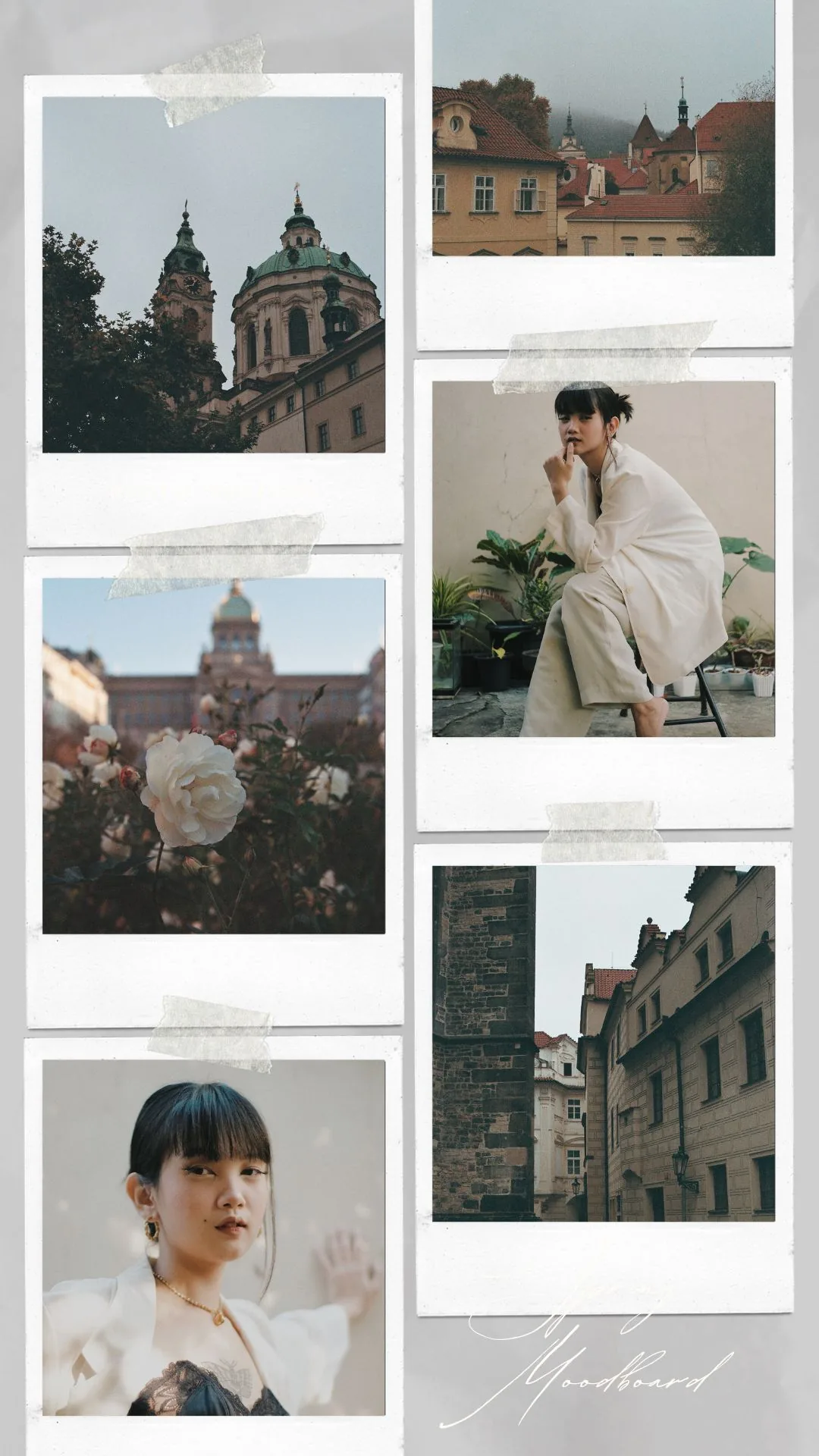
A beautiful spring-themed moodboard with tape and polaroids.
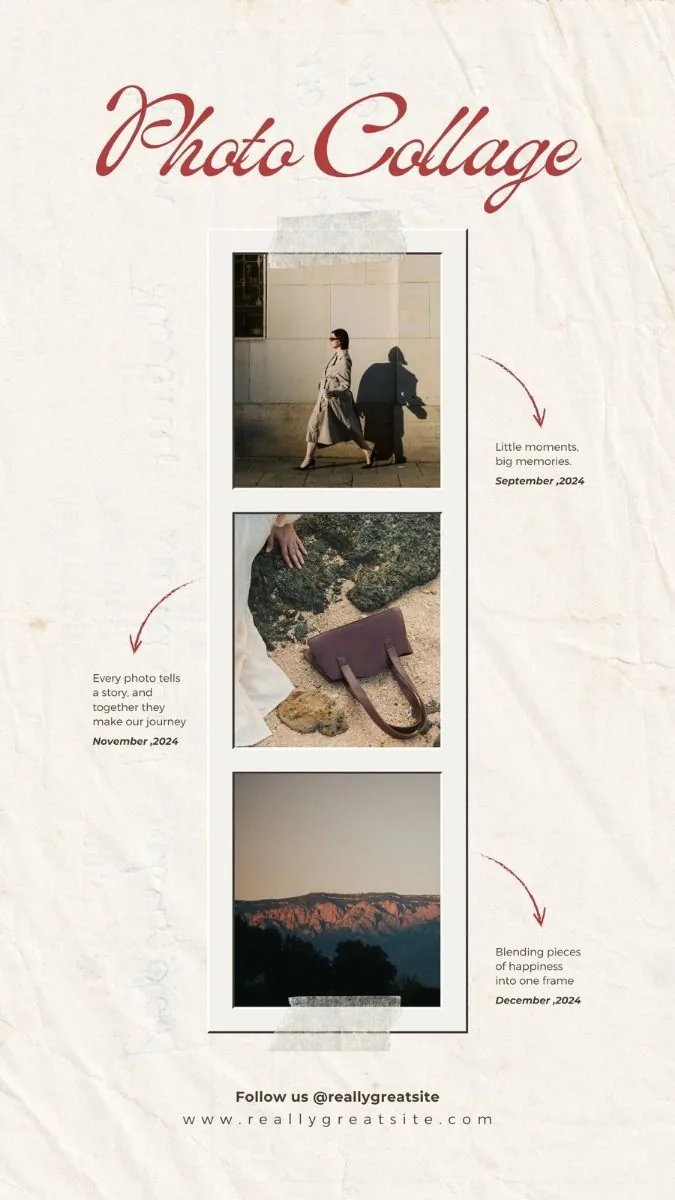
An artistic three-photo instant collage layout featuring translucent washi tapes, hand-drawn vector arrows, and elegant typography.
Friends
Couples
Travel
Birthdays
Printed memories
Yes. Choose an Instax-inspired template, upload your photos, and export the finished collage from MemoryPaper.
Yes. Several Instax-style layouts use square or compact instant-photo frames.
Yes. Export a high-resolution image from the editor, then print it with your preferred print workflow.
Start with a related template, replace the sample photo, and export a finished MemoryPaper design.
Create your photo now