how to make a travel photo collage from phone photos
How to Make a Travel Photo Collage from Phone Photos
Learn how to turn phone photos into a polished travel photo collage with editable templates, captions, dates, and destination details.
Quick checklist
- Pick 6 to 12 photos that show place, people, details, and one wide establishing shot.
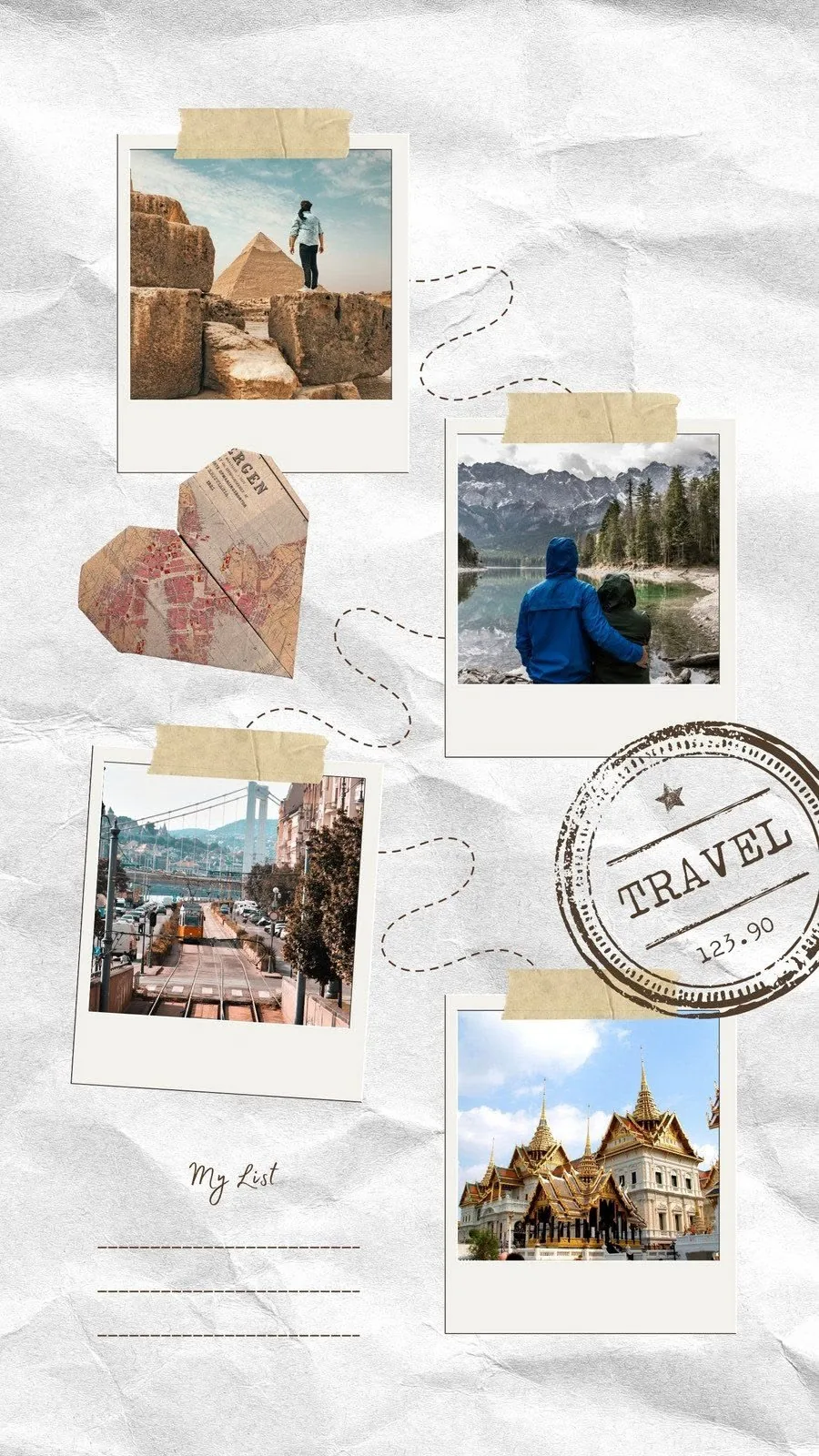
- Choose a travel template that matches the final destination: story, postcard, poster, or scrapbook.
- Replace photos first, then edit destination names, dates, route codes, and captions.
- Export one high-resolution image for sharing or printing.
Start by narrowing the camera roll
A strong travel collage usually needs fewer photos than the trip folder contains. Pick a small set with variety: one landscape, one transit detail, one food or street moment, one portrait, and one image that captures the mood.
Choose a template based on the story
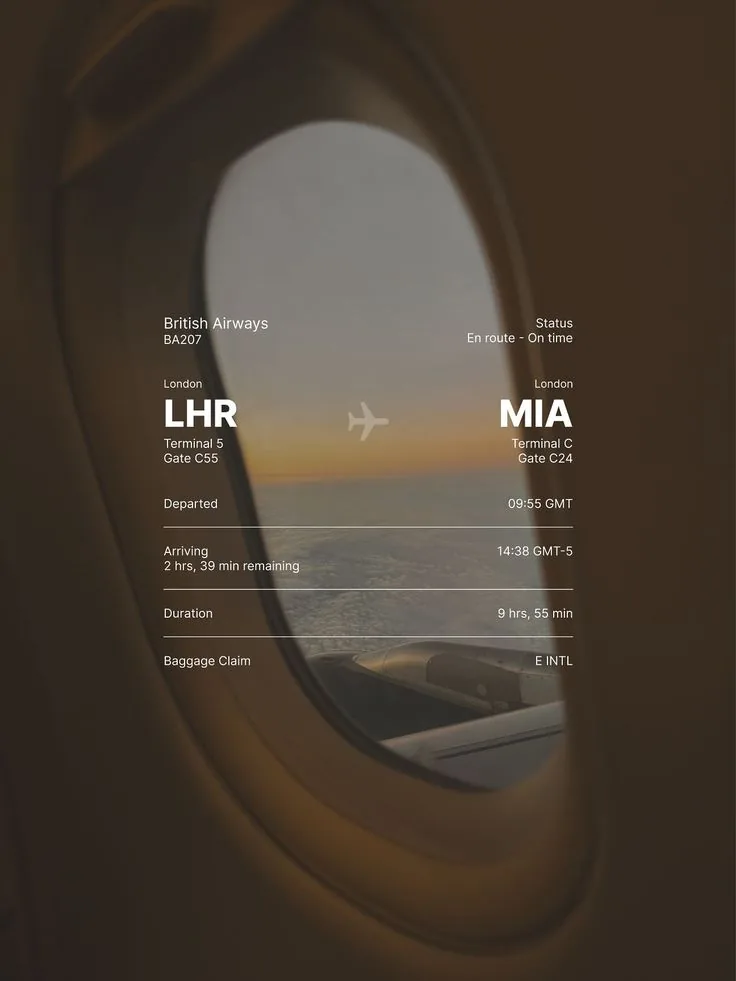
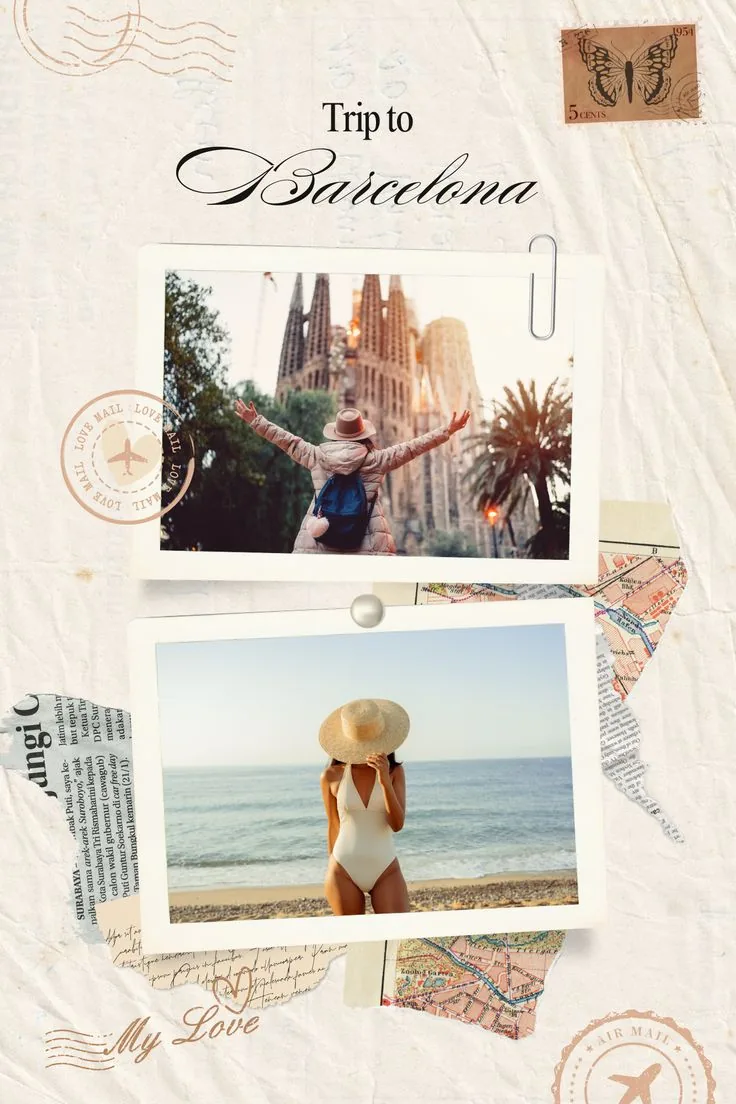
Use a scrapbook layout for a personal recap, a postcard template for a city memory, and a flight-status layout when the route itself is part of the story.
- 1For a full trip recap, start with Travel Scrapbook.
- 2For a single city memory, use Trip to Barcelona or The Travel Chapter.
- 3For airport or route moments, use Flight Status Memory.
Add place names before decorative text
Destination names, dates, and short captions help the layout make sense later. Add those first, then keep decorative quotes short so they do not compete with the photos.
Export the same design for multiple uses
After the collage is finished, export it as a high-resolution image. The same file can work as a story post, a travel journal insert, or a small printed keepsake.