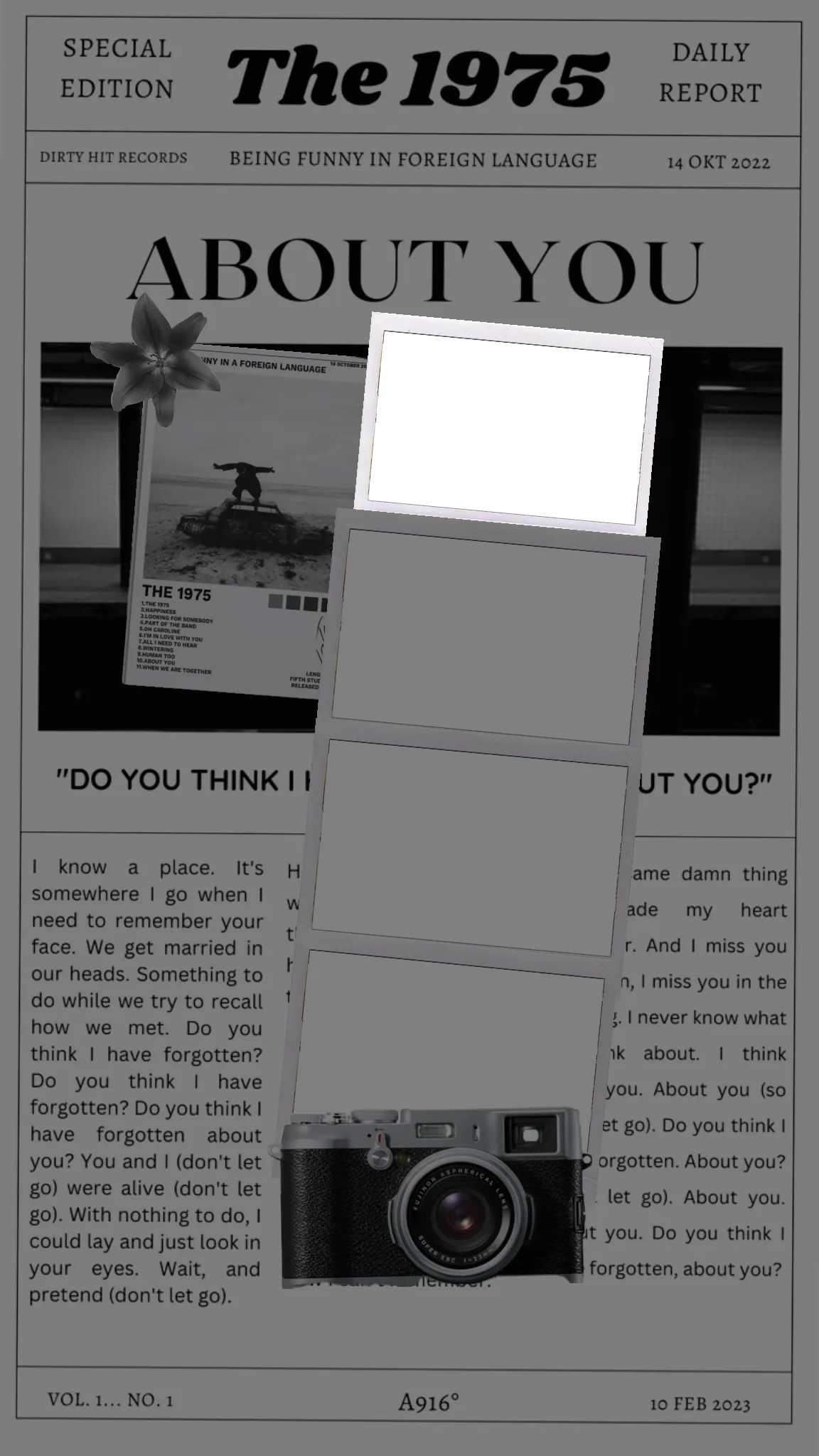
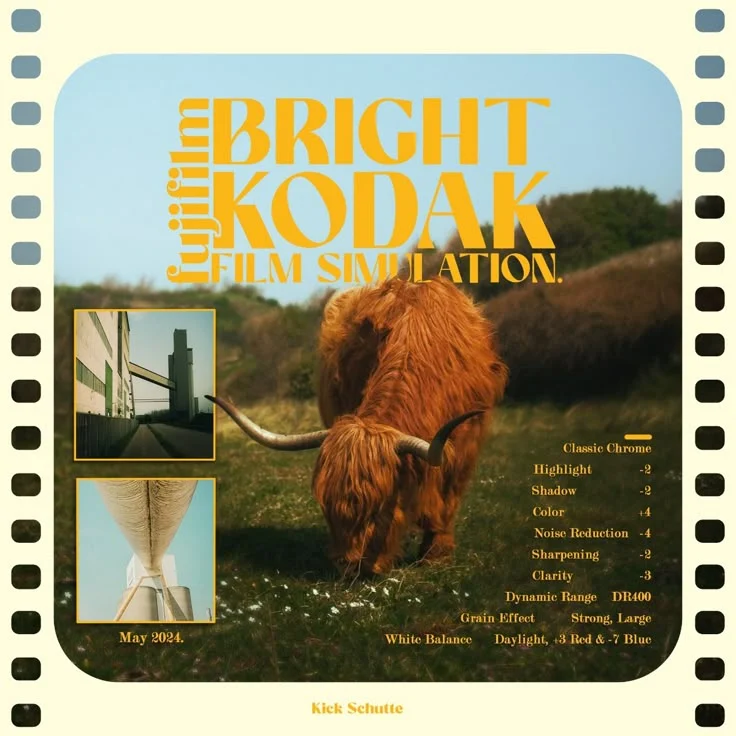
Start from polished Polaroid, scrapbook, poster, and story templates.

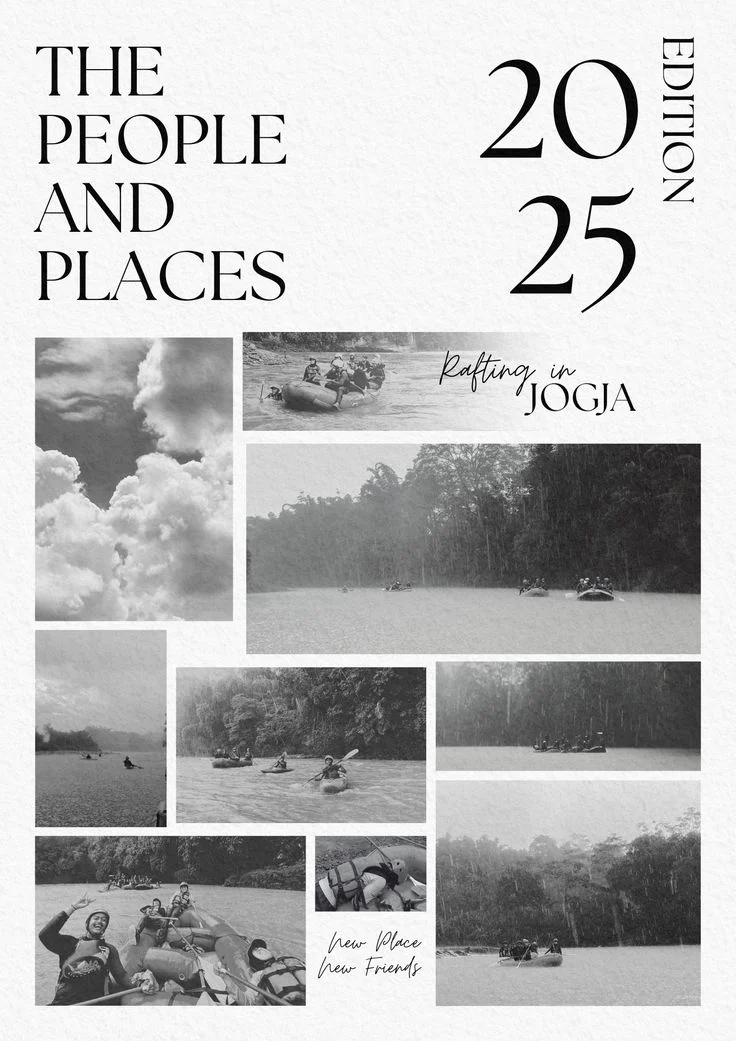
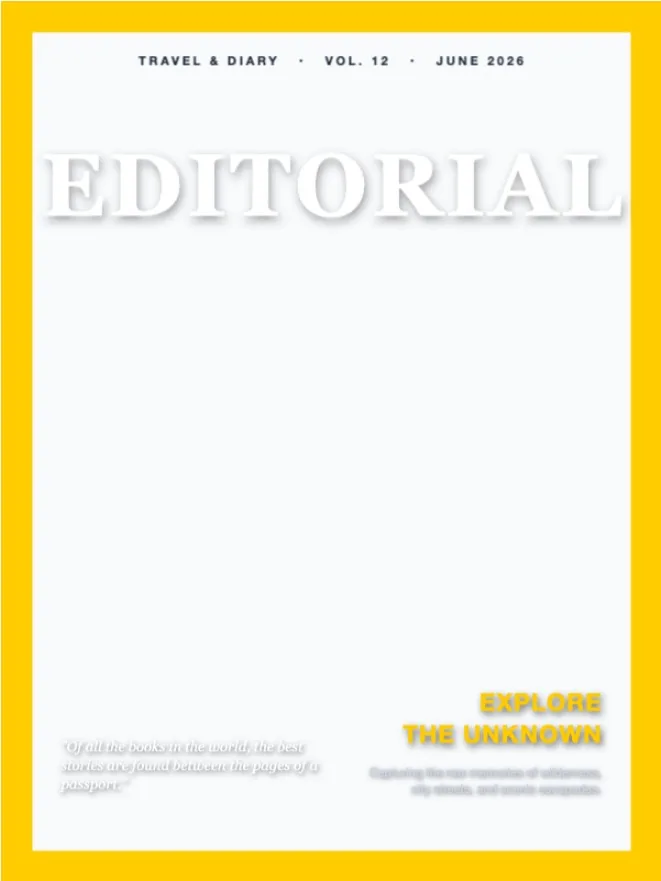
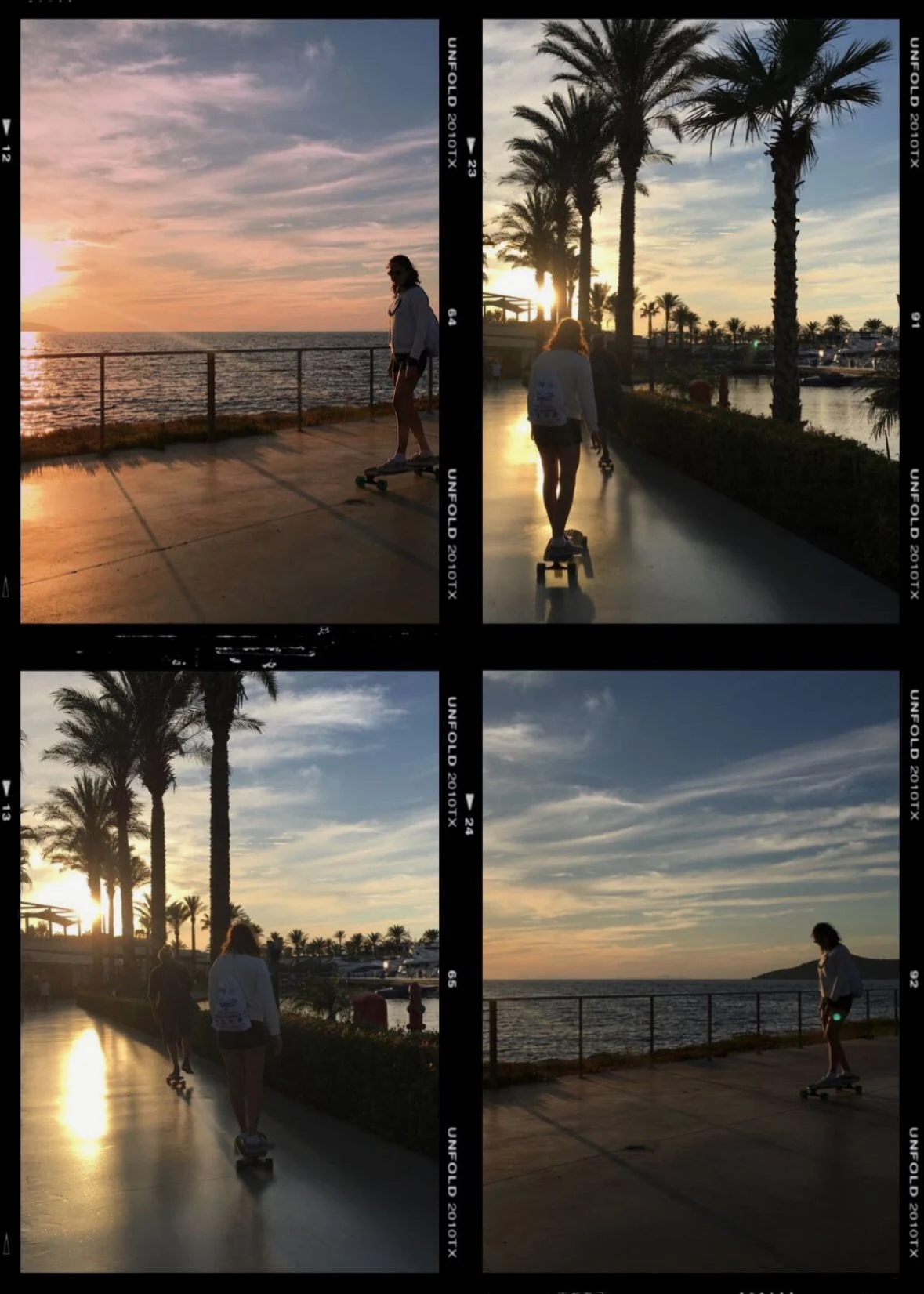
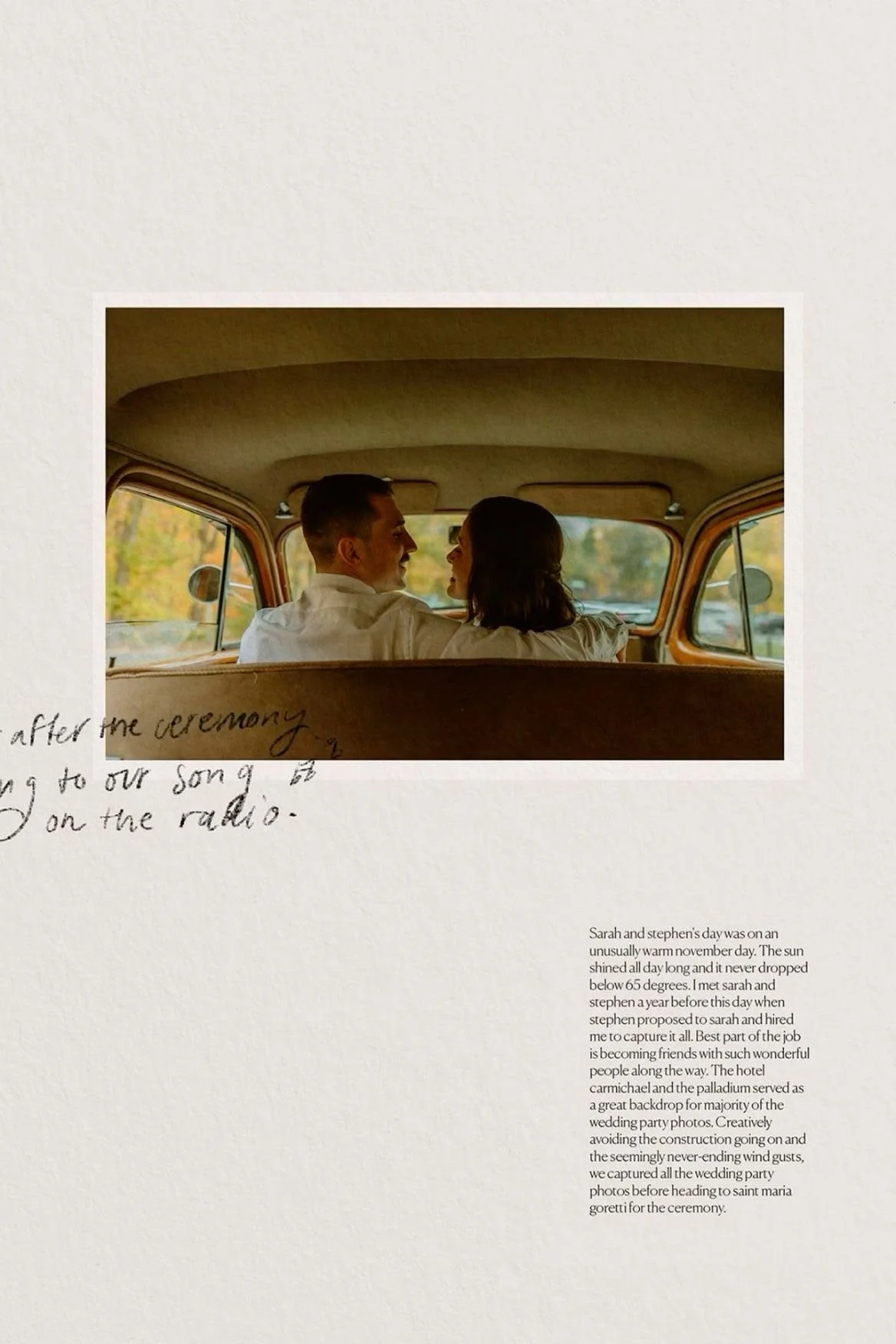
Add camera signatures, EXIF details, frames, and photo-focused styling.
Customize in the editor, save your papers, and export ready-to-share images.
Start from polished Polaroid, scrapbook, poster, and story templates.
Add camera signatures, EXIF details, frames, and photo-focused styling.
Customize in the editor, save your papers, and export ready-to-share images.
Built for every kind of photo story
Pick a layout, replace the photos, adjust typography and frame details, then export a design that still feels personal. MemoryPaper keeps the workspace gentle and focused, so the photos stay at the center of every layout.
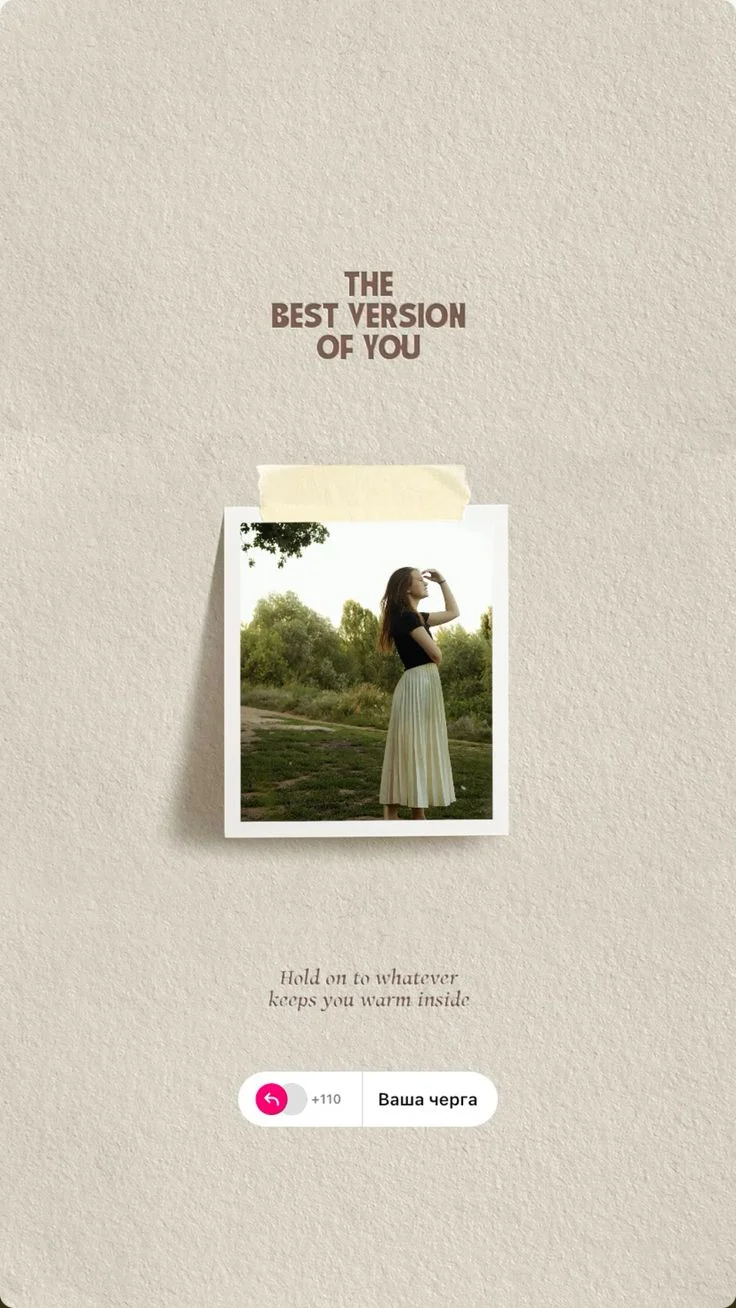
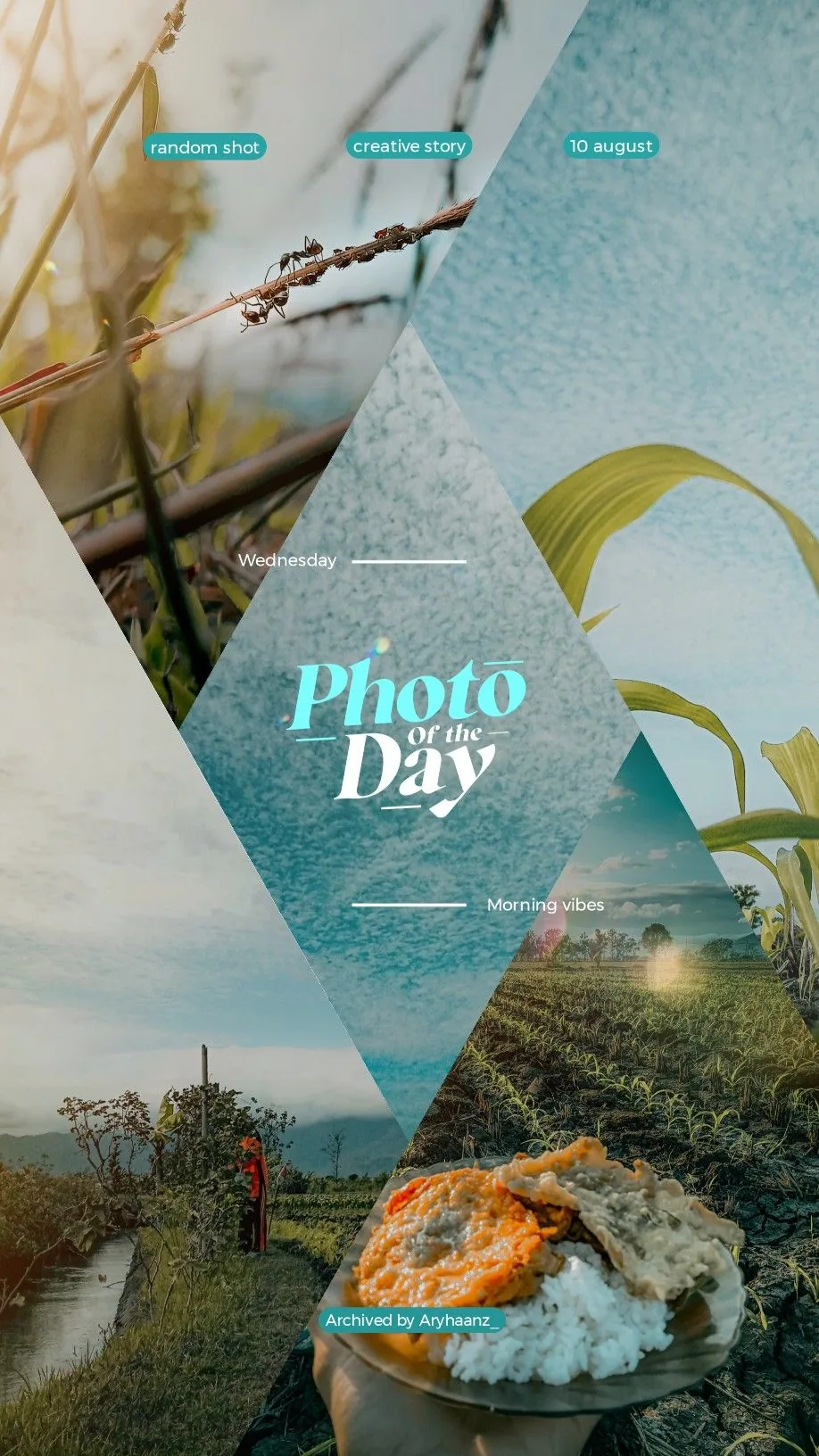
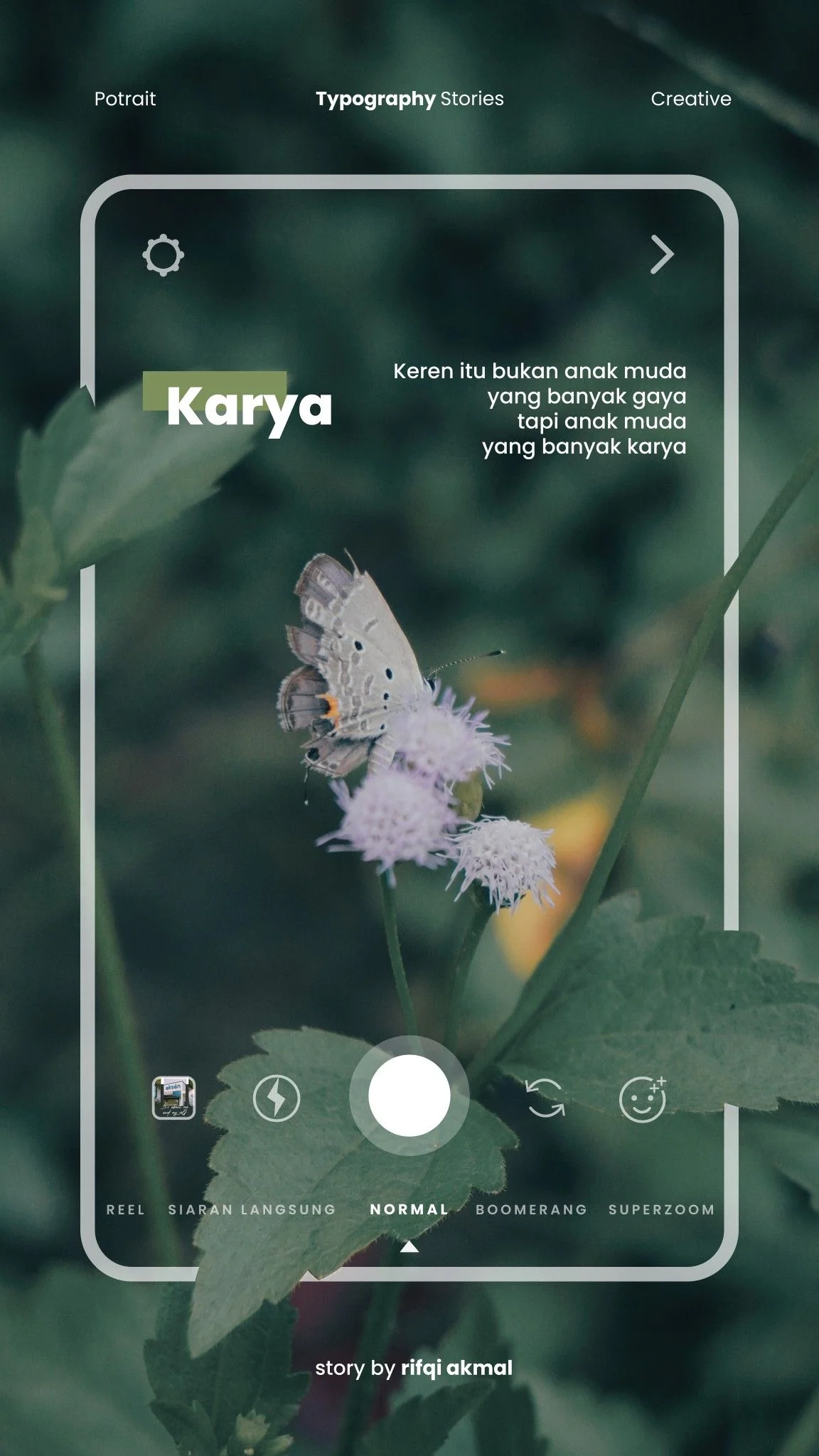
Explore the main ways people use MemoryPaper: classic Polaroid pages, travel recaps, editorial posters, wedding keepsakes, and social-ready story layouts.
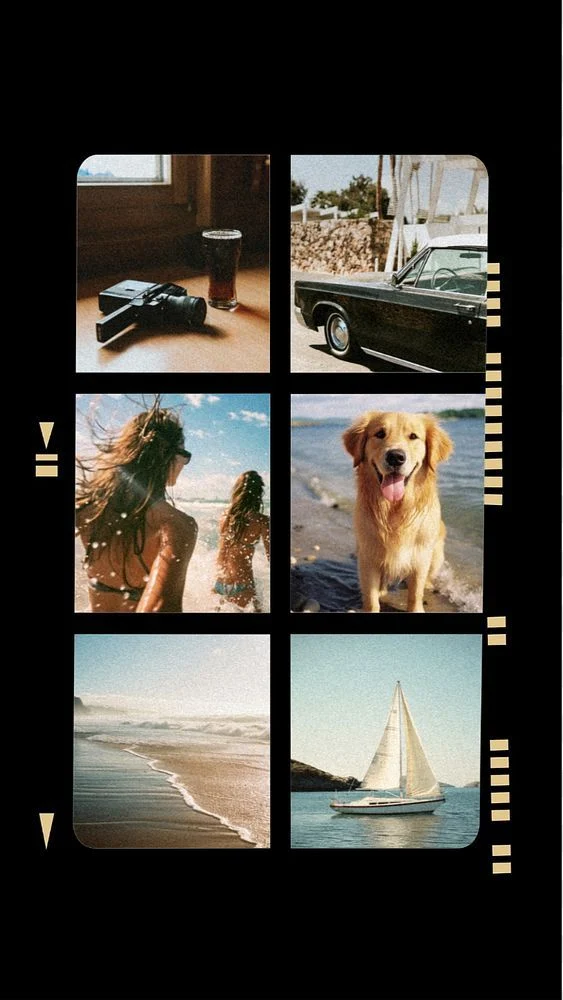
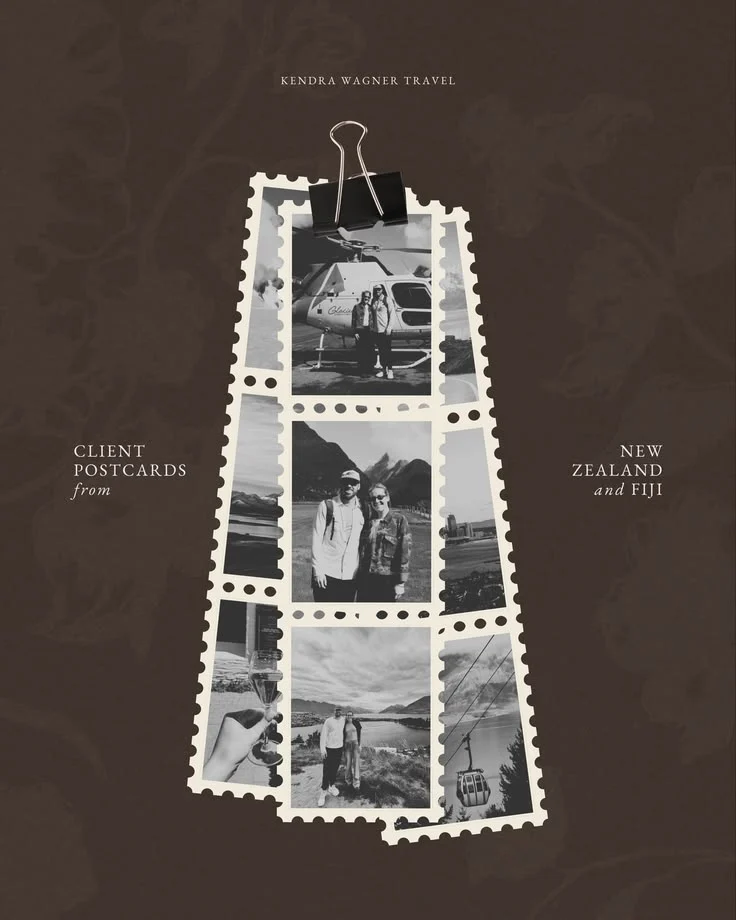
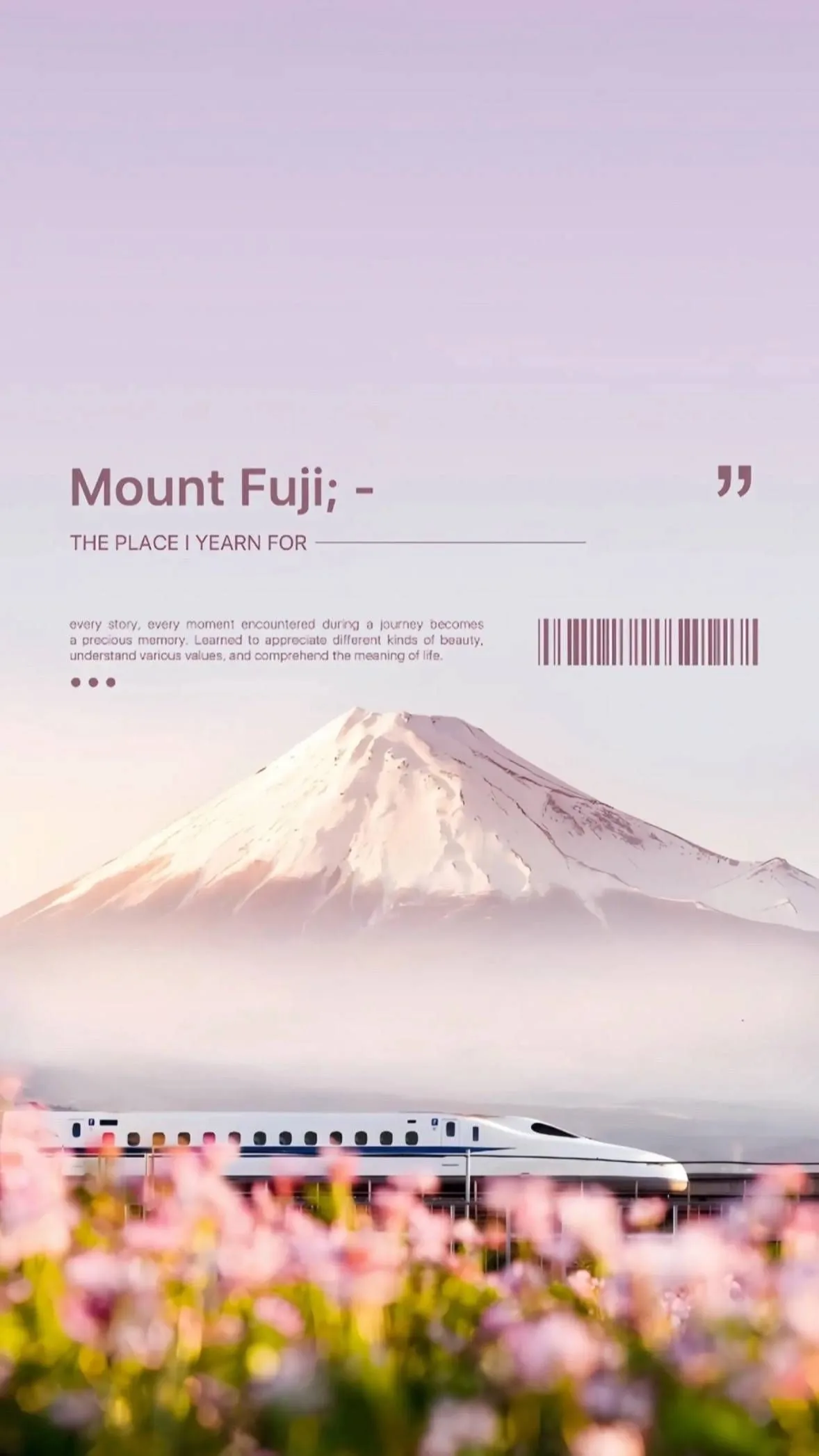
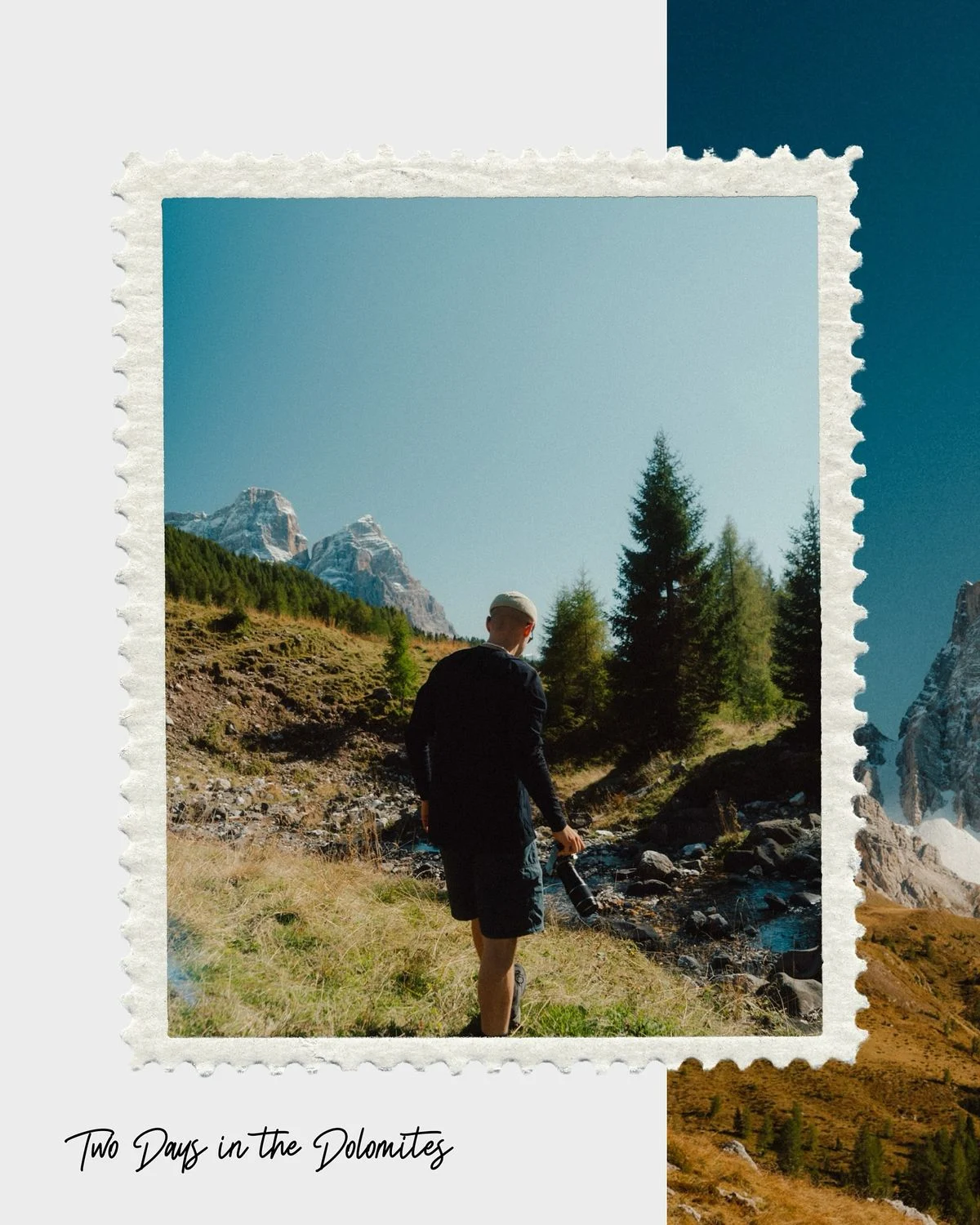
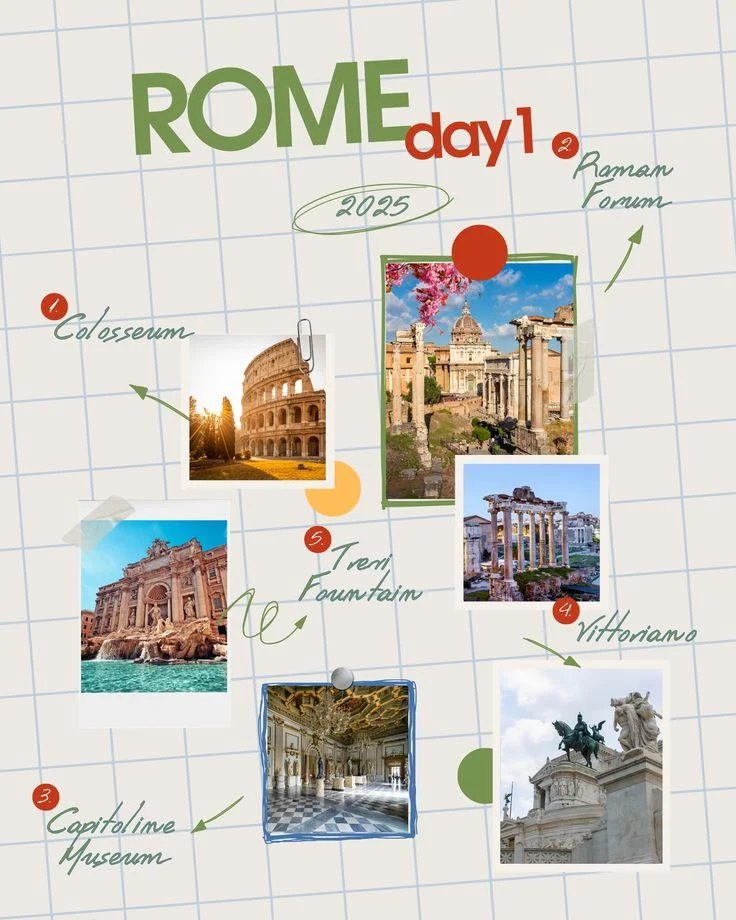

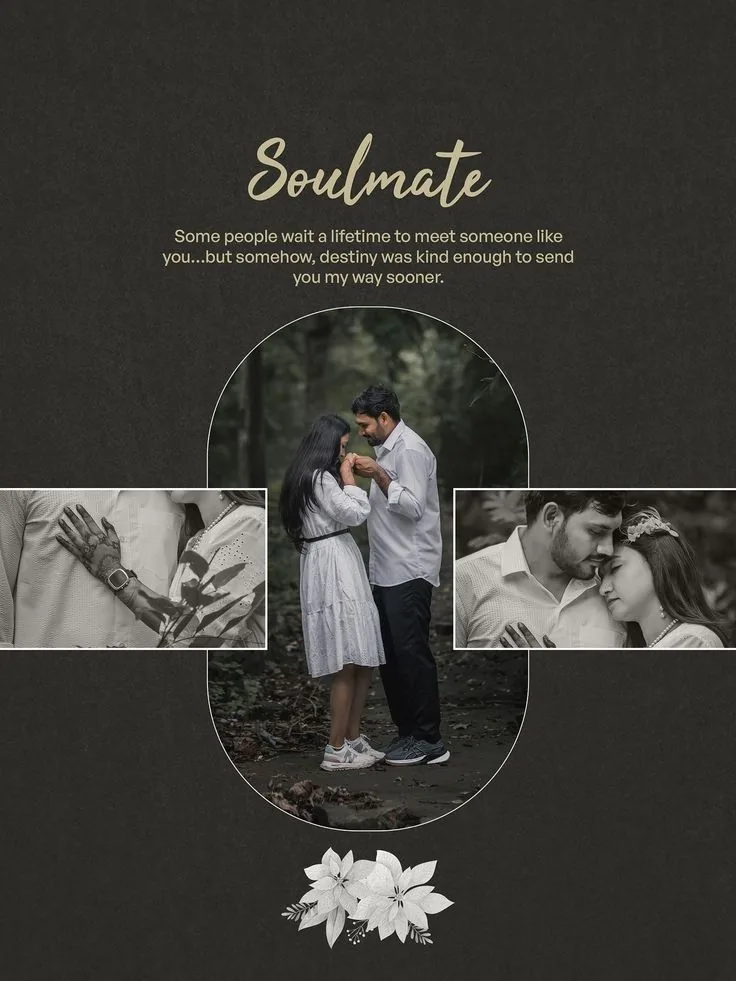
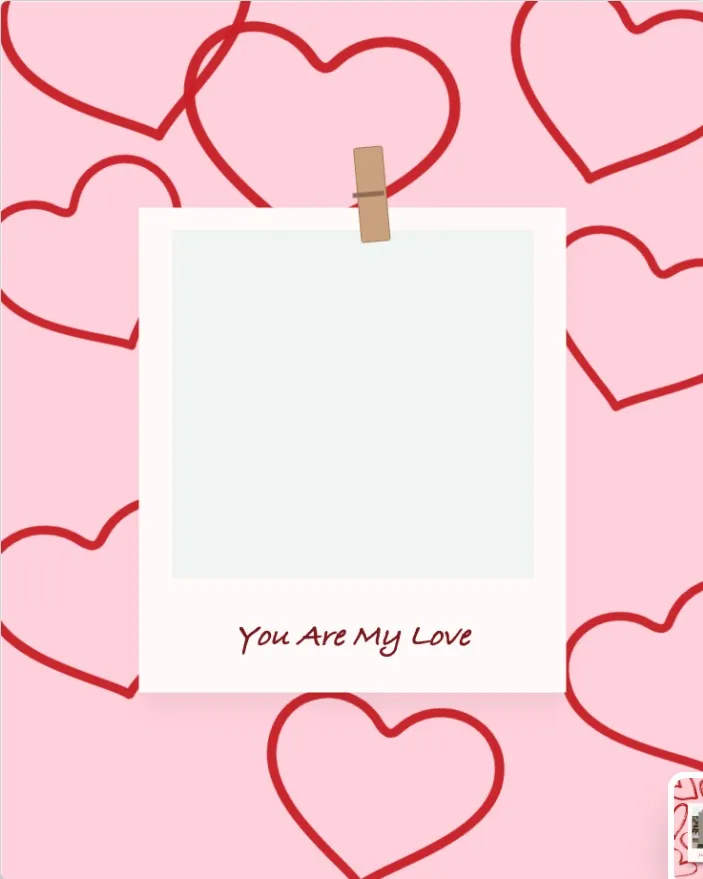
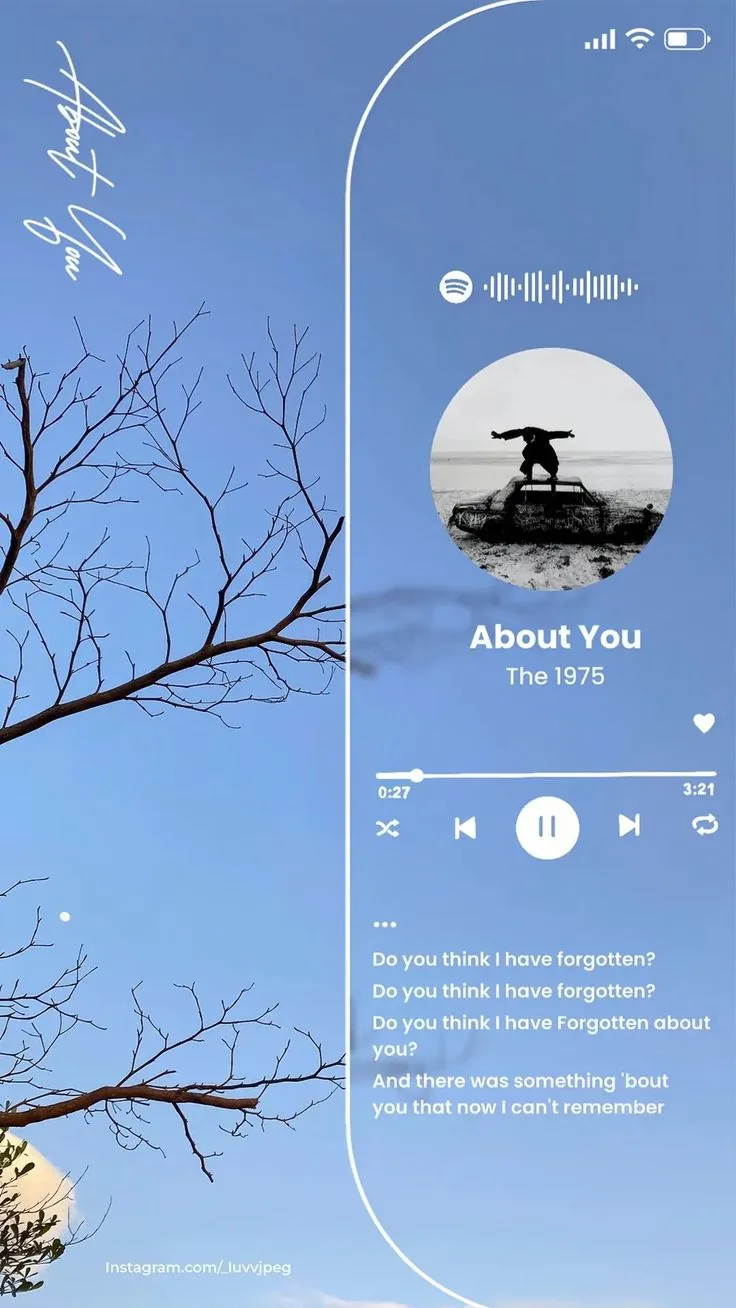
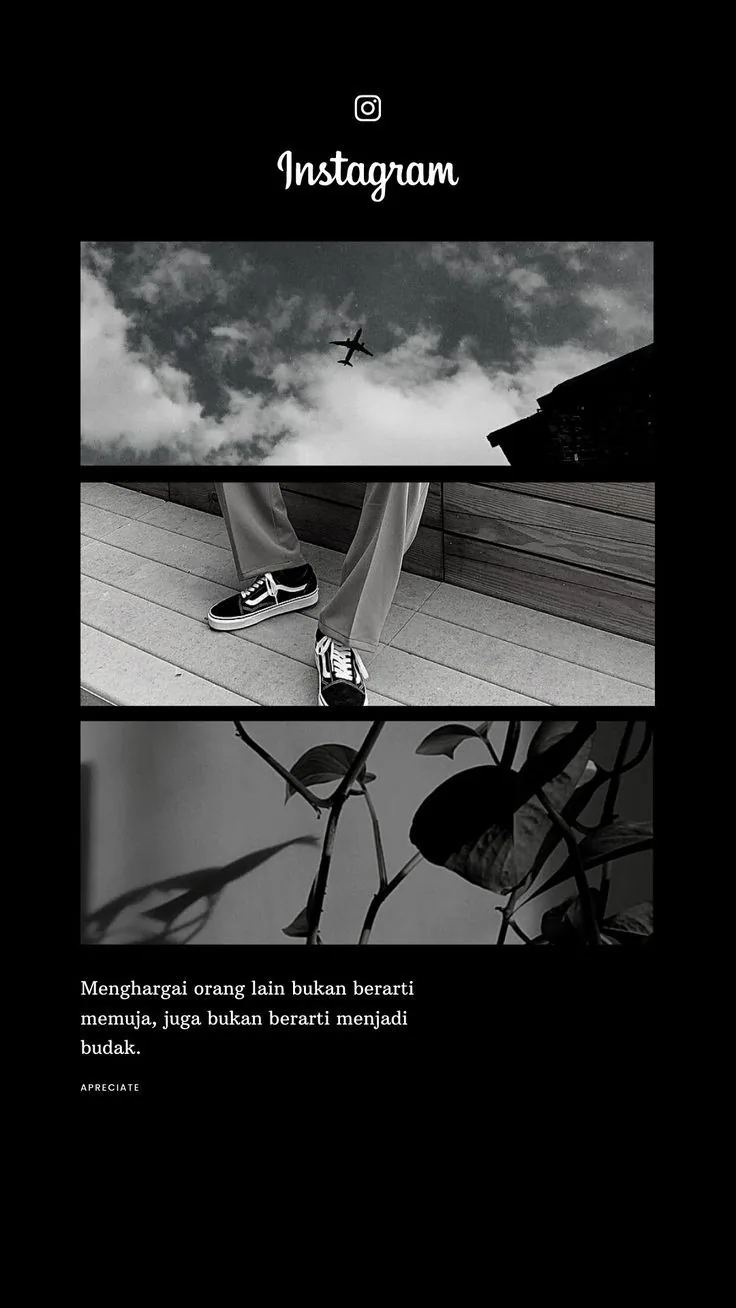
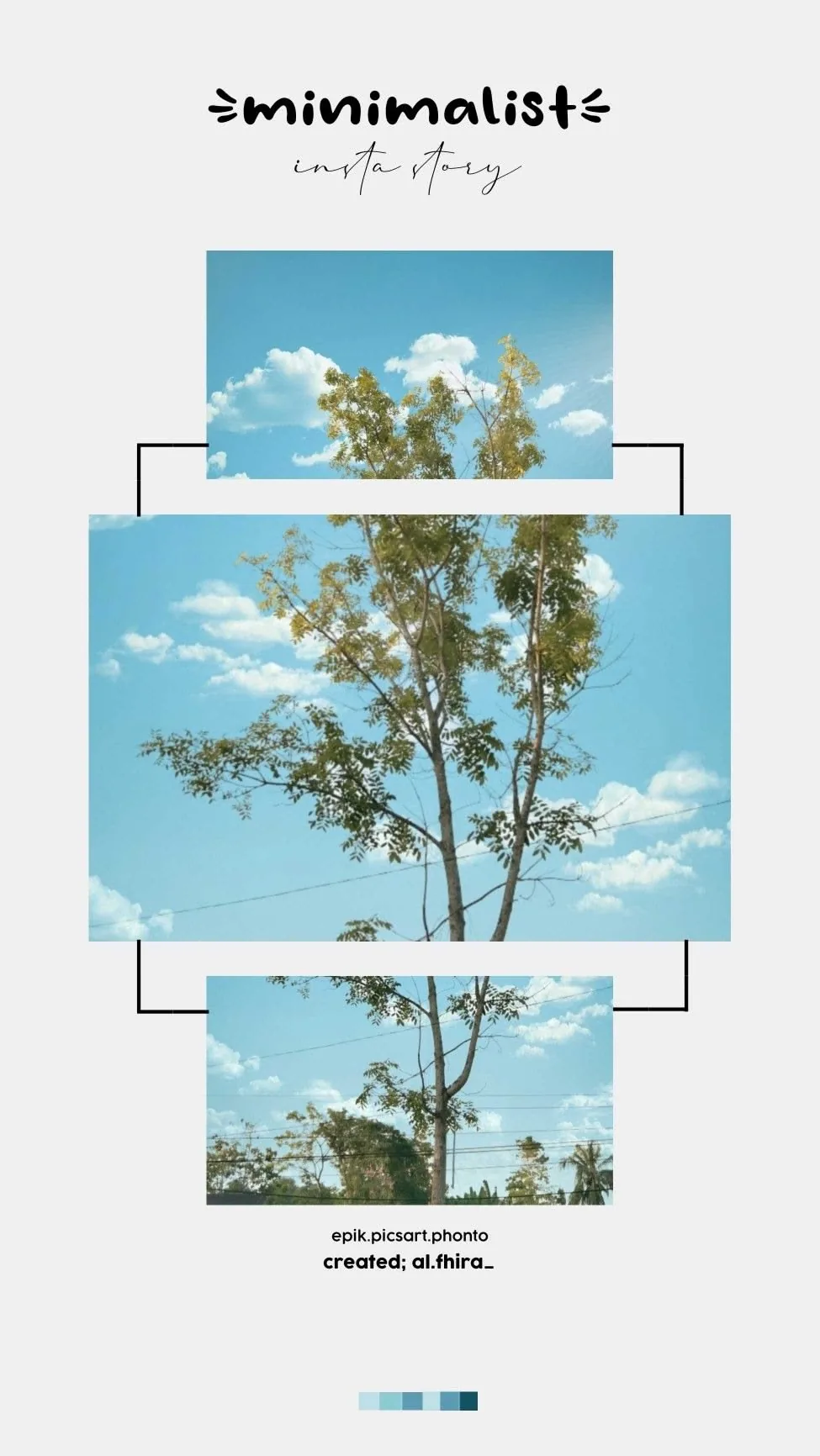

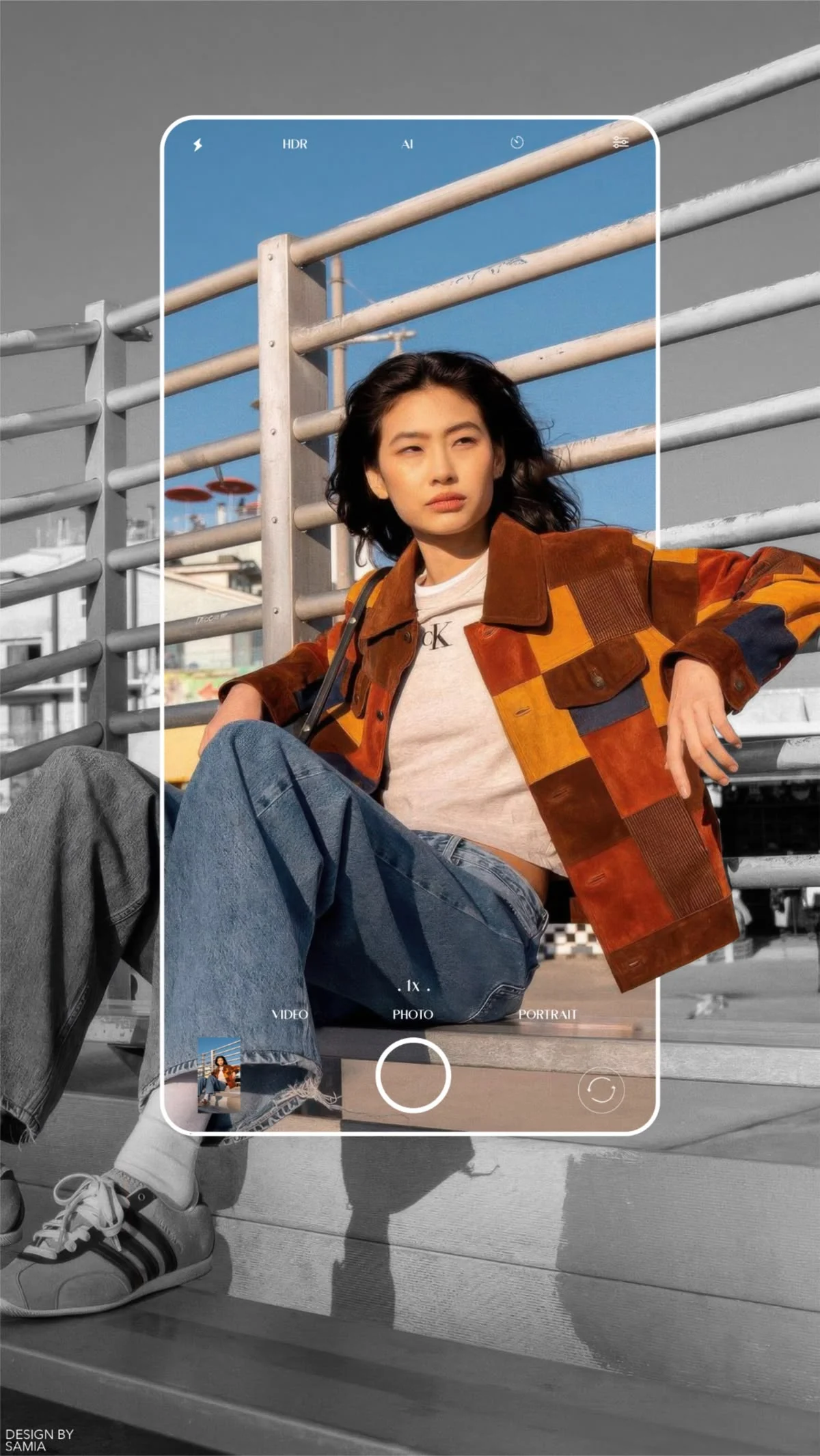
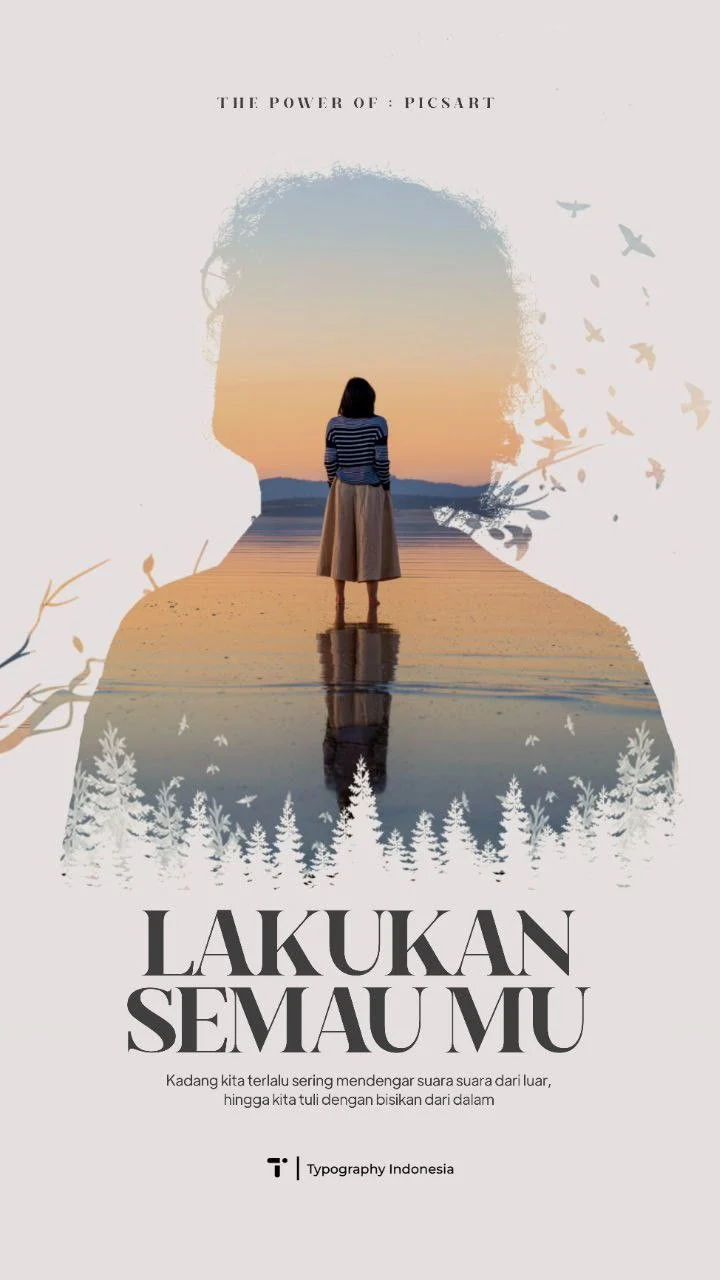
Preview the visual range before opening the gallery. Every card links into a real template path so the landing feels connected to the product.
View all templatesChoose a style, replace the visuals, and export a finished memory design without fighting a blank canvas.
Start from a finished MemoryPaper composition instead of a blank canvas.
Upload images, crop the important details, then tune frame spacing and color.
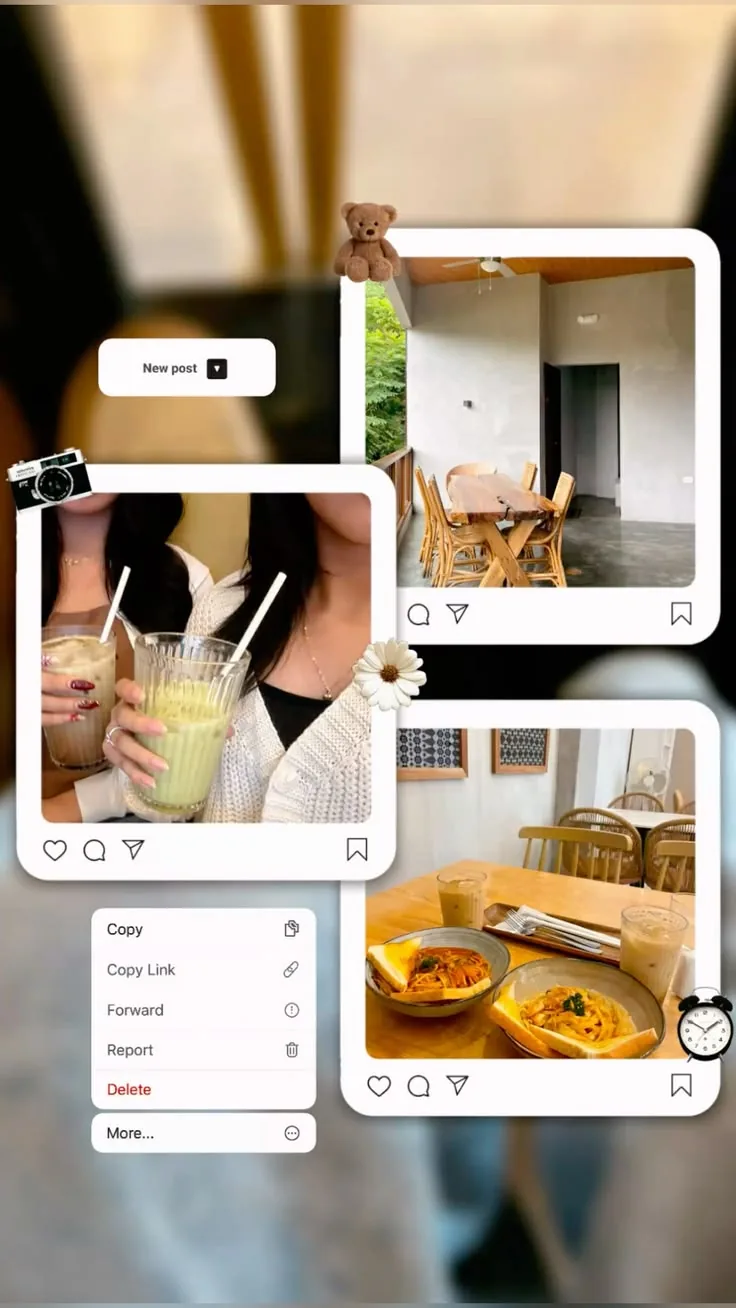
Save papers to your account or export a polished image for sharing and printing.
MemoryPaper works for daily moments, photographers, creators, and event memories while keeping the same soft studio tone throughout the page.
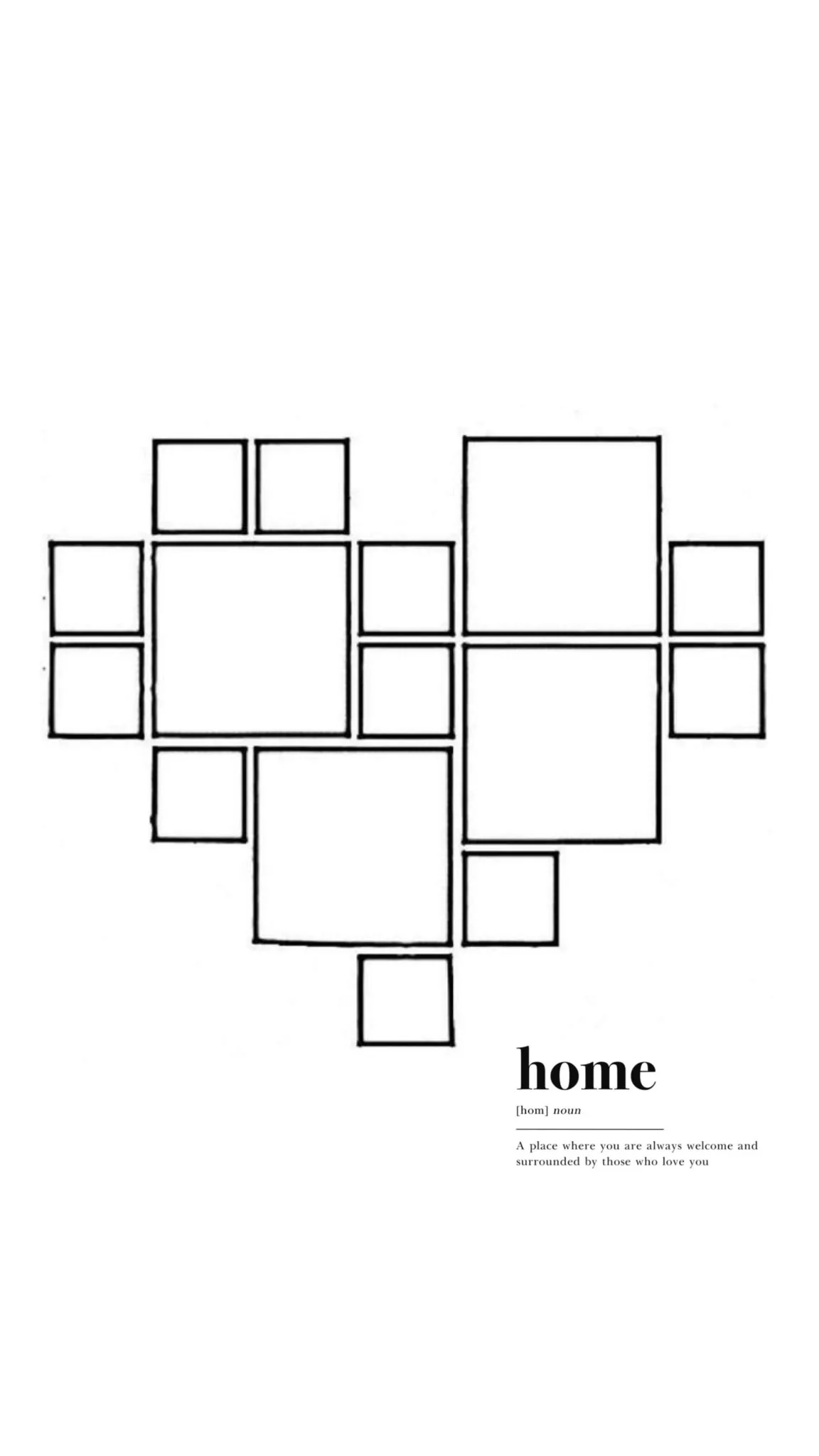
Turn trips, dates, pets, birthdays, and everyday moments into keepsake-ready images.
Add EXIF signatures, camera metadata, and portfolio layouts around your photo sets.
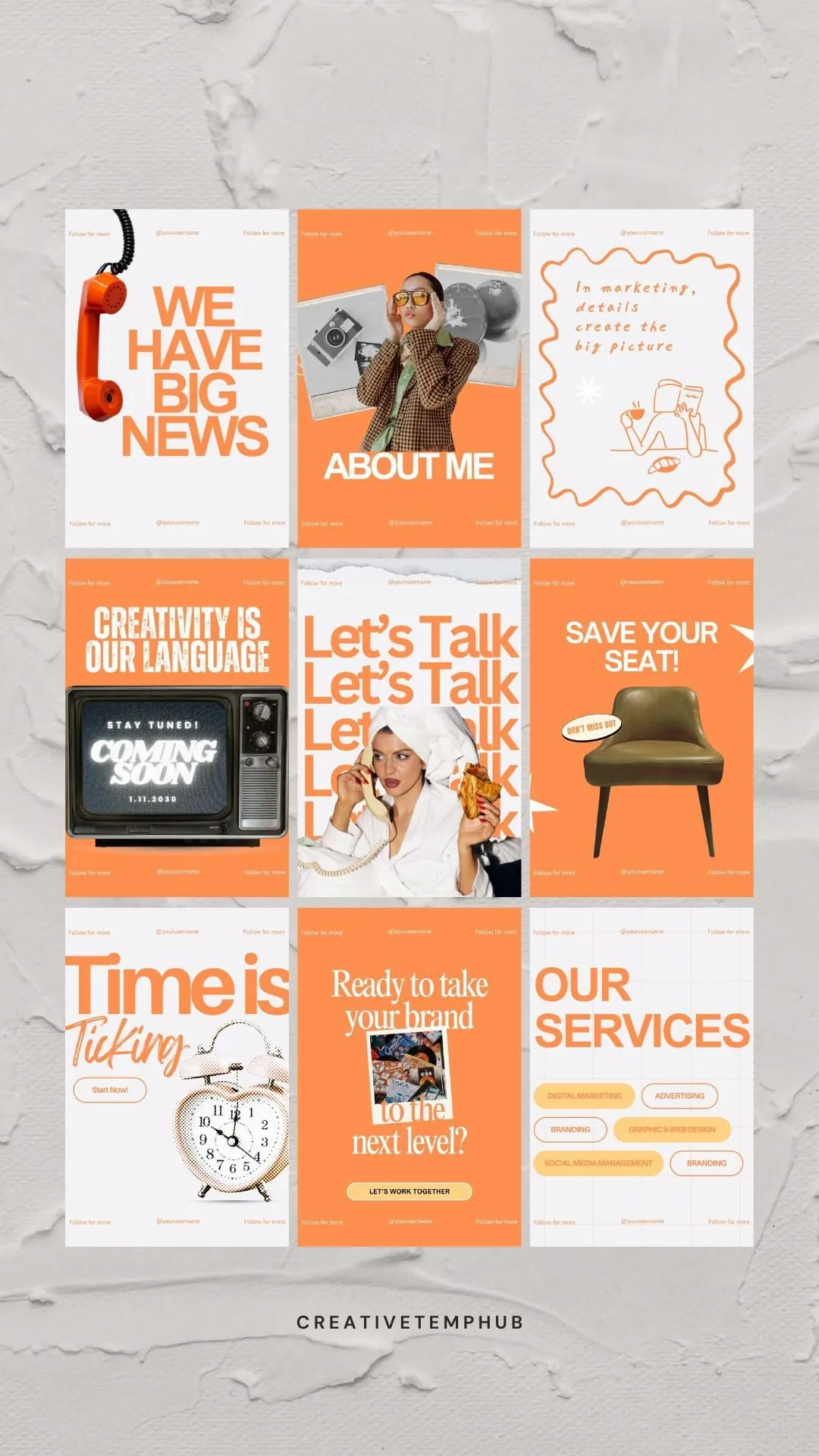
Build social-ready posts, moodboards, campaign visuals, and visual story collections.
Design wedding, party, and travel recap layouts with polished frames and captions.
Browse a template, open the editor, and make a paper that feels like your photo already belonged there.
Start from gallery