Upload photo
Add your own image from a phone, camera, or saved download and place it into the design.
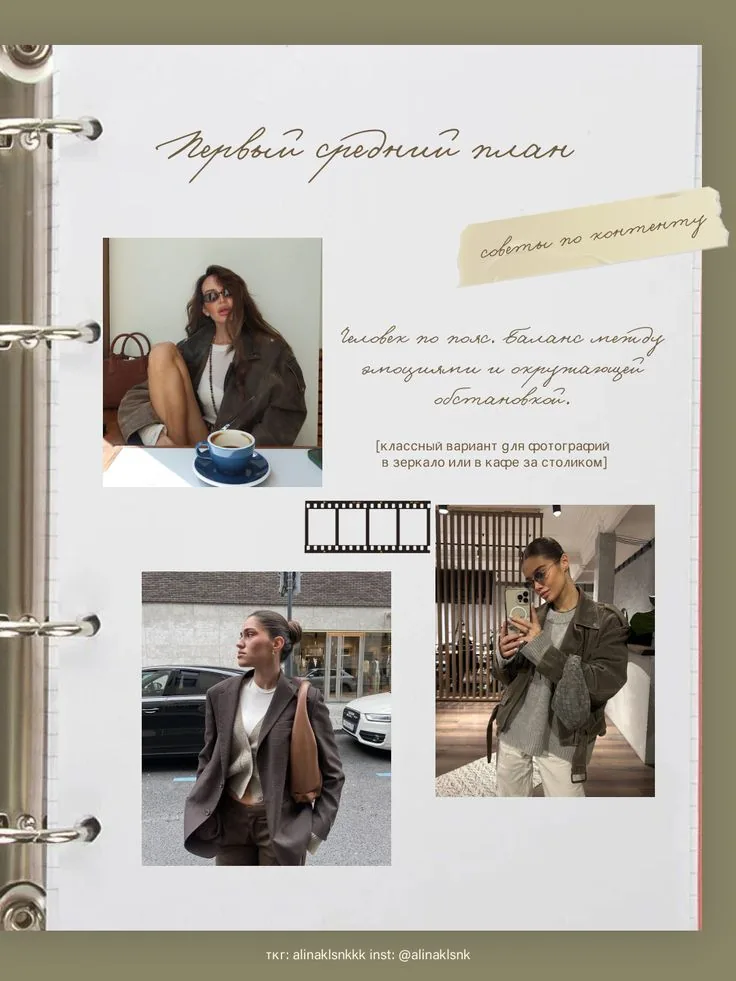
Vintage scrapbook
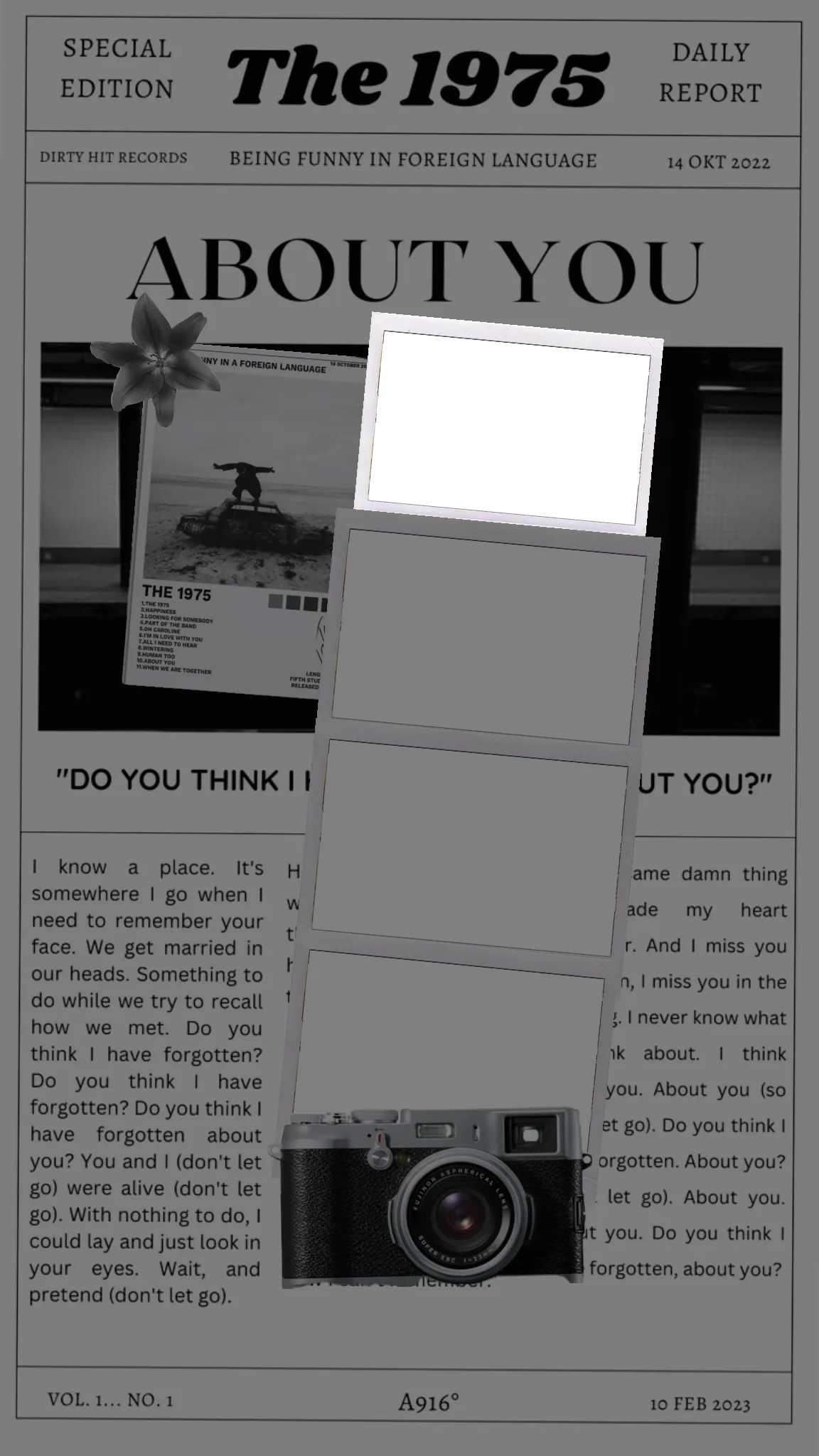
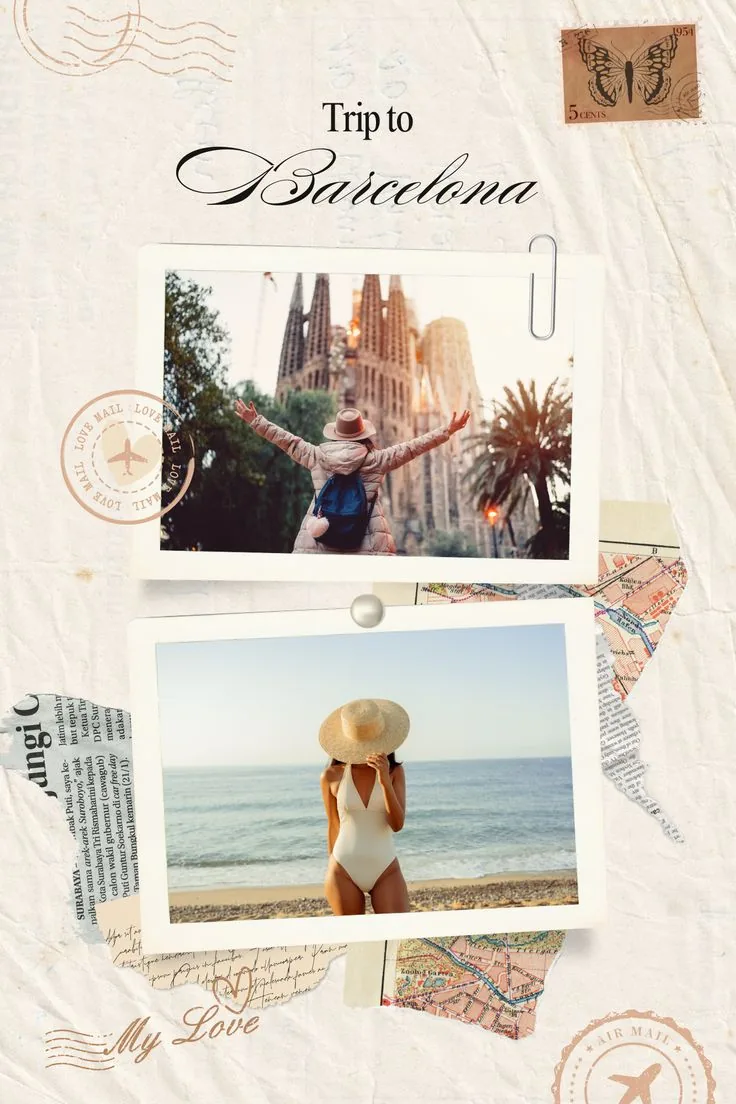
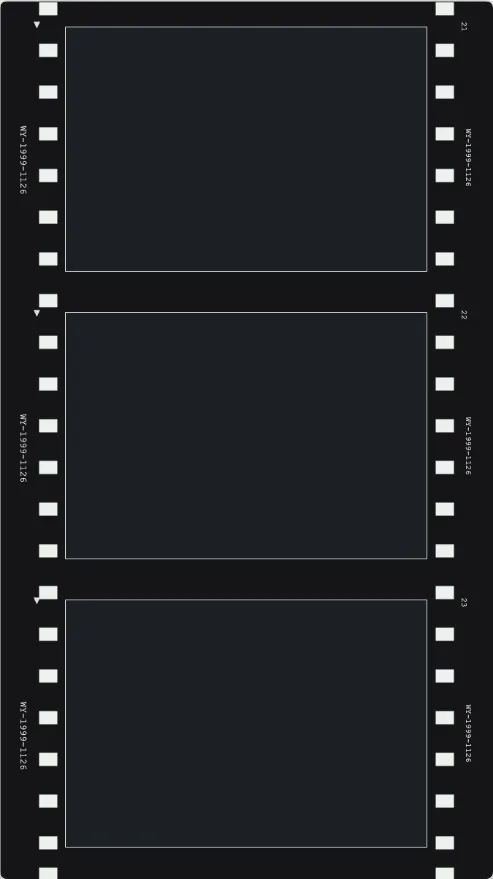
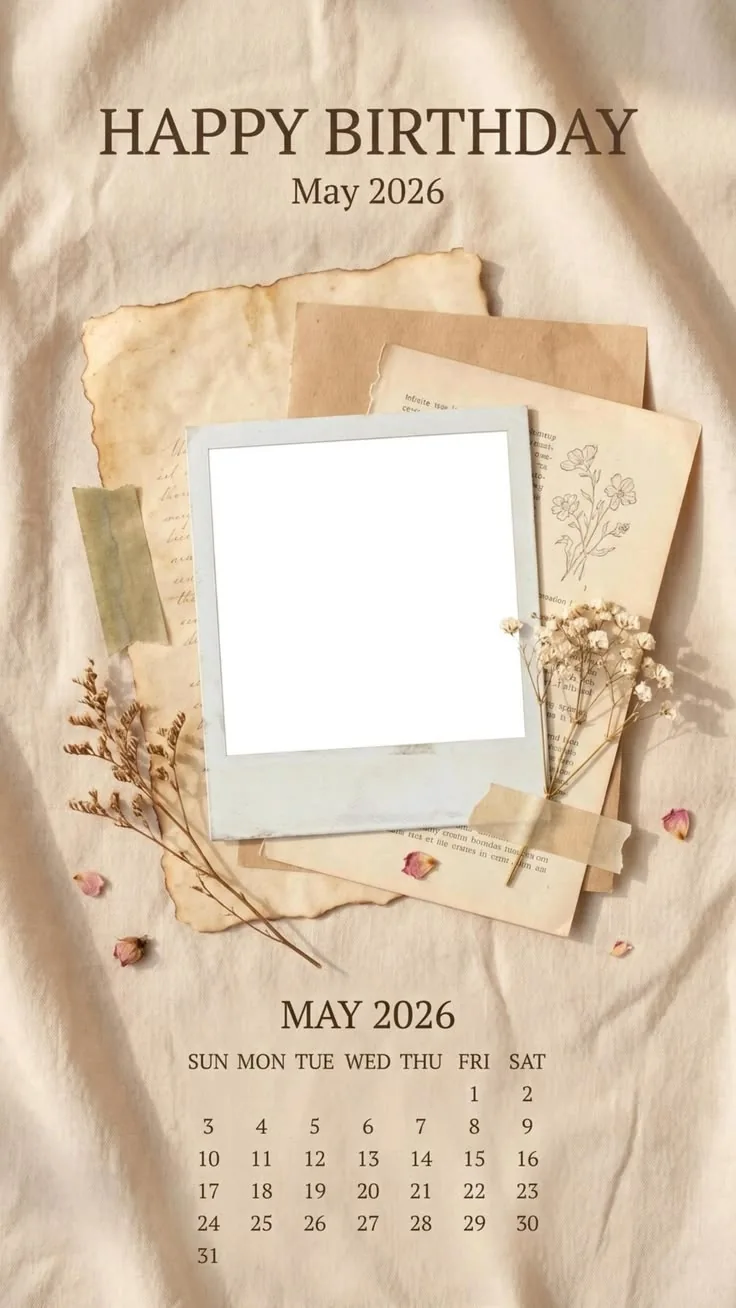
MemoryPaper helps couples, travelers, photographers, small brands, and anyone saving personal memories create vintage photo collage templates without opening heavy design software. Upload your photo, choose a template, and edit frames, captions, colors, and layout details directly in the browser. Most designs can be started in under a minute because the spacing, photo slots, and typography are already prepared for you. Replace the sample images, fine-tune the text, and download the final image when it looks right for sharing, printing, or keeping.
Add your own image from a phone, camera, or saved download and place it into the design.
Start from a related MemoryPaper layout so the frame, spacing, and typography are already prepared.
Adjust photos, text, colors, and layout details without installing desktop design software.
Export the finished design as an image for sharing, printing, or keeping with your memories.
Bring in the image or photo set you want to turn into a finished layout.
Pick a template that matches the style, occasion, and final format you need.
Replace sample content, edit captions, then download the final image when it looks right.
Choose from vintage photo collage templates templates, then open the selected design in the MemoryPaper editor.
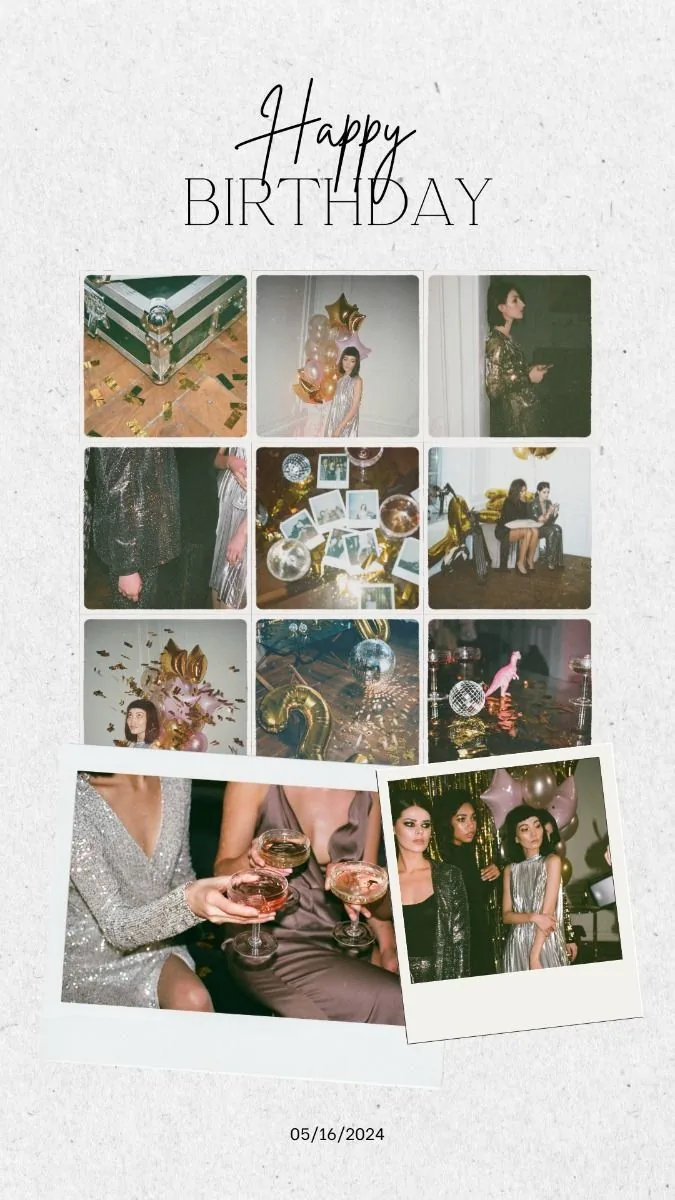
Birthdays
Old photos
Scrapbooks
Journals
Personal memories
Yes. Choose a vintage collage template, upload your images, edit text details, and export the finished design from the browser.
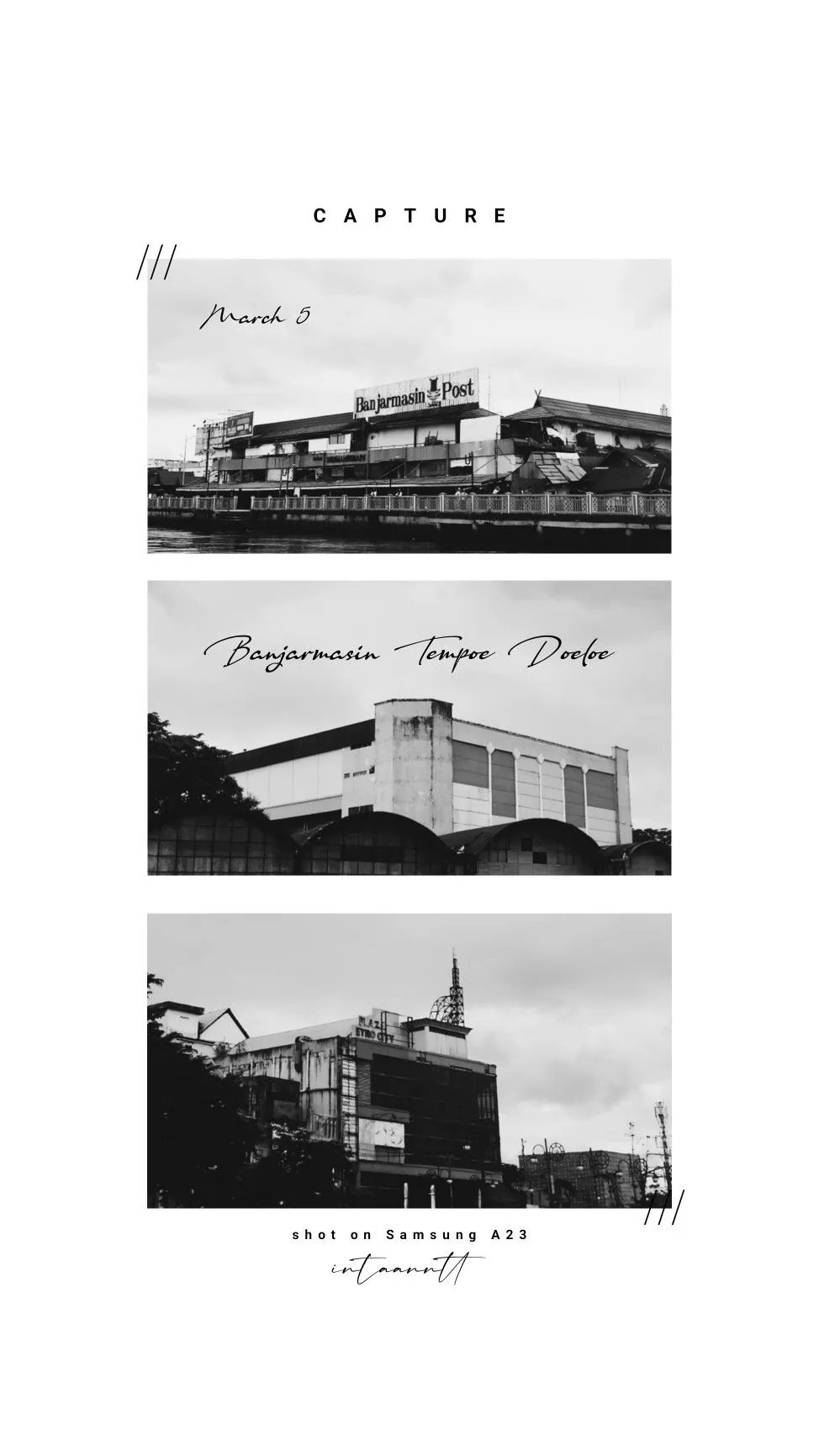
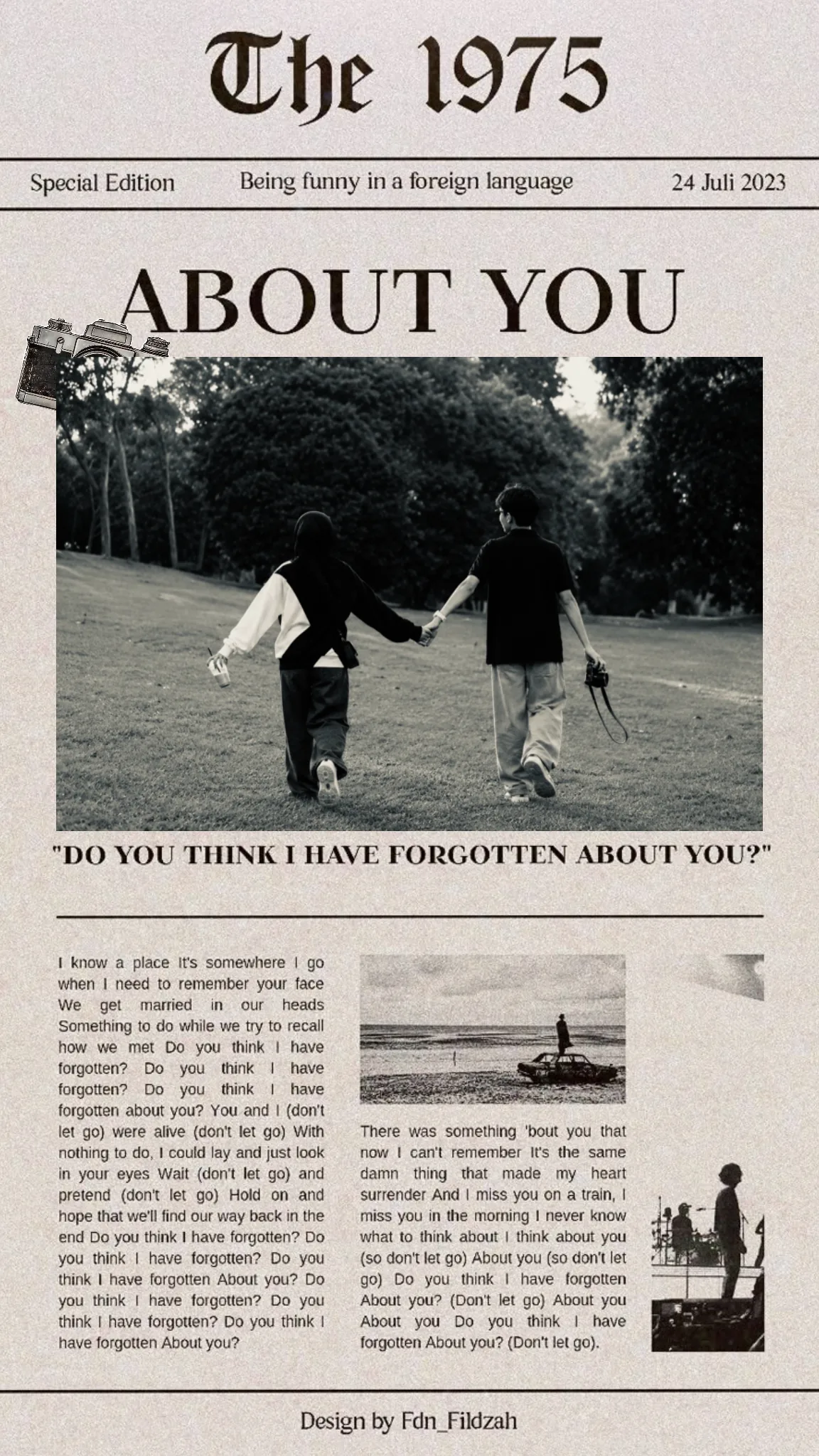
Yes. The vintage collection includes scrapbook paper, calendar, postcard, film strip, and newspaper-inspired layouts.
Yes. The templates add the retro layout style while keeping your own photos editable.
Start with a related template, replace the sample photo, and export a finished MemoryPaper design.
Create your photo now