
Upload photo
Add your own image from a phone, camera, or saved download and place it into the design.
Travel layouts
MemoryPaper helps couples, travelers, photographers, small brands, and anyone saving personal memories create travel photo collage templates without opening heavy design software. Upload your photo, choose a template, and edit frames, captions, colors, and layout details directly in the browser. Most designs can be started in under a minute because the spacing, photo slots, and typography are already prepared for you. Replace the sample images, fine-tune the text, and download the final image when it looks right for sharing, printing, or keeping.
Add your own image from a phone, camera, or saved download and place it into the design.
Start from a related MemoryPaper layout so the frame, spacing, and typography are already prepared.
Adjust photos, text, colors, and layout details without installing desktop design software.
Export the finished design as an image for sharing, printing, or keeping with your memories.
Bring in the image or photo set you want to turn into a finished layout.
Pick a template that matches the style, occasion, and final format you need.
Replace sample content, edit captions, then download the final image when it looks right.
Choose from travel photo collage templates templates, then open the selected design in the MemoryPaper editor.
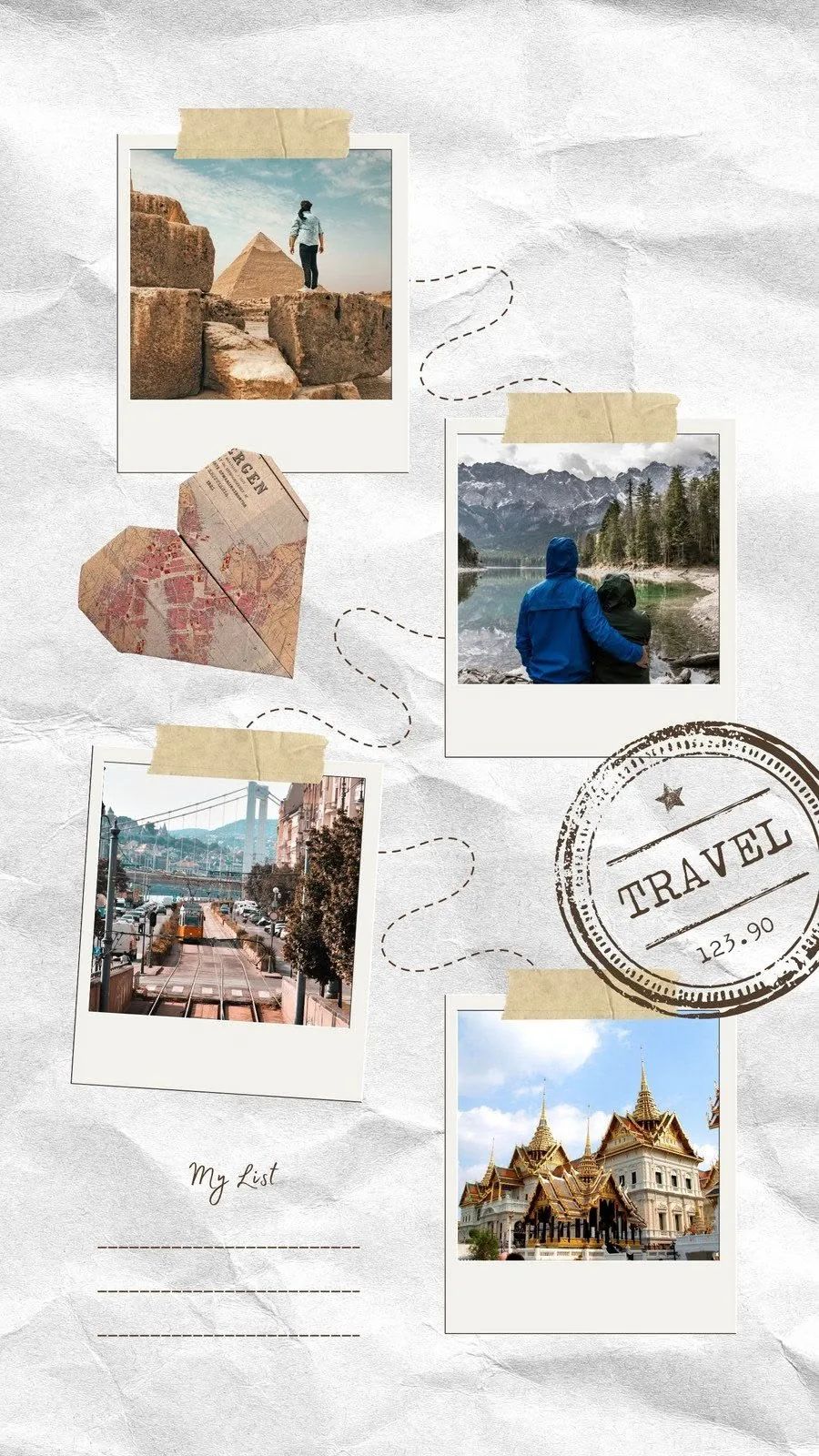
An artistic scrapbook collage featuring multiple rotated polaroids, a connecting travel path, an origami map heart, and a travel bucket list.

Turning miles into memories, one page at a time.
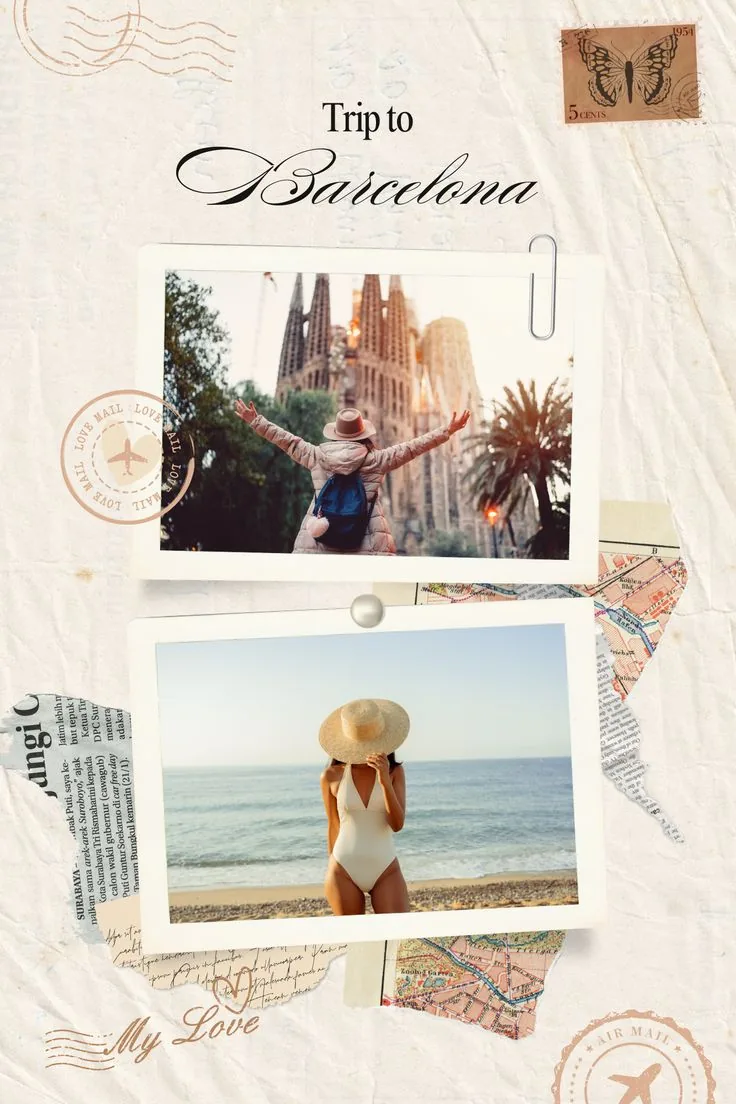
A vintage scrapbook postcard template featuring polaroid cards, stamp details, postmarks, and torn maps.
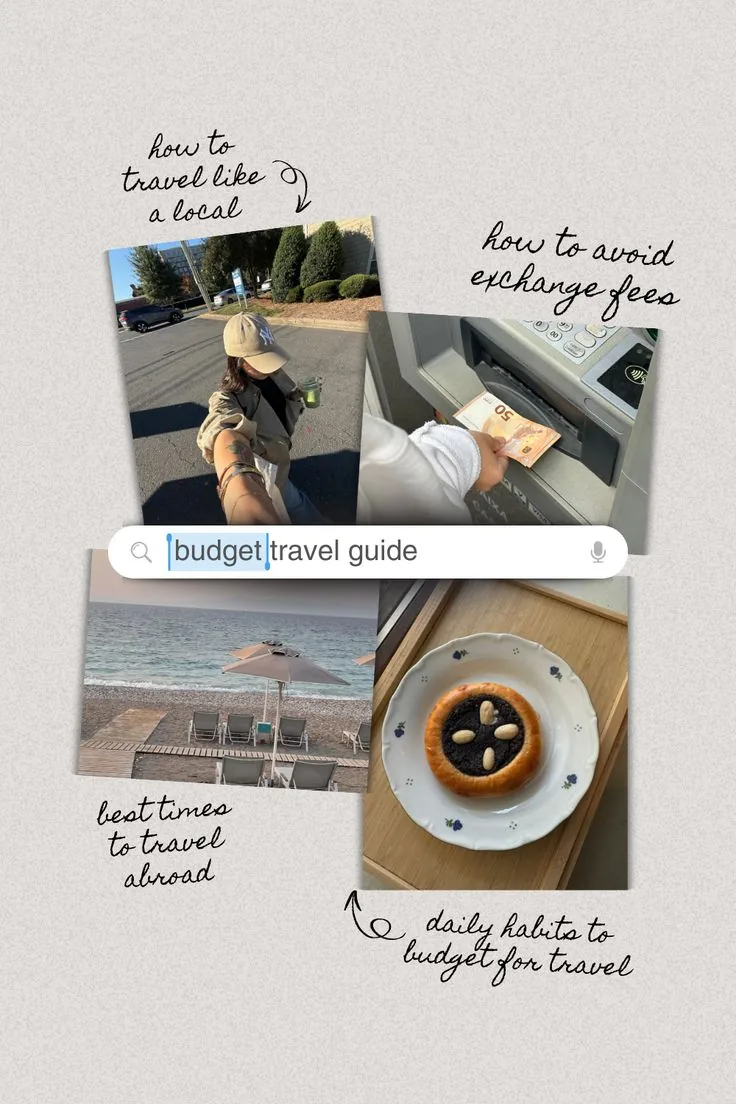
A stylish travel guide collage with four photo slots and decorative handwritten text.
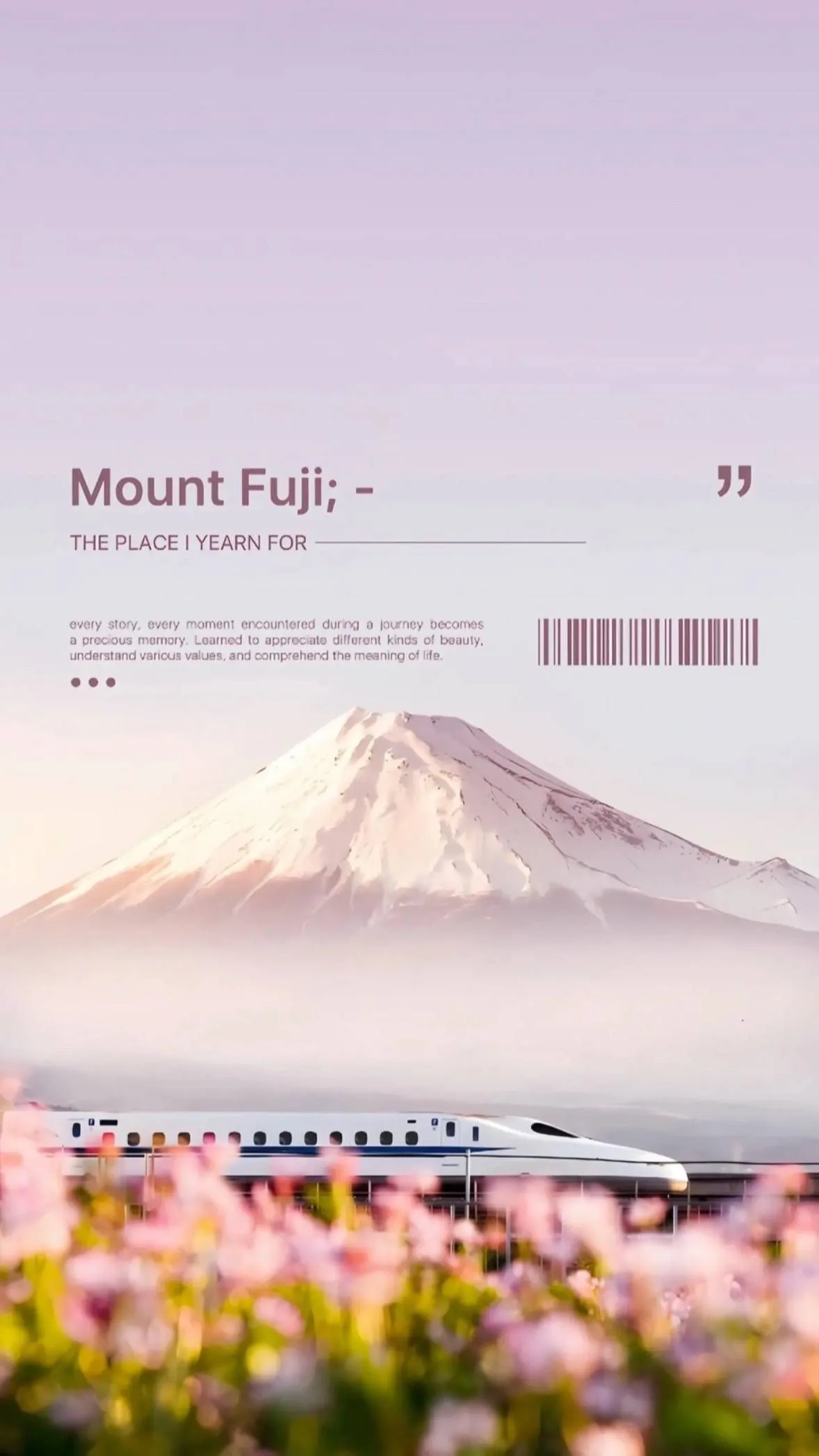
A minimalist, elegant poster template featuring Mount Fuji with journey reflections, custom barcode, and a soft lavender gradient.
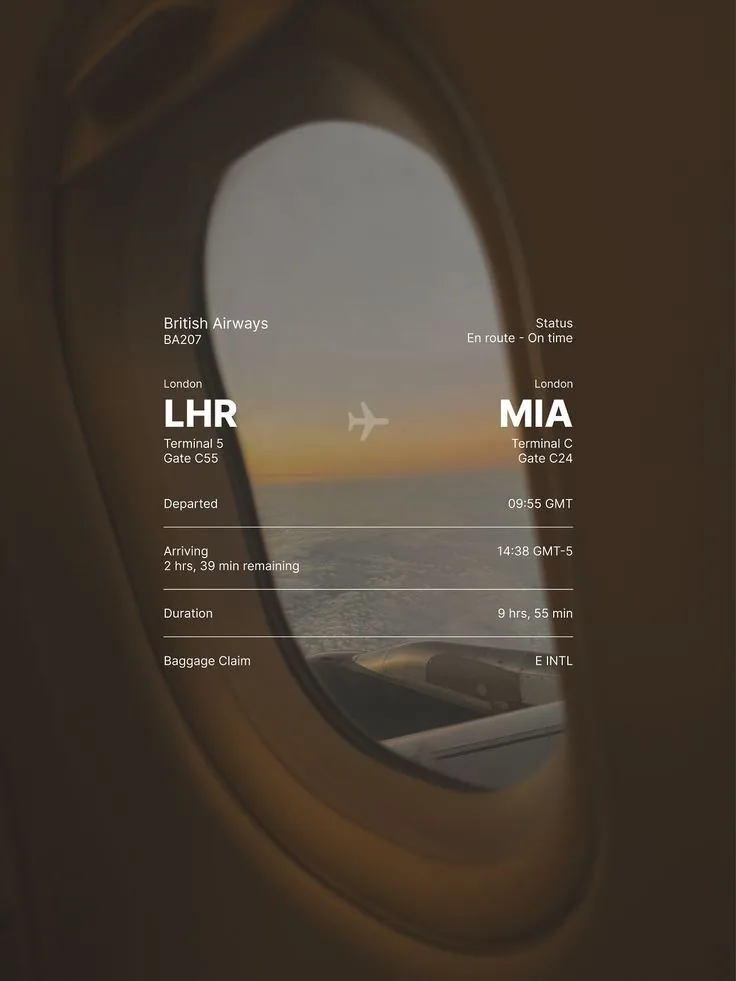
Overlay your travel photo with a sleek flight status card — airline, route codes, times, and terminal info in clean white text.
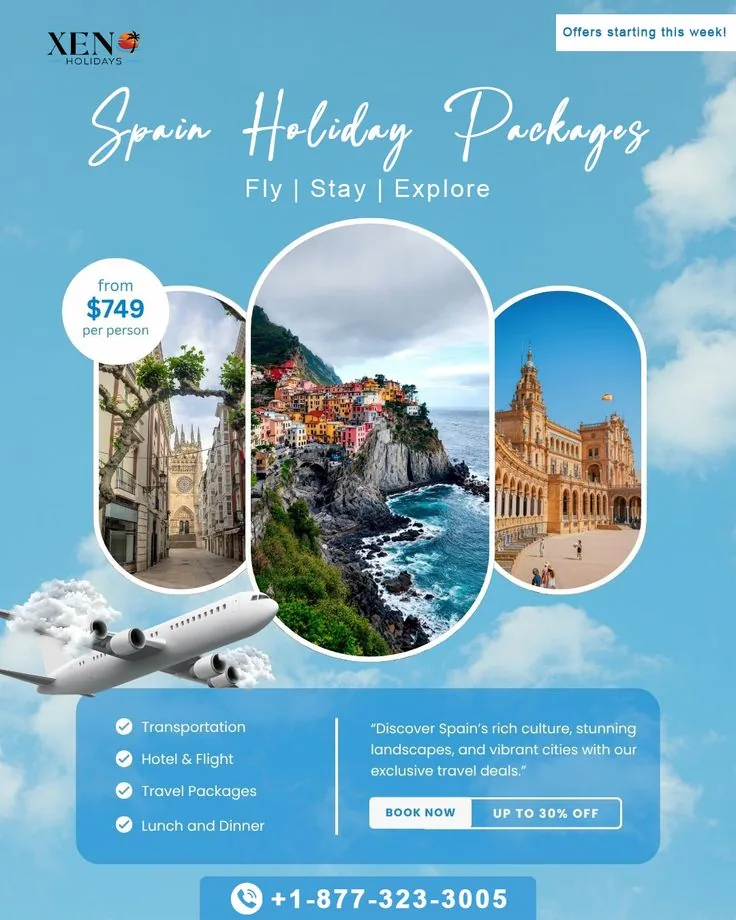
A beautiful vacation package poster for Spain with pill-shaped photo frames, sky background, and modern travel details.
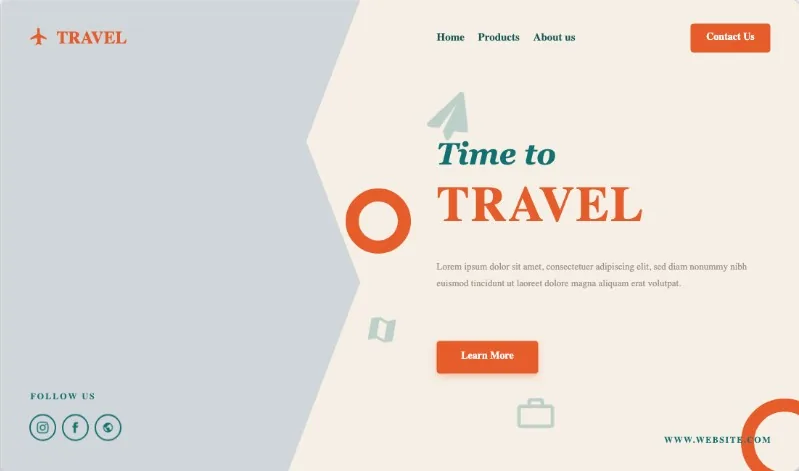
A modern landing page layout featuring a wavy image clip-path and bold typography.
Travelers
Couples
Family trips
Destination weddings
Vacation memories
Yes. Upload phone photos into the editor, place them into a travel template, and export the finished collage as an image.
Yes. MemoryPaper includes travel postcards, scrapbook layouts, trip recap pages, and destination poster styles.
Yes. Text layers can be edited after you open a template in the MemoryPaper editor.
Start with a related template, replace the sample photo, and export a finished MemoryPaper design.
Create your photo now