
Upload photo
Add your own image from a phone, camera, or saved download and place it into the design.
Online photo collage maker
MemoryPaper helps couples, travelers, photographers, small brands, and anyone saving personal memories create photo collage maker without opening heavy design software. Upload your photo, choose a template, and edit frames, captions, colors, and layout details directly in the browser. Most designs can be started in under a minute because the spacing, photo slots, and typography are already prepared for you. Replace the sample images, fine-tune the text, and download the final image when it looks right for sharing, printing, or keeping.
Add your own image from a phone, camera, or saved download and place it into the design.
Start from a related MemoryPaper layout so the frame, spacing, and typography are already prepared.
Adjust photos, text, colors, and layout details without installing desktop design software.
Export the finished design as an image for sharing, printing, or keeping with your memories.
Bring in the image or photo set you want to turn into a finished layout.
Pick a template that matches the style, occasion, and final format you need.
Replace sample content, edit captions, then download the final image when it looks right.
Choose from photo collage maker templates, then open the selected design in the MemoryPaper editor.
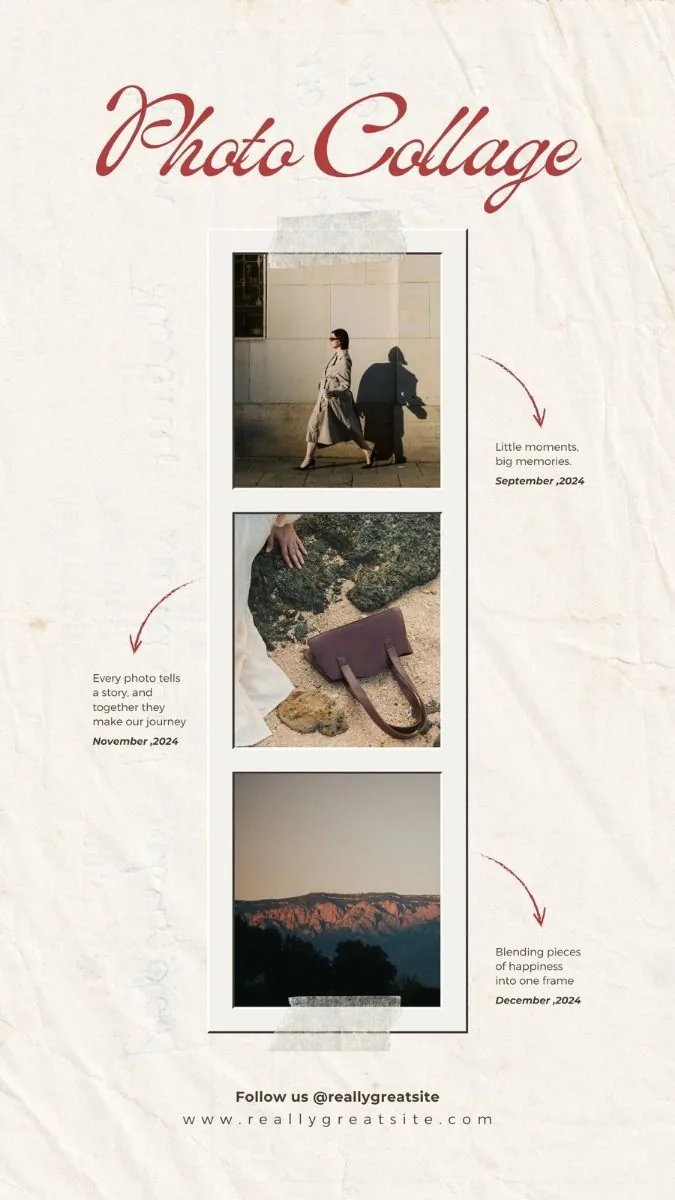
An artistic three-photo instant collage layout featuring translucent washi tapes, hand-drawn vector arrows, and elegant typography.
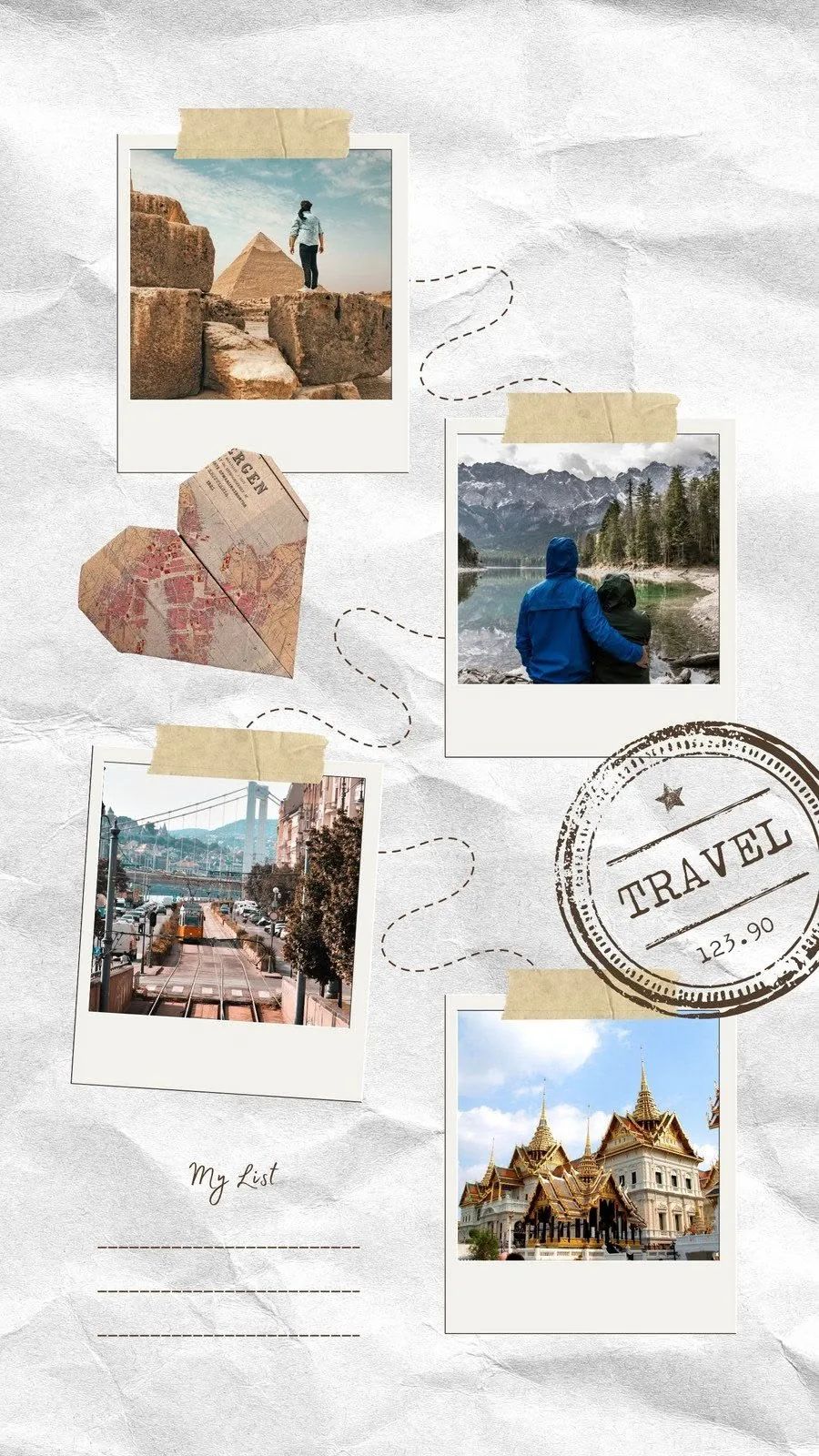
An artistic scrapbook collage featuring multiple rotated polaroids, a connecting travel path, an origami map heart, and a travel bucket list.

A beautiful memory collage with torn paper and polaroids.
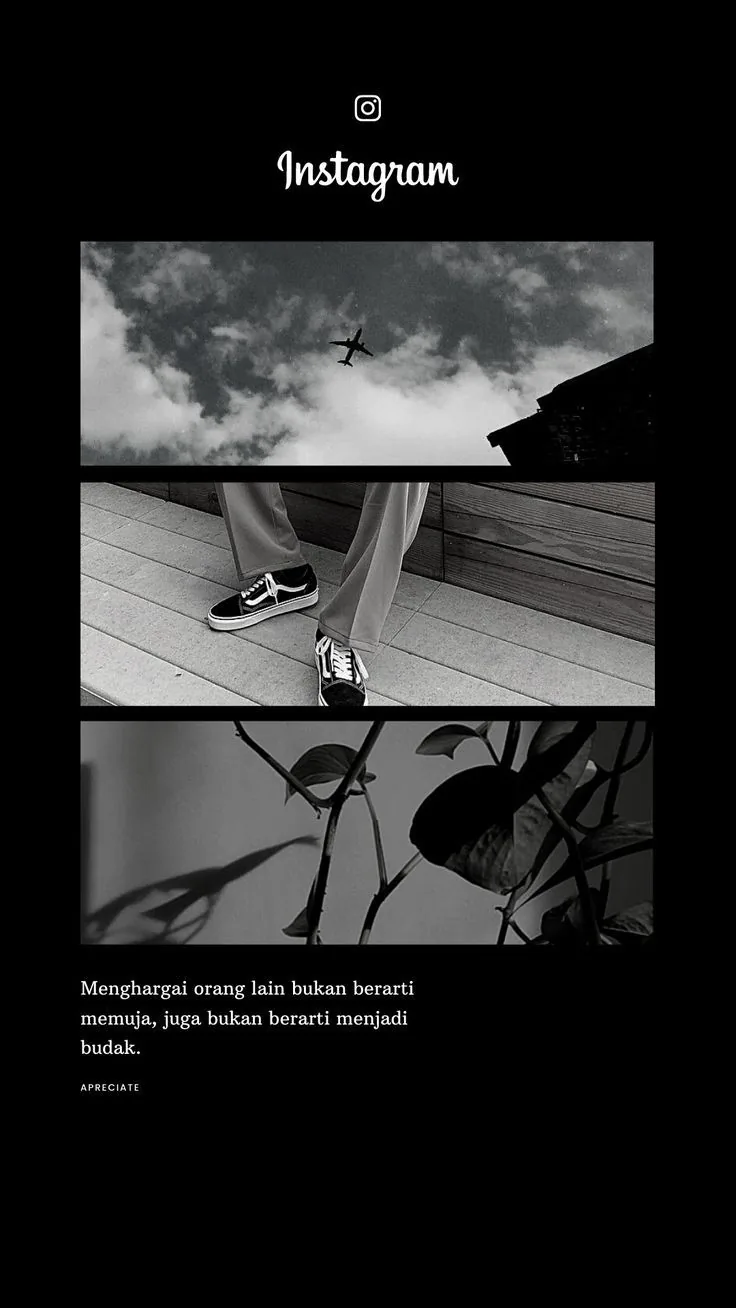
A stylish 3-photo vertical collage with an Instagram-inspired layout, clean minimalist cards, and space for cursive subtitles and captions.
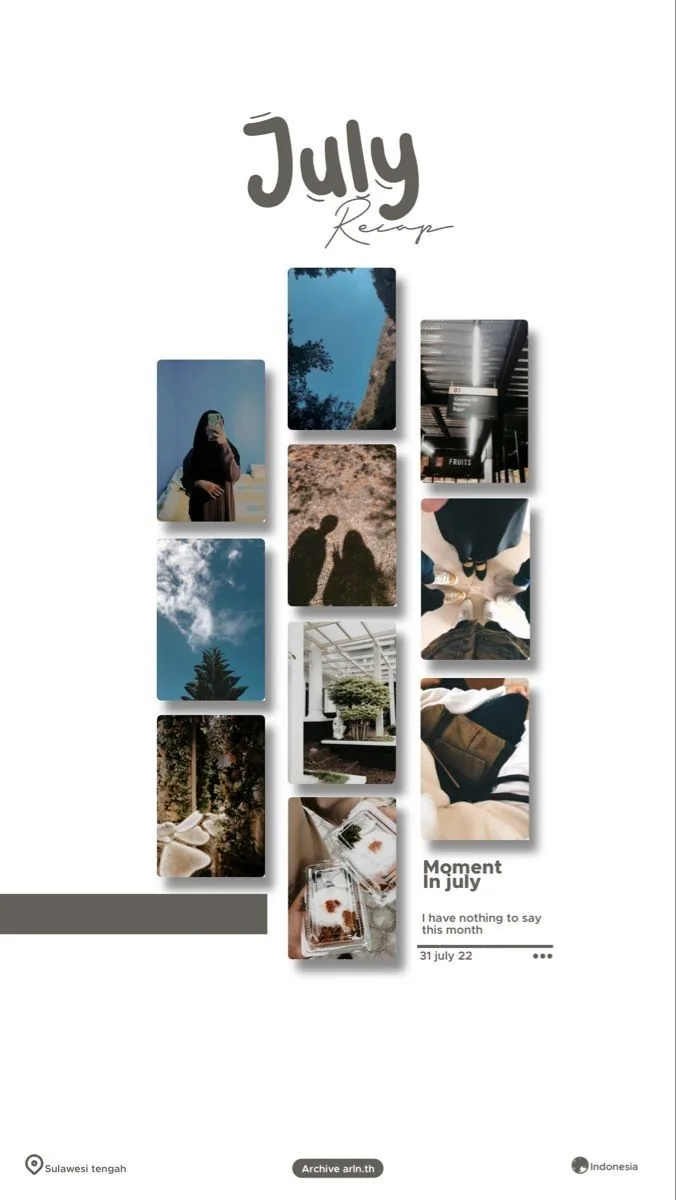
A beautiful vertical 3-column collage layout featuring 10 rounded photo slots, custom stamps, location badges, and an elegant header.
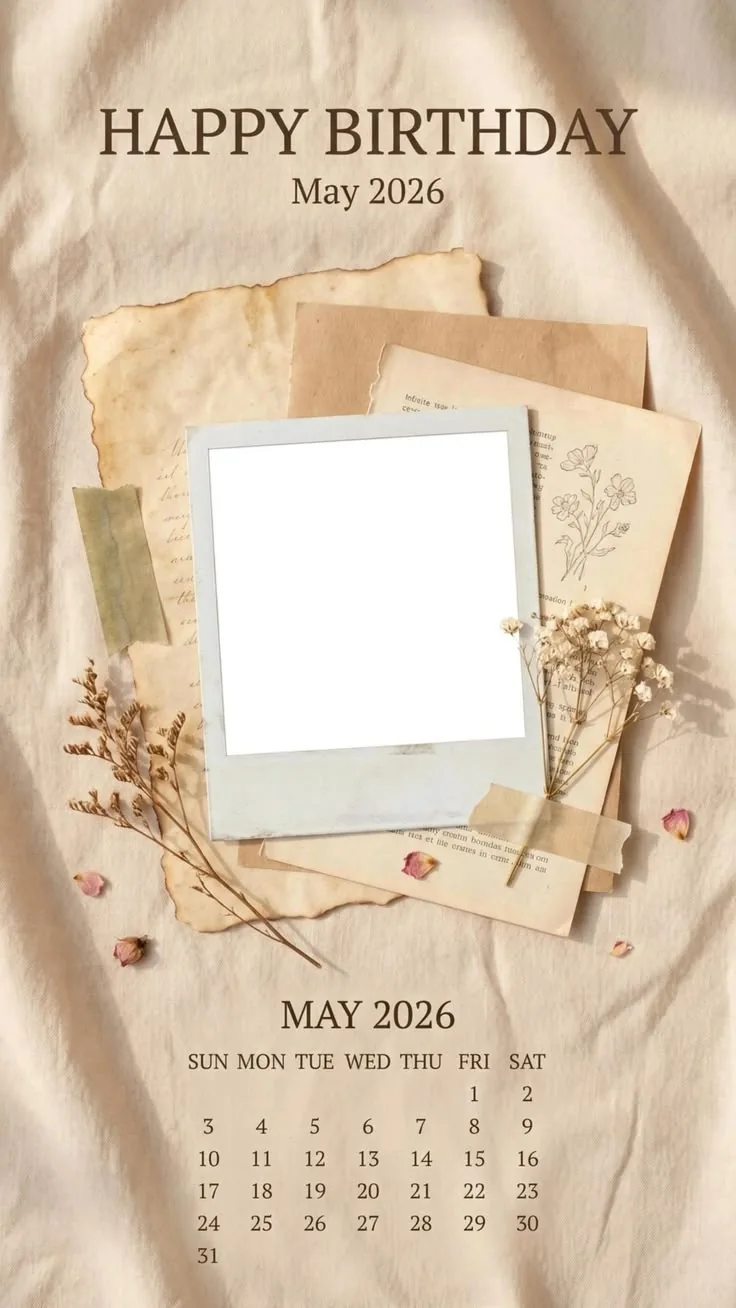
A beautiful vintage scrapbook design featuring stacked aged papers, dried flowers, rose petals, washi tape, and a customizable Polaroid frame on a wrinkled fabric background, above a May 2026 calendar.
wedding photo collage templates
Start with a wedding-ready layout, replace the sample photos, edit names or dates, and export a finished design for sharing, printing, or adding to a thank you note.
travel photo collage templates
Turn a camera roll from a trip into a polished travel memory page. Add place names, route details, dates, captions, and the photos that made the journey feel real.
vintage photo collage templates
Use vintage templates when you want a memory page to feel tactile: paper edges, film strips, aged calendars, handwritten captions, and soft editorial spacing.
Instax collage templates
Use Instax-inspired layouts to make compact photo galleries, square instant frames, and memory pages that feel casual, warm, and easy to share.
how to make a travel photo collage from phone photos
A simple workflow for turning a trip folder into a clean travel collage without starting from a blank canvas.
wedding photo collage ideas for thank you card
Practical wedding collage ideas for turning ceremony photos and small details into a thank you design.
vintage scrapbook photo collage template guide
A guide to choosing photos, captions, and templates for a vintage scrapbook collage that still feels clean.
Couples
Travel
Weddings
Birthdays
Everyday memories
Yes. Start with a template, replace the sample photos, and adjust text or colors only where needed.
Yes. Finished MemoryPaper designs can be exported as high-resolution images from the editor.
No. You can browse templates first and upload photos after opening a layout in the editor.
Start with a related template, replace the sample photo, and export a finished MemoryPaper design.
Create your photo now