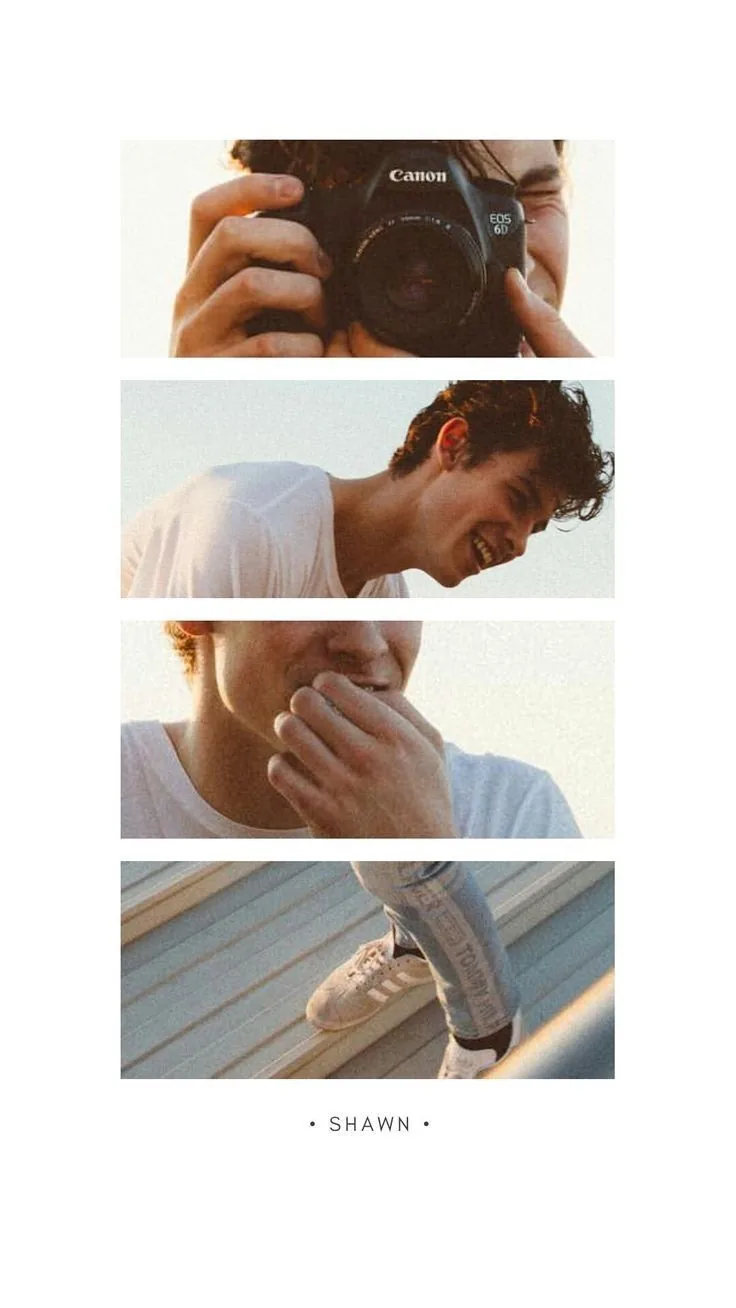
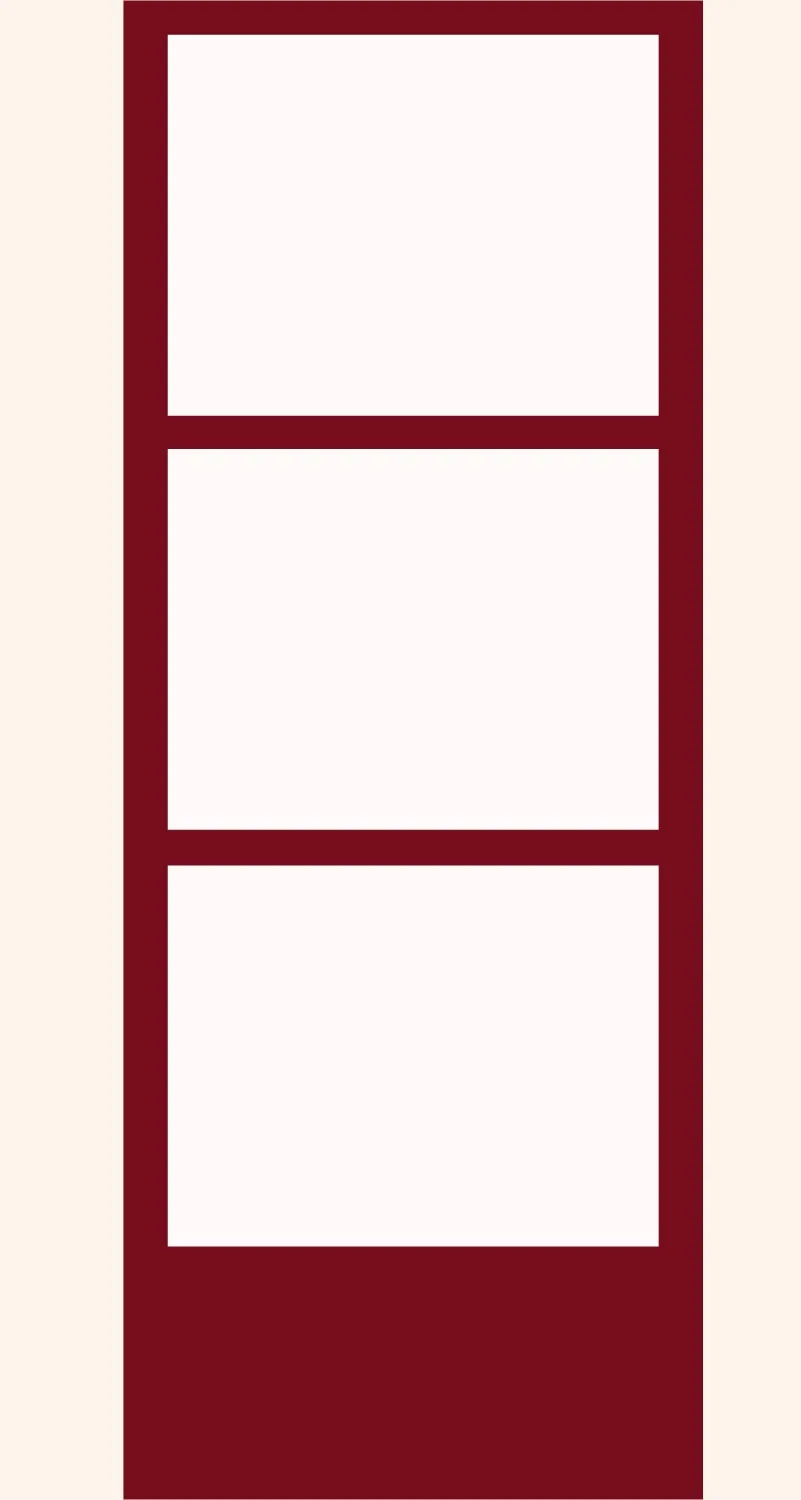
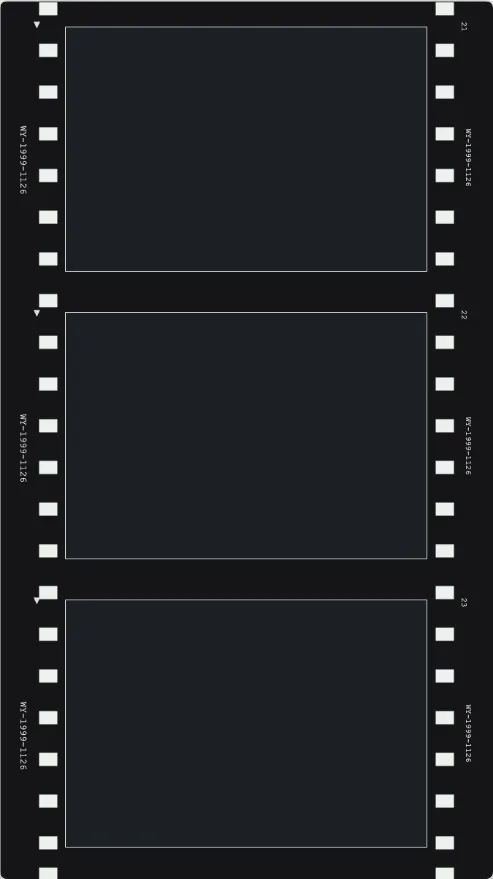
how to make a Polaroid photo strip online
How to Make a Polaroid Photo Strip Online
Create a Polaroid-style photo strip online with instant-photo templates, editable captions, and high-resolution export.
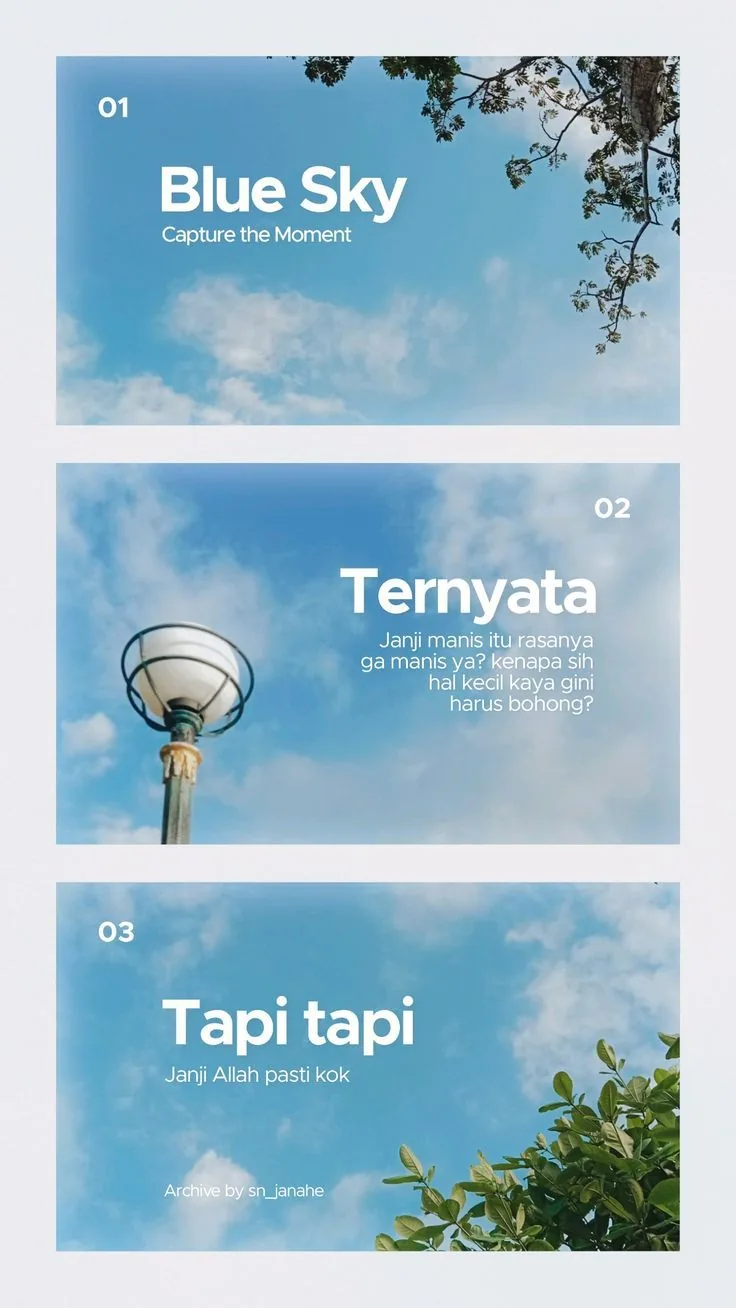
Quick checklist
- Use three or four photos with similar lighting so the strip feels cohesive.
- Open a photobooth or film-strip template instead of drawing each frame manually.
- Keep captions short: names, dates, places, or one small phrase.
- Export the final strip for social posts, printing, or memory boards.
Pick photos with a shared mood
A photo strip feels best when the images look like they belong to the same moment. Choose photos with similar light, color, or subject matter before opening the editor.
Start from a strip template
The frame proportions, spacing, borders, and caption area are already built into MemoryPaper templates, which saves the slowest part of making an instant-photo layout.
- 1Use Classic Three-Frame Photobooth Strip for a simple vertical layout.
- 2Use Four Segment Photostrip when you want one more image.
- 3Use Red Photostrip or Film Strip for a stronger retro look.
Use captions like labels, not paragraphs
Instant-photo captions work because they are small. A date, city, initials, or one handwritten-style line is usually enough.
Preview before export
Zoom out and check that every face, caption, and border still has breathing room. Then export the strip as a high-resolution image.