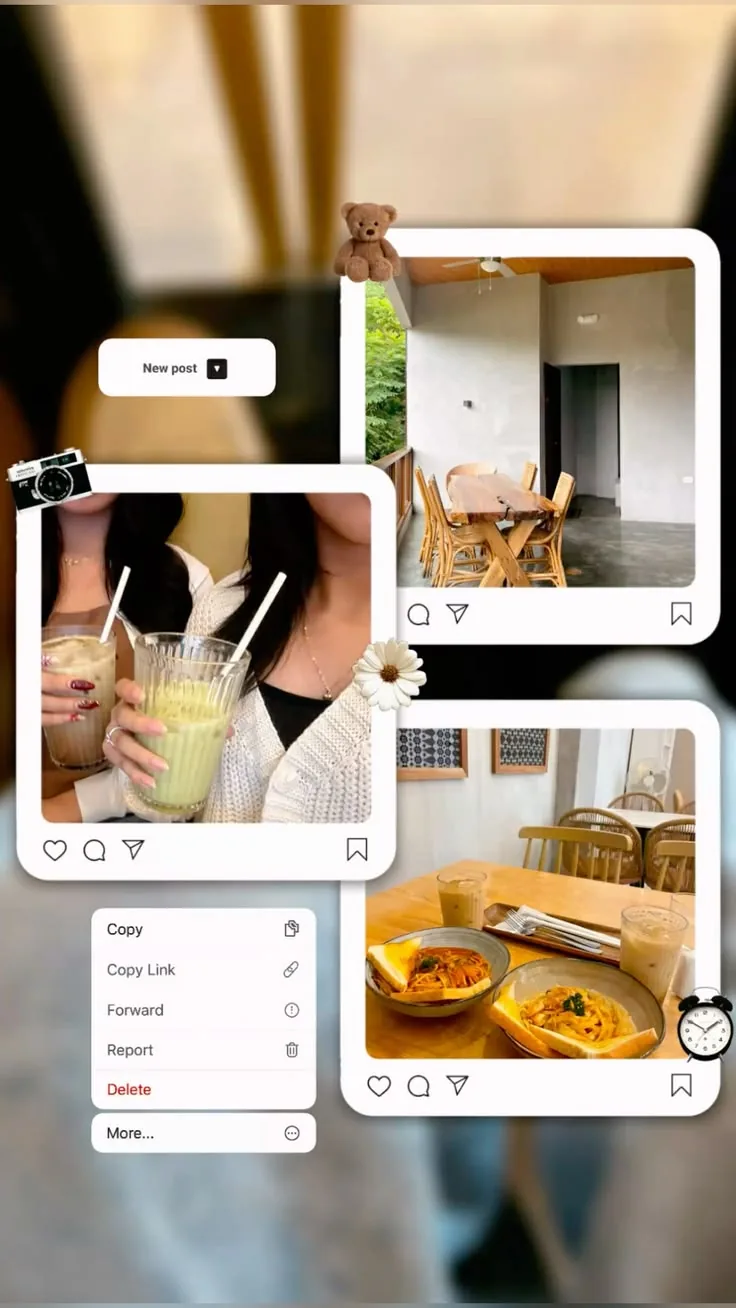
Frames that already feel finished
MemoryPaper templates include spacing, shadows, paper textures, and captions so your photos land in a design that already has shape.
Polaroid and film templates
MemoryPaper helps couples, travelers, photographers, small brands, and anyone saving personal memories create Polaroid template without opening heavy design software. Upload your photo, choose a template, and edit frames, captions, colors, and layout details directly in the browser. Most designs can be started in under a minute because the spacing, photo slots, and typography are already prepared for you. Replace the sample images, fine-tune the text, and download the final image when it looks right for sharing, printing, or keeping.
Polaroid template
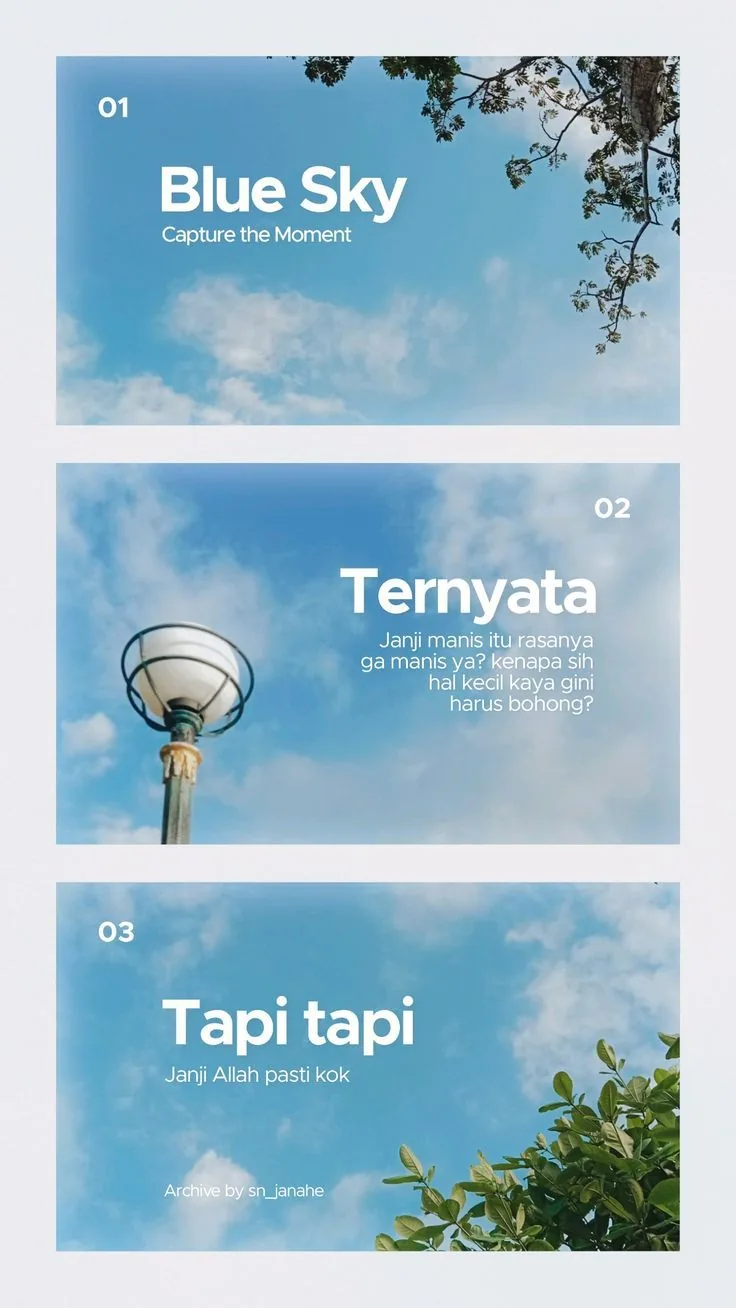
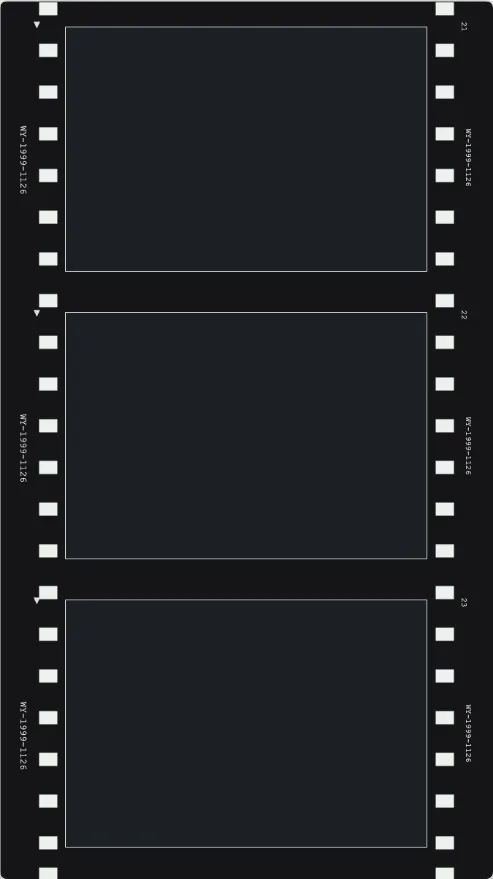
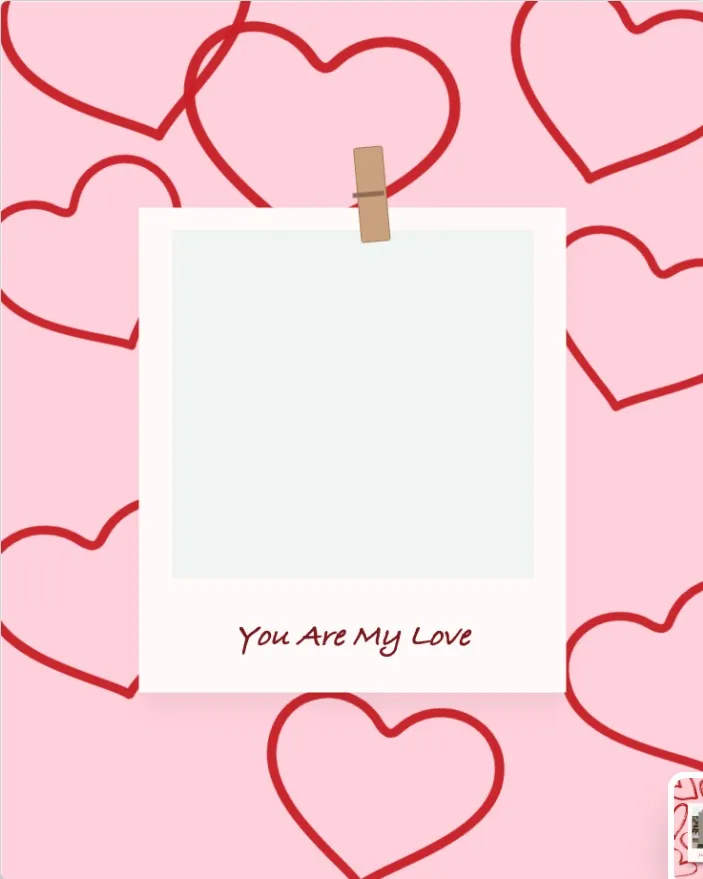
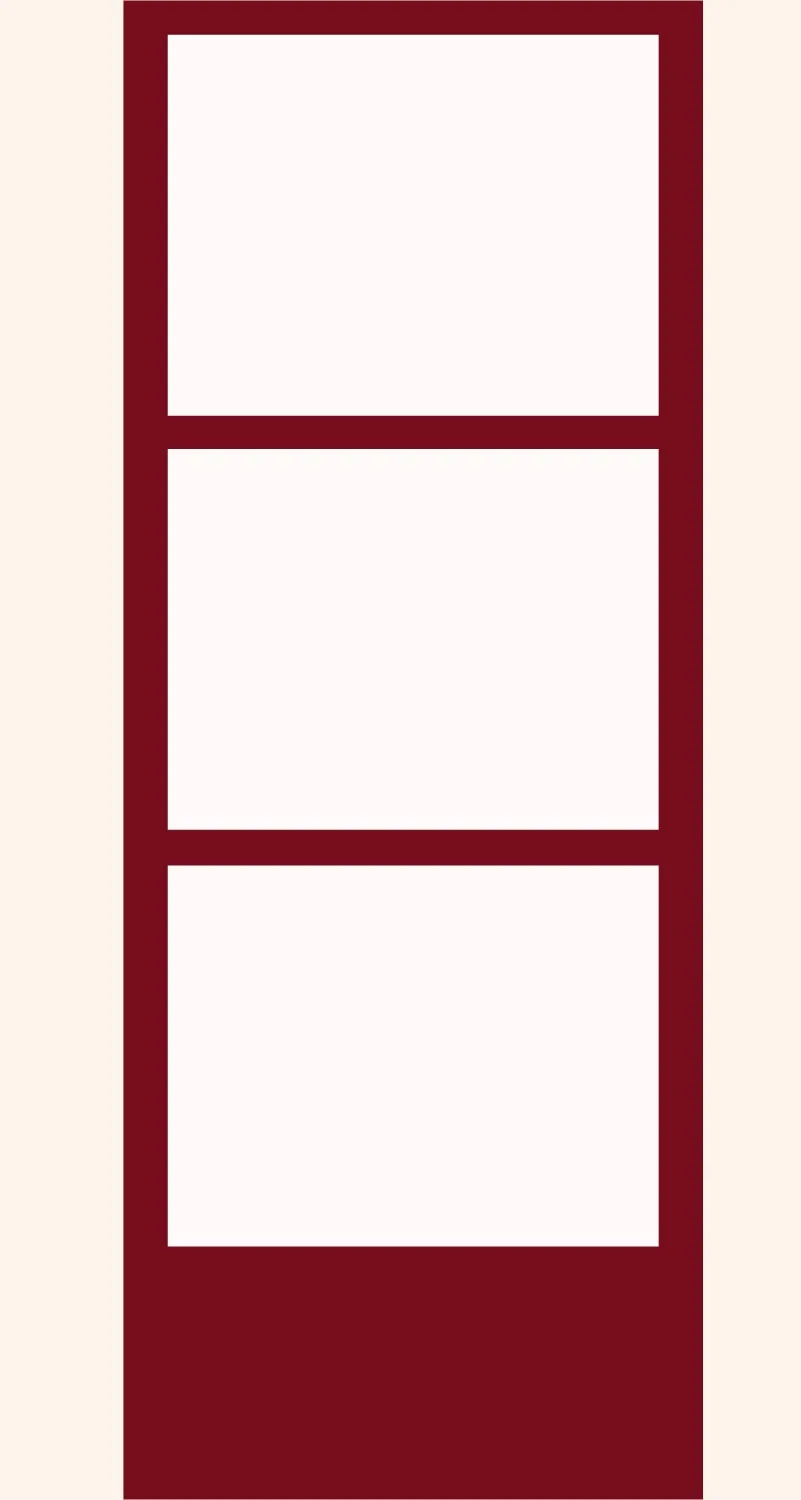
Choose from instant-photo frames, vertical photostrips, film layouts, and scrapbook Polaroid cards. Replace the photos, tune the captions, and keep the analog feel.
MemoryPaper templates include spacing, shadows, paper textures, and captions so your photos land in a design that already has shape.
Polaroid layouts work well for contact sheets, friendship posts, event recaps, tiny portfolios, and printed memory cards.
Open any Polaroid template to change text, swap images, adjust background colors, and export the final image.
Add your own image from a phone, camera, or saved download and place it into the design.
Start from a related MemoryPaper layout so the frame, spacing, and typography are already prepared.
Adjust photos, text, colors, and layout details without installing desktop design software.
Export the finished design as an image for sharing, printing, or keeping with your memories.
Bring in the image or photo set you want to turn into a finished layout.
Pick a template that matches the style, occasion, and final format you need.
Replace sample content, edit captions, then download the final image when it looks right.
Choose from Polaroid template templates, then open the selected design in the MemoryPaper editor.
wedding photo collage templates
Start with a wedding-ready layout, replace the sample photos, edit names or dates, and export a finished design for sharing, printing, or adding to a thank you note.
vintage photo collage templates
Use vintage templates when you want a memory page to feel tactile: paper edges, film strips, aged calendars, handwritten captions, and soft editorial spacing.
Polaroid photo templates
Create instant-photo layouts without drawing frames by hand. Pick a Polaroid or film template, add photos, edit captions, and export a finished image.
Instax collage templates
Use Instax-inspired layouts to make compact photo galleries, square instant frames, and memory pages that feel casual, warm, and easy to share.
how to make a Polaroid photo strip online
Build a vertical instant-photo strip or film layout from your own pictures in a few focused steps.
wedding photo collage ideas for thank you card
Practical wedding collage ideas for turning ceremony photos and small details into a thank you design.
vintage scrapbook photo collage template guide
A guide to choosing photos, captions, and templates for a vintage scrapbook collage that still feels clean.
Couples
Travel
Weddings
Birthdays
Memory walls
Yes. Open the template in the editor and edit the text layers, captions, and supporting labels.
No. MemoryPaper includes square instant-photo frames, tall photostrips, poster layouts, and mixed collage formats.
Yes. Several Polaroid and film templates are built in vertical story-friendly formats.
Start with a related template, replace the sample photo, and export a finished MemoryPaper design.
Create your photo now