Instax photo wall collage online
How to Make an Instax Photo Wall Collage Online
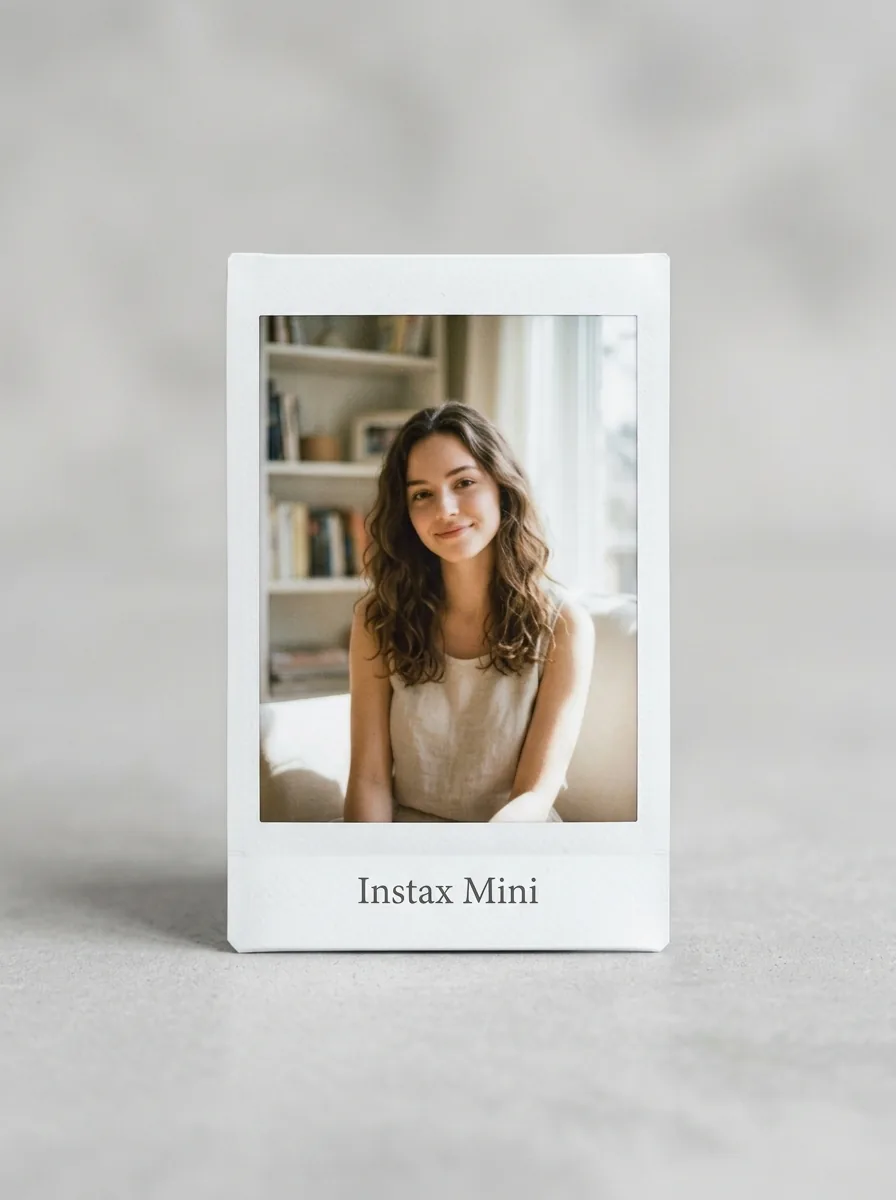
Create an Instax-inspired photo wall collage online with mini instant frames, editable labels, and MemoryPaper collage templates.
Updated July 3, 20264 min read
Quick checklist
- Choose a tight group of photos with one shared theme.
- Use square or compact frames to mimic a mini instant-photo set.
- Add tiny labels only where they help the story.
- Export the design for a wall mockup, digital post, or printed keepsake.
Start with a theme, not a number
An Instax-style wall collage works best when the photos share a subject: friends, a trip, a birthday, a pet, a season, or one weekend.
Use compact frames for a gallery feel
Square and mini instant-photo frames make the collage feel collected. Keep spacing consistent so the final layout feels like a wall instead of a random pile.
- 1Use Instax Gallery for the clearest instant-photo look.
- 2Use About You for a tall personal story.
- 3Use Beautiful Moments or MemoryPaper Collage when you want more scrapbook energy.
Vary close-ups and wide shots
A photo wall becomes easier to read when it alternates faces, scenes, details, and quiet negative space.
Export a single preview image
A finished collage can act as the final design or a planning mockup before printing individual photos for a real wall.