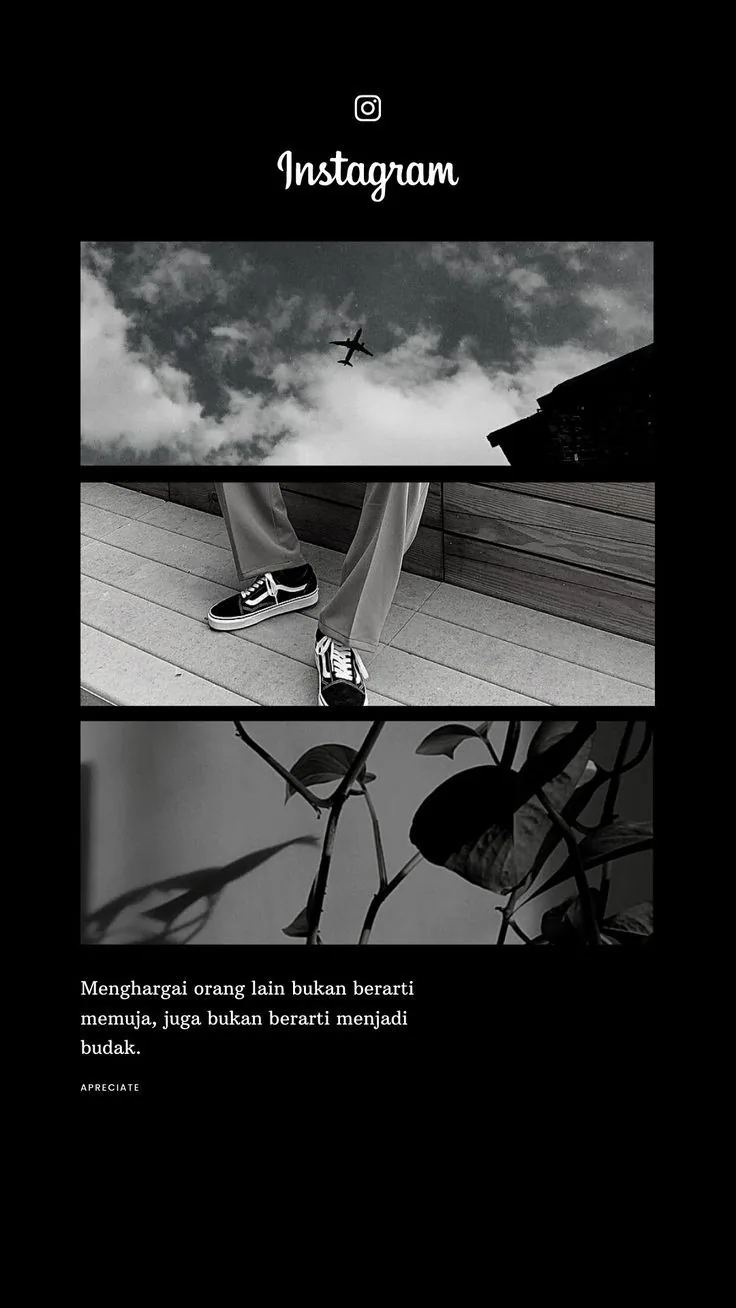
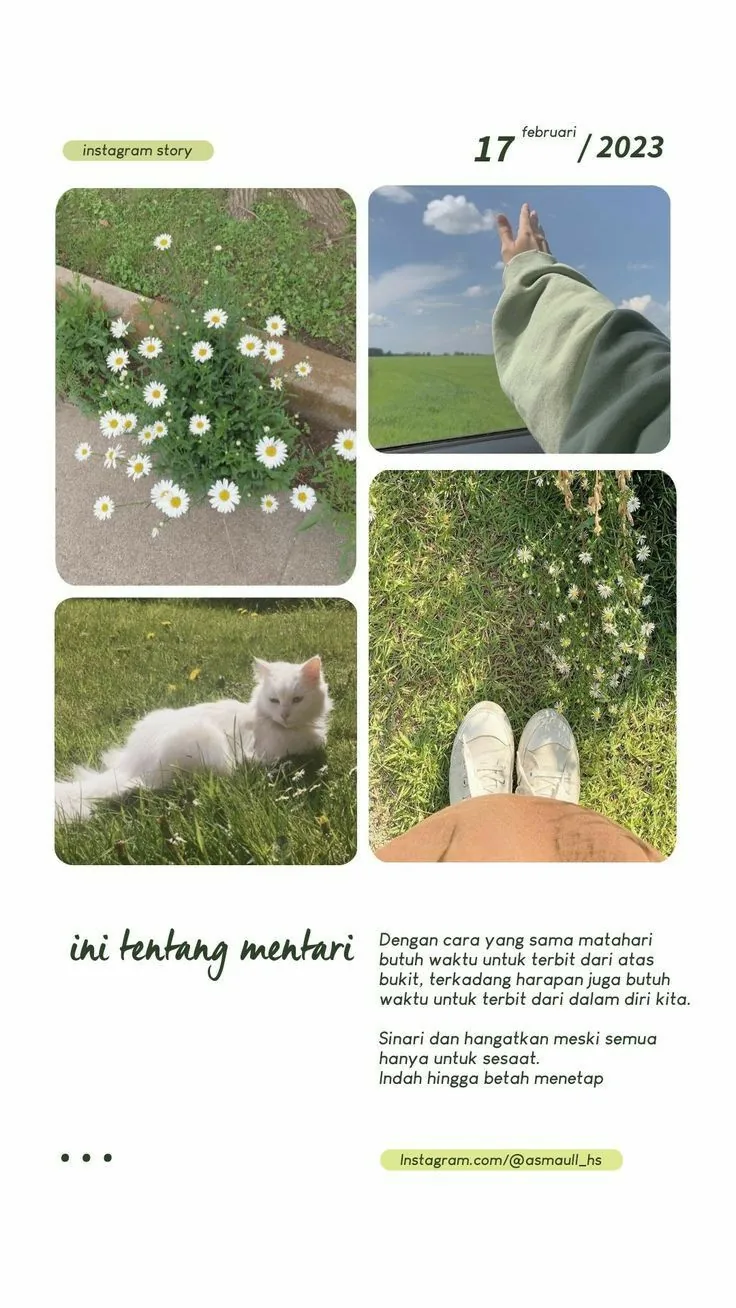
Built for quick visual storytelling
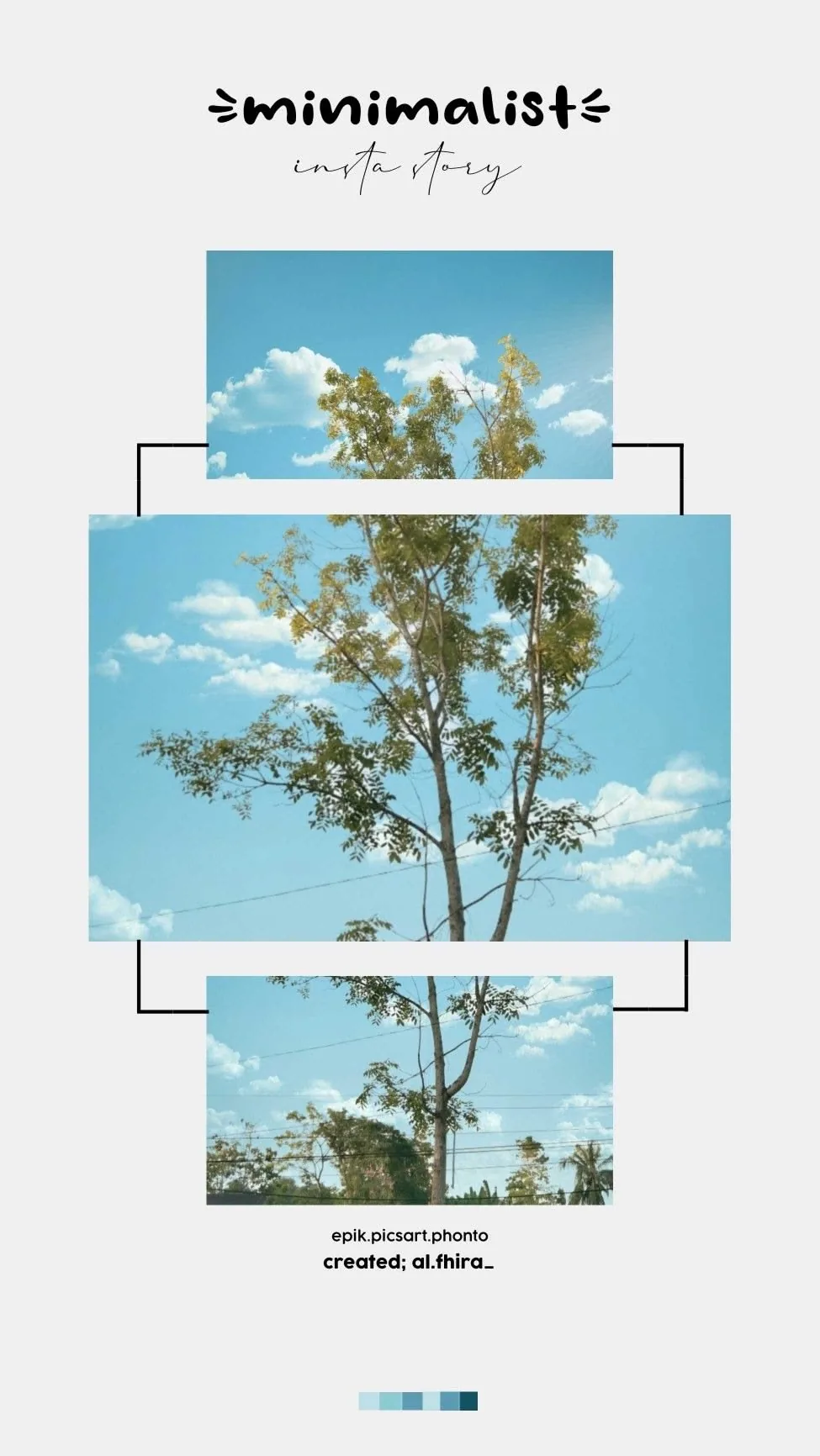
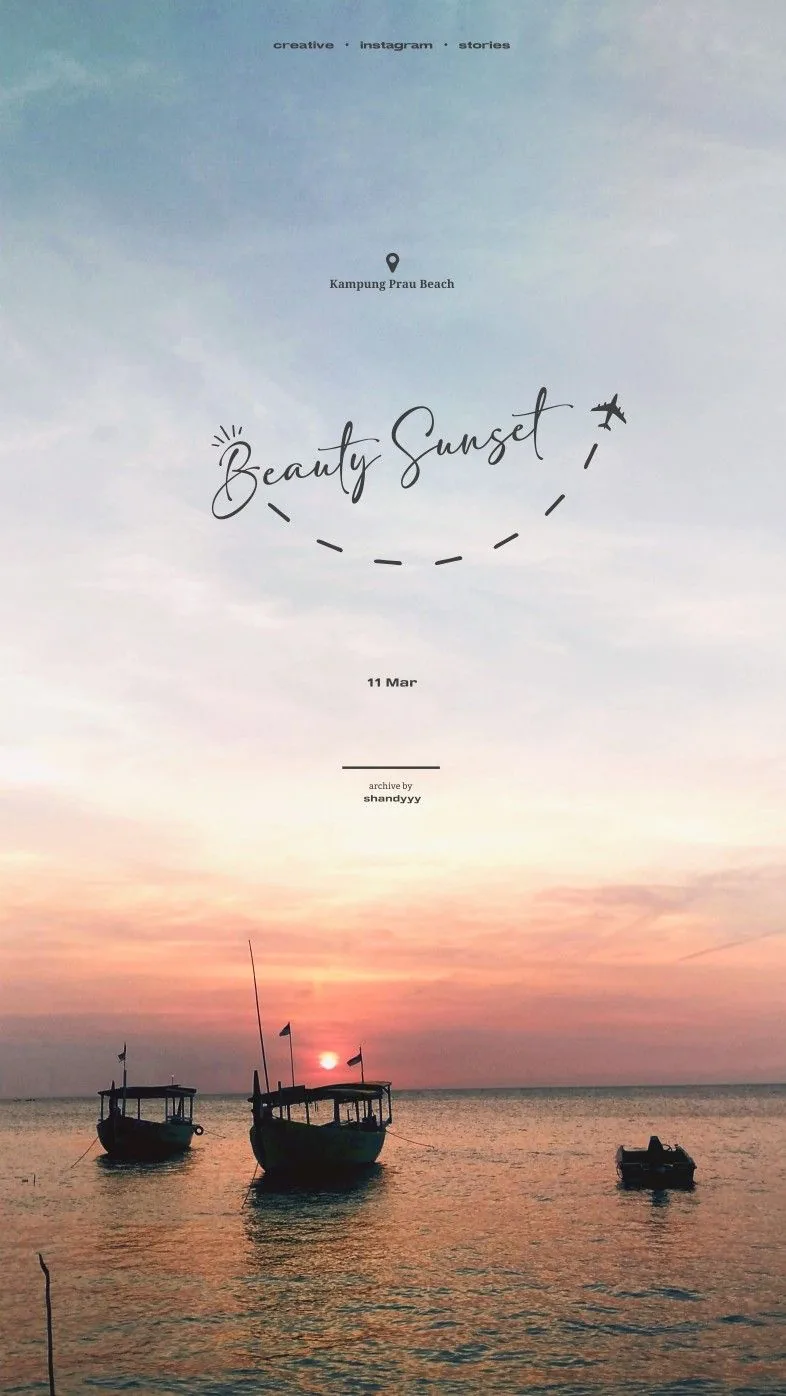
Use story templates for daily updates, trip chapters, music moments, birthday posts, and simple mood-led photo layouts.
Instagram story templates
MemoryPaper helps couples, travelers, photographers, small brands, and anyone saving personal memories create Instagram story template without opening heavy design software. Upload your photo, choose a template, and edit frames, captions, colors, and layout details directly in the browser. Most designs can be started in under a minute because the spacing, photo slots, and typography are already prepared for you. Replace the sample images, fine-tune the text, and download the final image when it looks right for sharing, printing, or keeping.
Instagram story template
Start from a vertical template, drop in your photos, update the text, and export a story-ready image. MemoryPaper templates help posts feel designed without slowing you down.
Use story templates for daily updates, trip chapters, music moments, birthday posts, and simple mood-led photo layouts.
Templates give you balanced spacing, type scale, frames, and visual rhythm before you customize the details.
Once the layout is ready, export it as a high-resolution image and share it on your preferred social platform.
Add your own image from a phone, camera, or saved download and place it into the design.
Start from a related MemoryPaper layout so the frame, spacing, and typography are already prepared.
Adjust photos, text, colors, and layout details without installing desktop design software.
Export the finished design as an image for sharing, printing, or keeping with your memories.
Bring in the image or photo set you want to turn into a finished layout.
Pick a template that matches the style, occasion, and final format you need.
Replace sample content, edit captions, then download the final image when it looks right.
Choose from Instagram story template templates, then open the selected design in the MemoryPaper editor.
Creators
Couples
Travel
Birthdays
Daily memories
Yes. You can change photos, text, colors, and selected layout details in the editor.
No. The template browser and editor run in the web app.
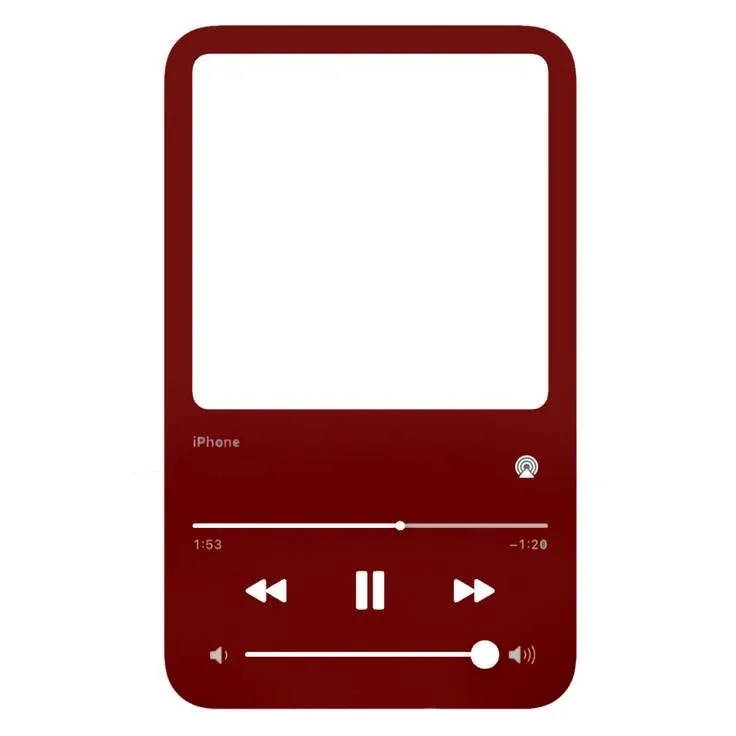
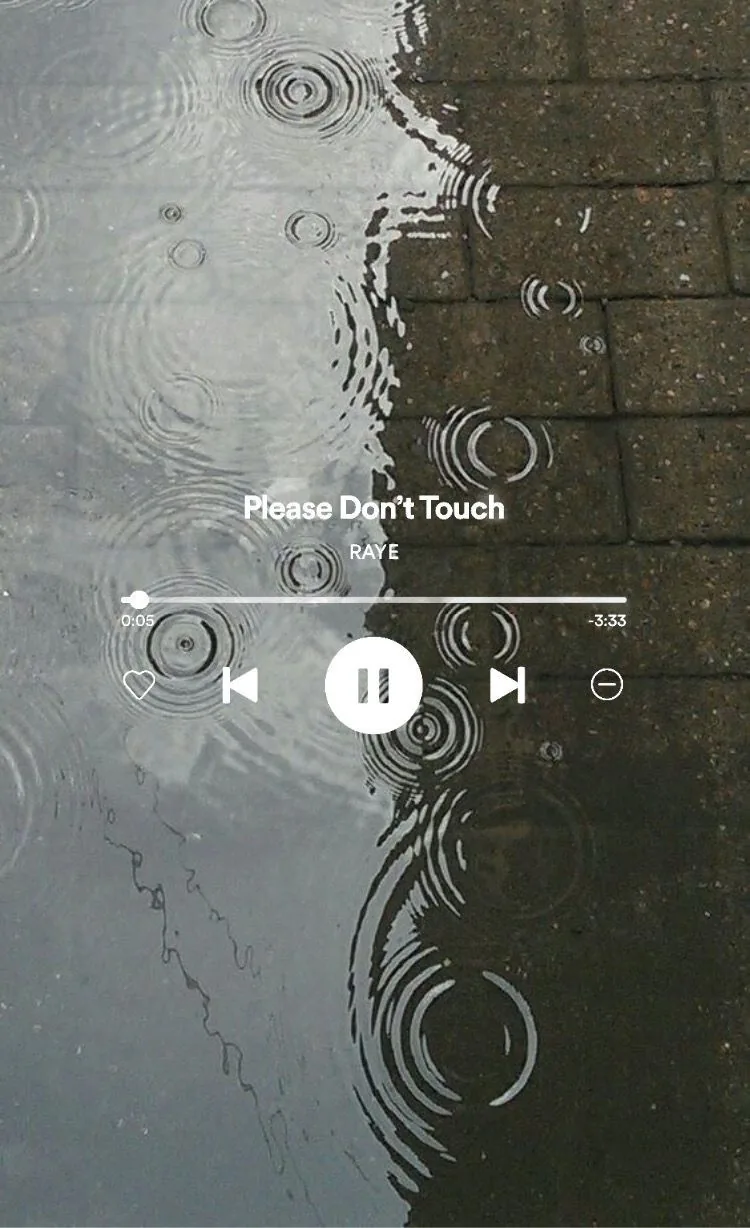
Yes. MemoryPaper includes music-player inspired templates with editable image and text layers.
Start with a related template, replace the sample photo, and export a finished MemoryPaper design.
Create your photo now