
Pick the closest structure
Start with the format that already matches your final use: story, poster, card, collage, or banner.
MemoryPaper templates
Every template page includes a clear preview, use cases, and a direct path into the editor. Choose a design, replace the demo images, adjust the text, and export a finished MemoryPaper layout.
The fastest path is to pick the output shape first, then customize photos and text after the layout already has structure.
Use multi-photo grids, scrapbook pages, and story layouts when one memory needs several angles.
ExploreChoose instant-photo frames, strips, and film-inspired templates for captions and nostalgic spacing.
ExploreFrame a single photo with camera-signature text, dates, locations, and portfolio-friendly typography.
ExploreStart from vertical stories, landing page style banners, and promotional image layouts.
ExploreMemoryPaper templates are meant to reduce blank-canvas work while still leaving enough room to make the design yours.
Start with the format that already matches your final use: story, poster, card, collage, or banner.
Drop in your own images first so the design decisions are based on the real subject and crop.
Update captions, names, dates, colors, and spacing, then export the final image from the editor.
Follow a collection to its templates, related tutorial, and matching keyword page before opening a design in the editor.
wedding photo collage templates
travel photo collage templates
vintage photo collage templates
Polaroid photo templates
Instax collage templates
Start with a preview page to understand the layout, then open the same design in the MemoryPaper editor.
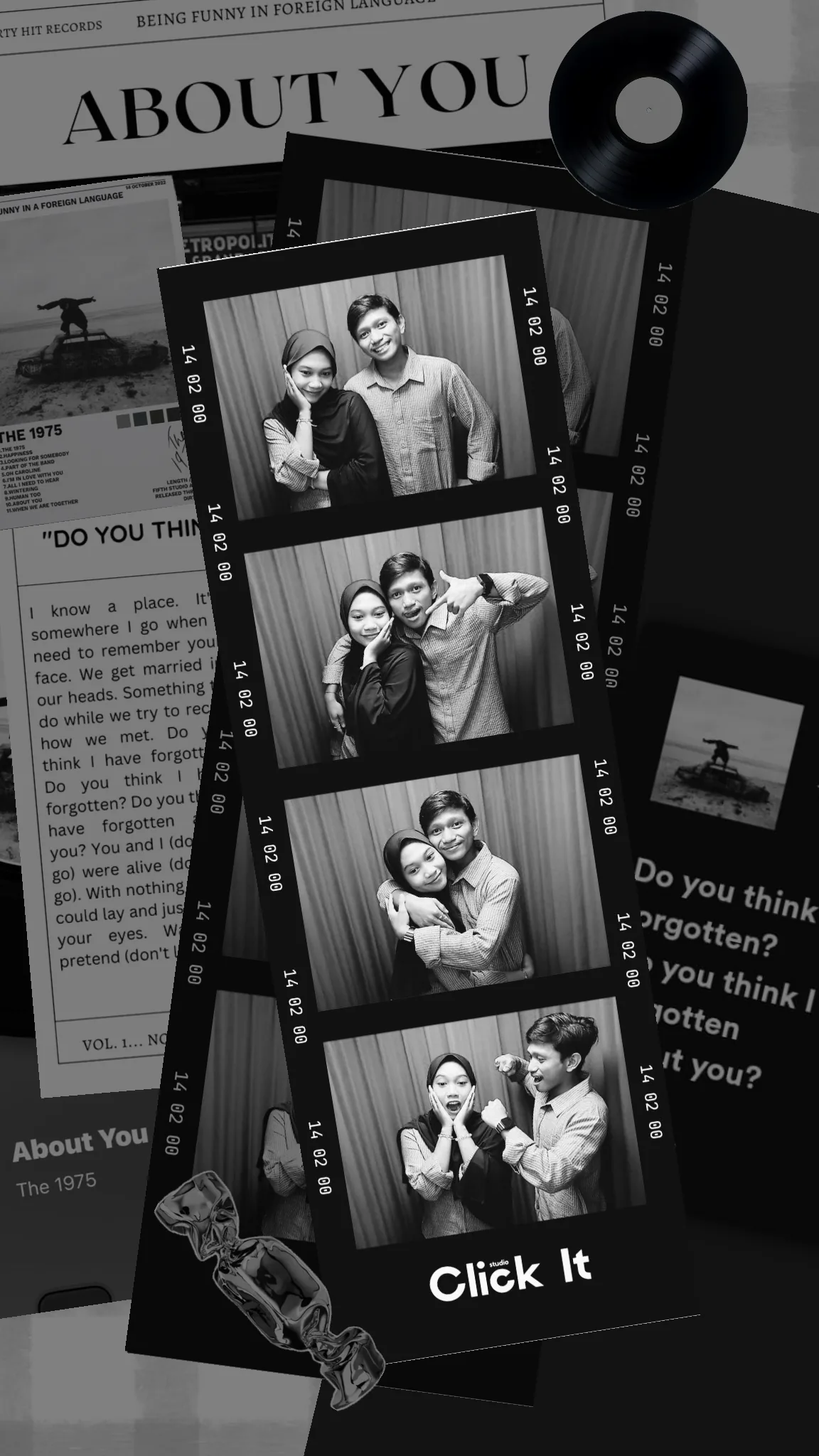
Template: About You
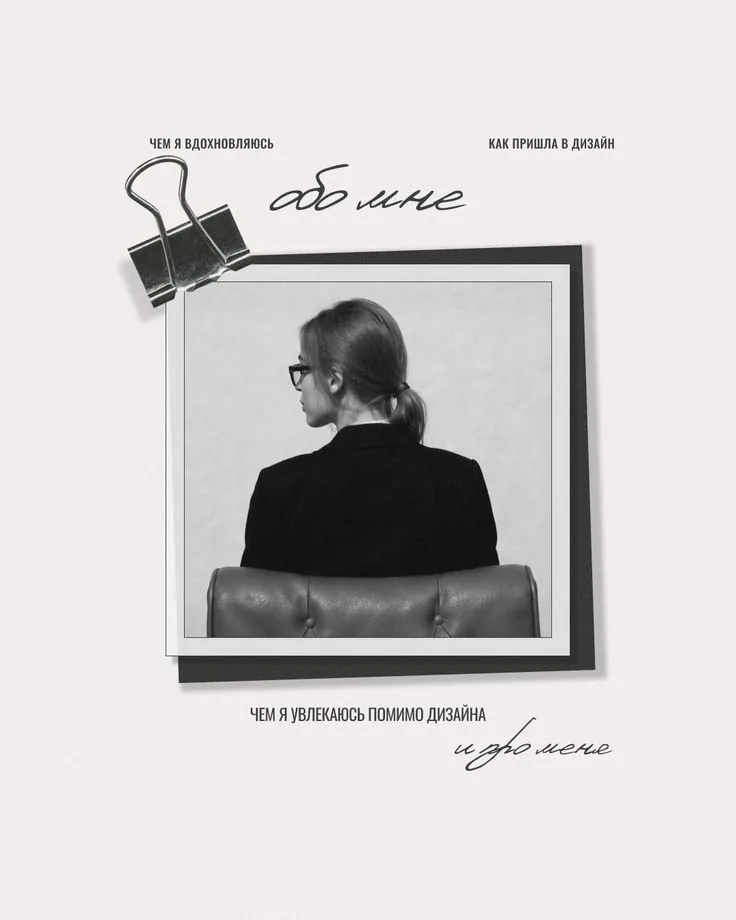
Template: About Me
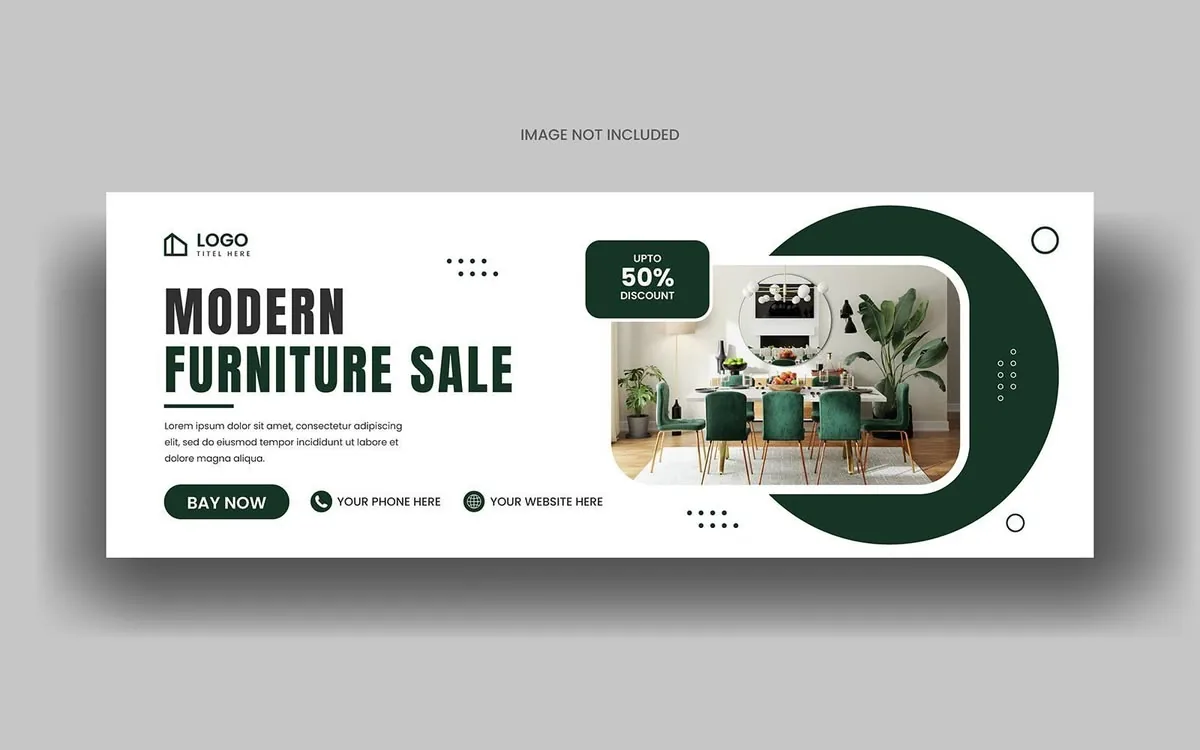
Template: Emerald Modern Furniture Banner
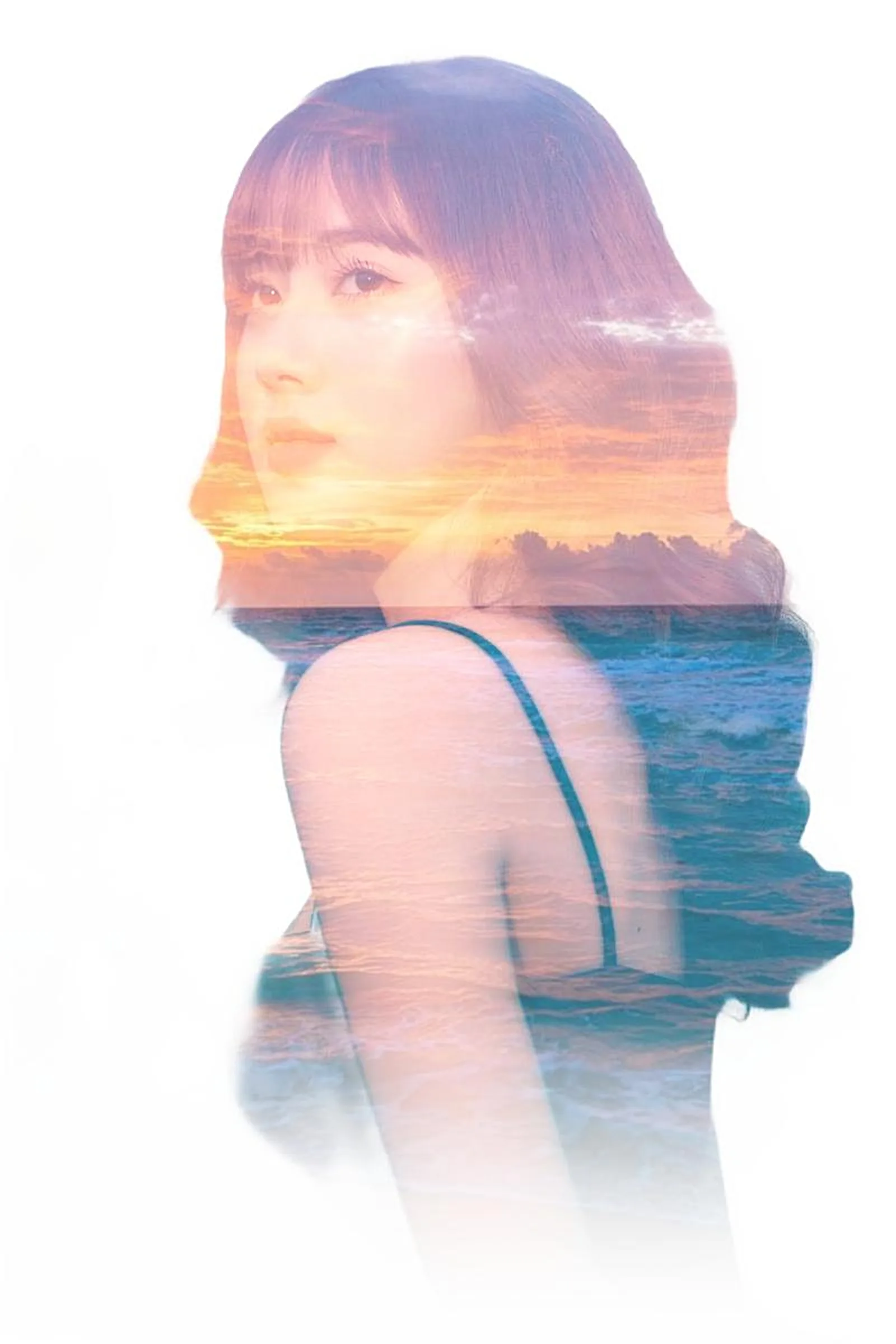
Template: Masked Double Exposure
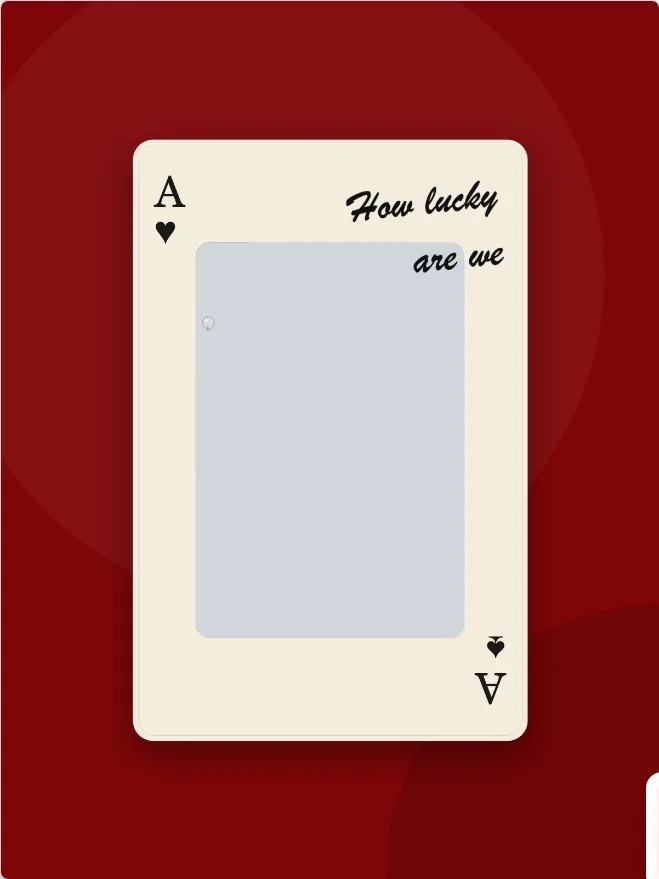
Template: Ace Card
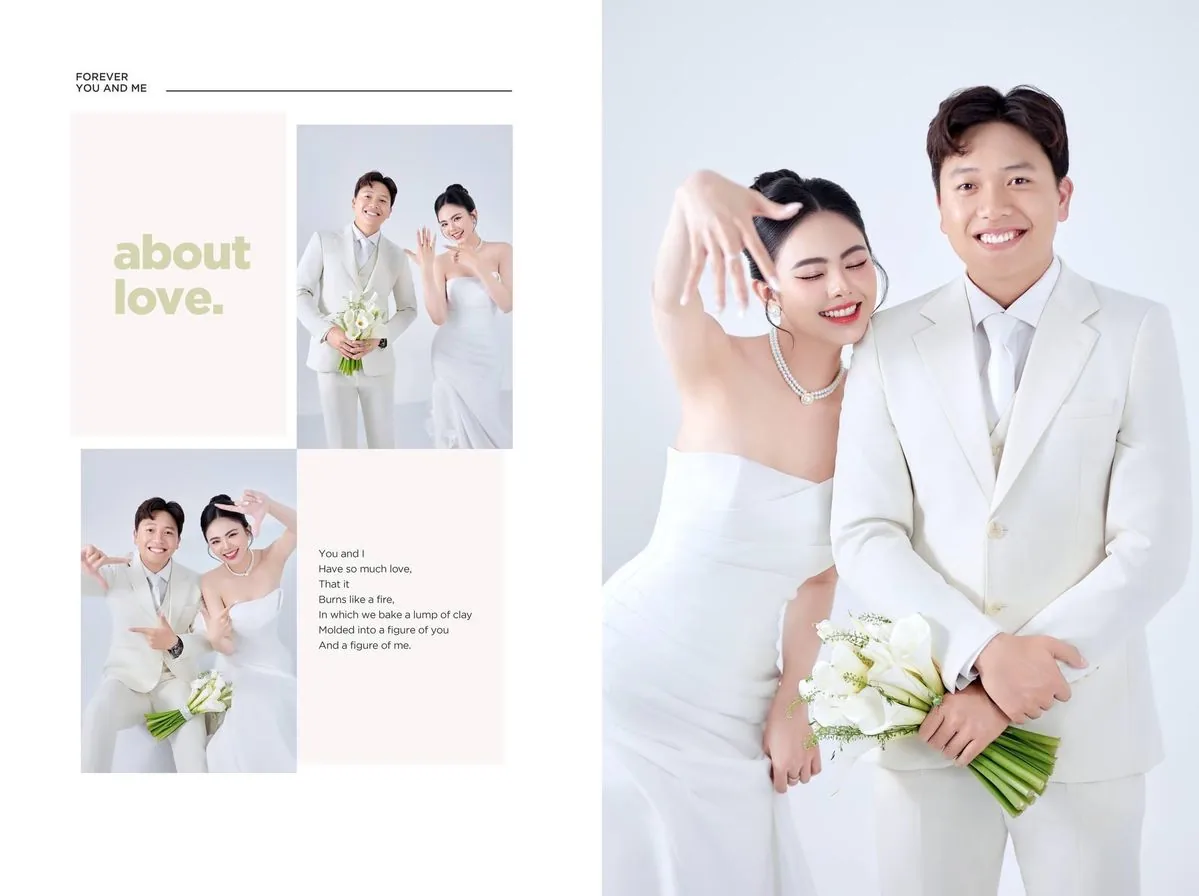
Template: About Love Split Spread
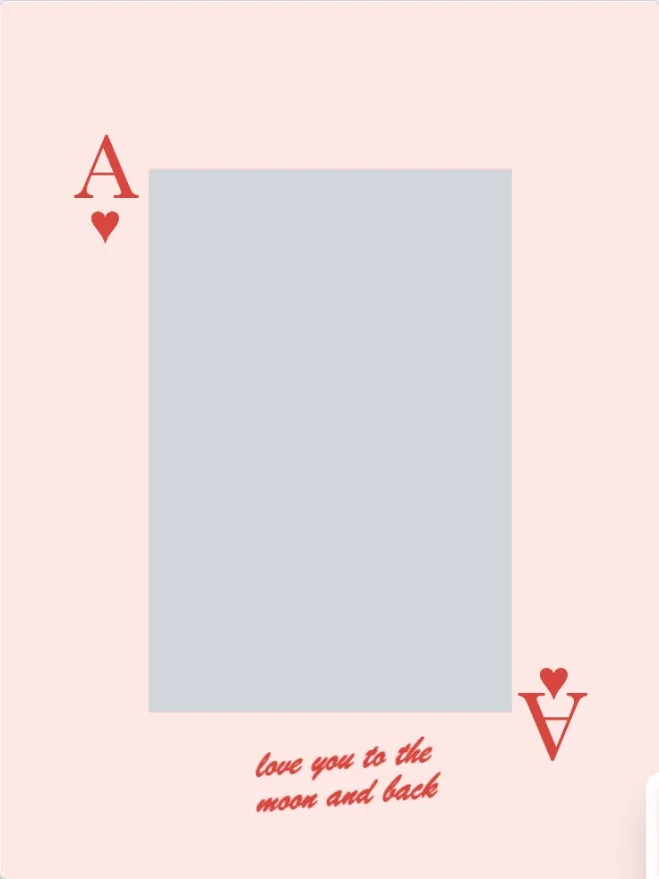
Template: Ace Moon Lake
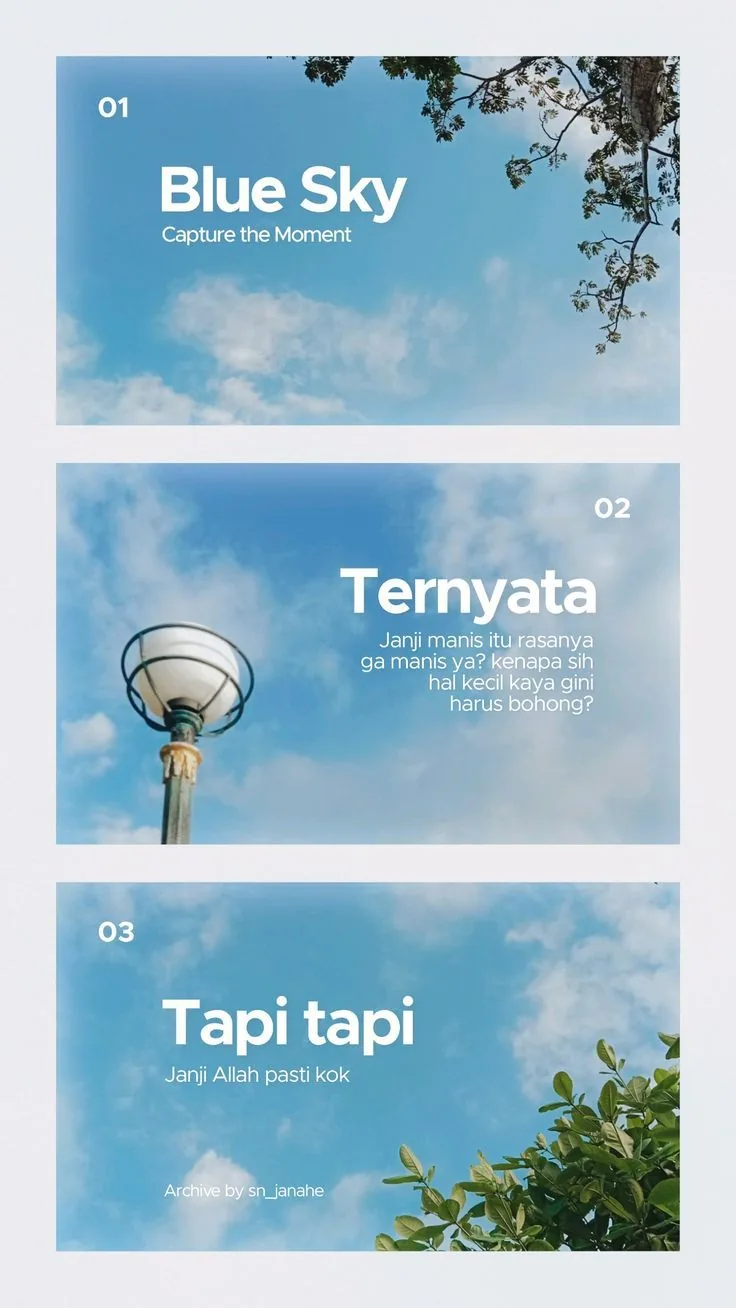
Template: Classic Three-Frame Photobooth Strip
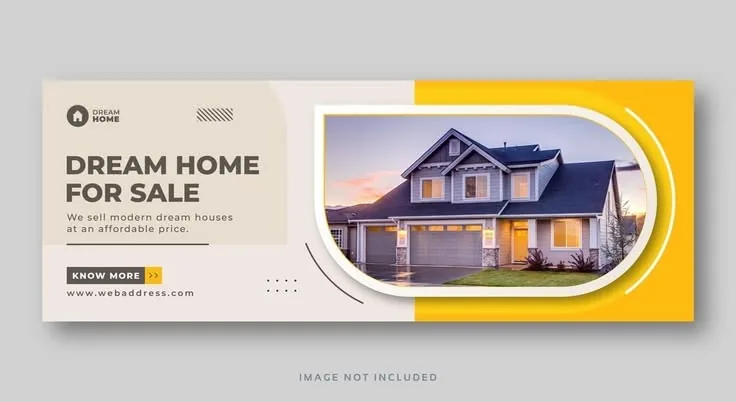
Template: Modern Dream Home Real Estate Banner

Template: Double Exposure Effect
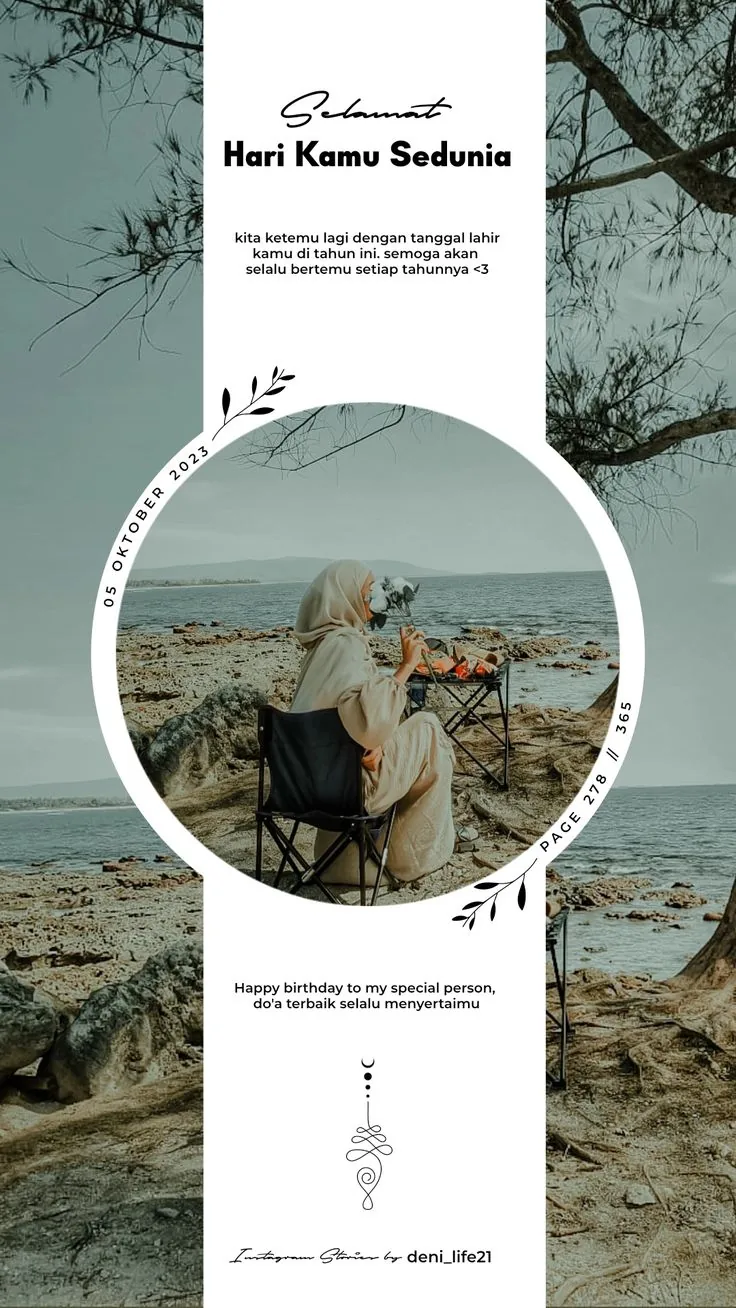
Template: Birthday Greeting Circle
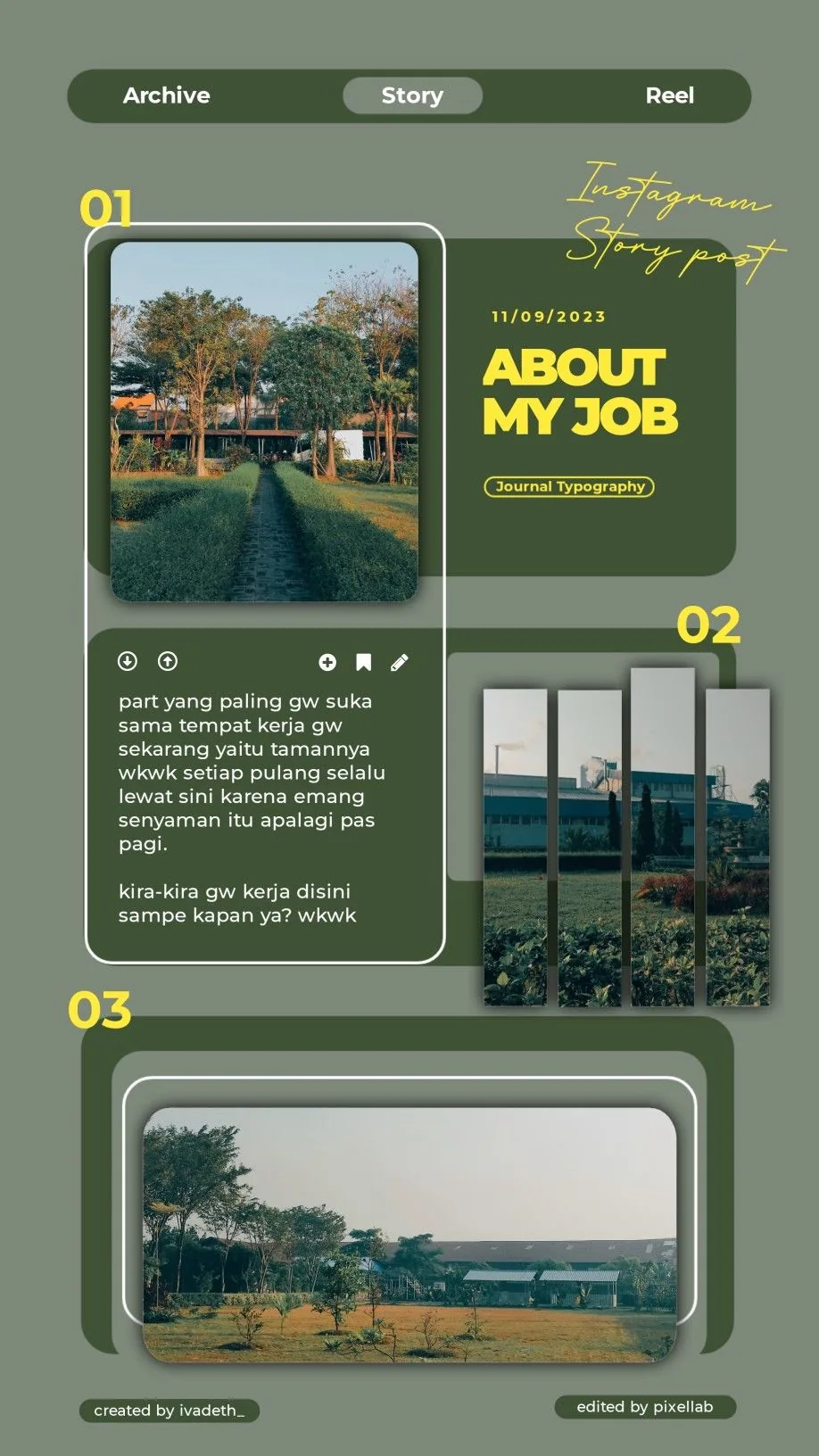
Template: About My Job
MemoryPaper includes photo collages, Polaroid and film layouts, magazine-style pages, postcards, landing page style banners, and double exposure templates.
Yes. Open a template in the editor to replace photos, update text, adjust layers, and export the finished design.
Yes. You can browse templates and start designing for free. Credits are used for premium template use or paid high-resolution exports.