
Start from intent
Collections group templates by occasion, visual style, and final use so you do not have to scan every design.
Template collections
Start with a focused collection, choose a template preview, then open the MemoryPaper editor to customize photos, captions, colors, and export settings.
A collection narrows the creative decision before you enter the editor, which makes template choice faster and less random.
Collections group templates by occasion, visual style, and final use so you do not have to scan every design.
See multiple templates that solve the same job, then pick the one with the right photo count and format.
Once a collection feels right, open a template and customize photos, captions, colors, and export details.
If you already know the story, use these shortcuts to land in the right set of templates.
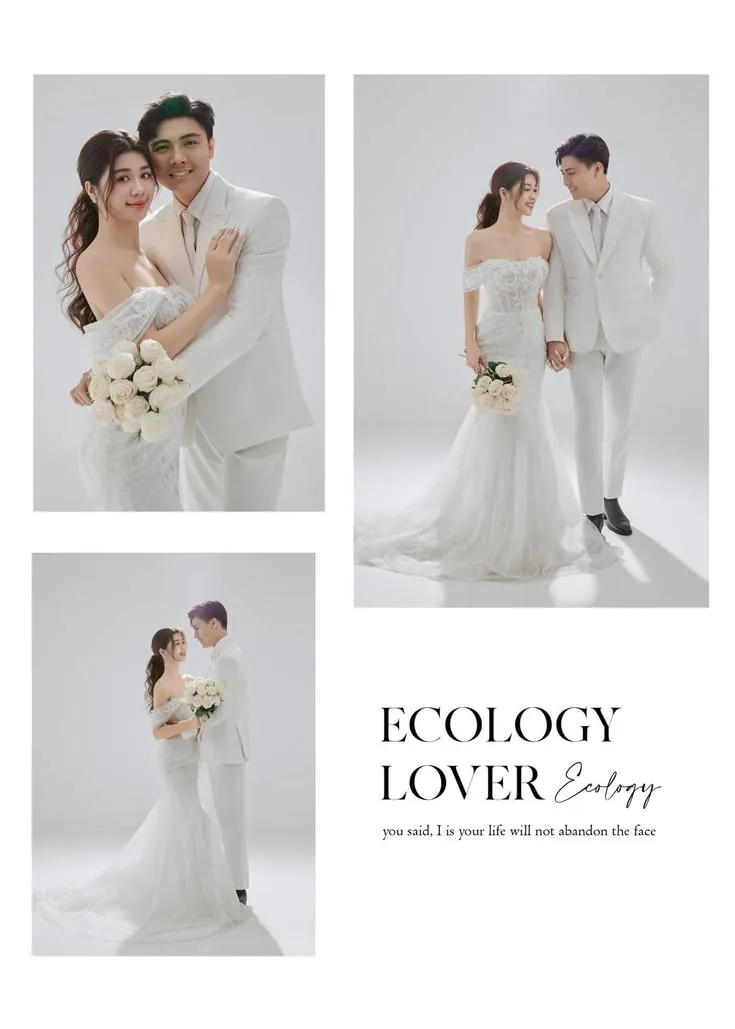
wedding photo collage templates
Start with a wedding-ready layout, replace the sample photos, edit names or dates, and export a finished design for sharing, printing, or adding to a thank you note.
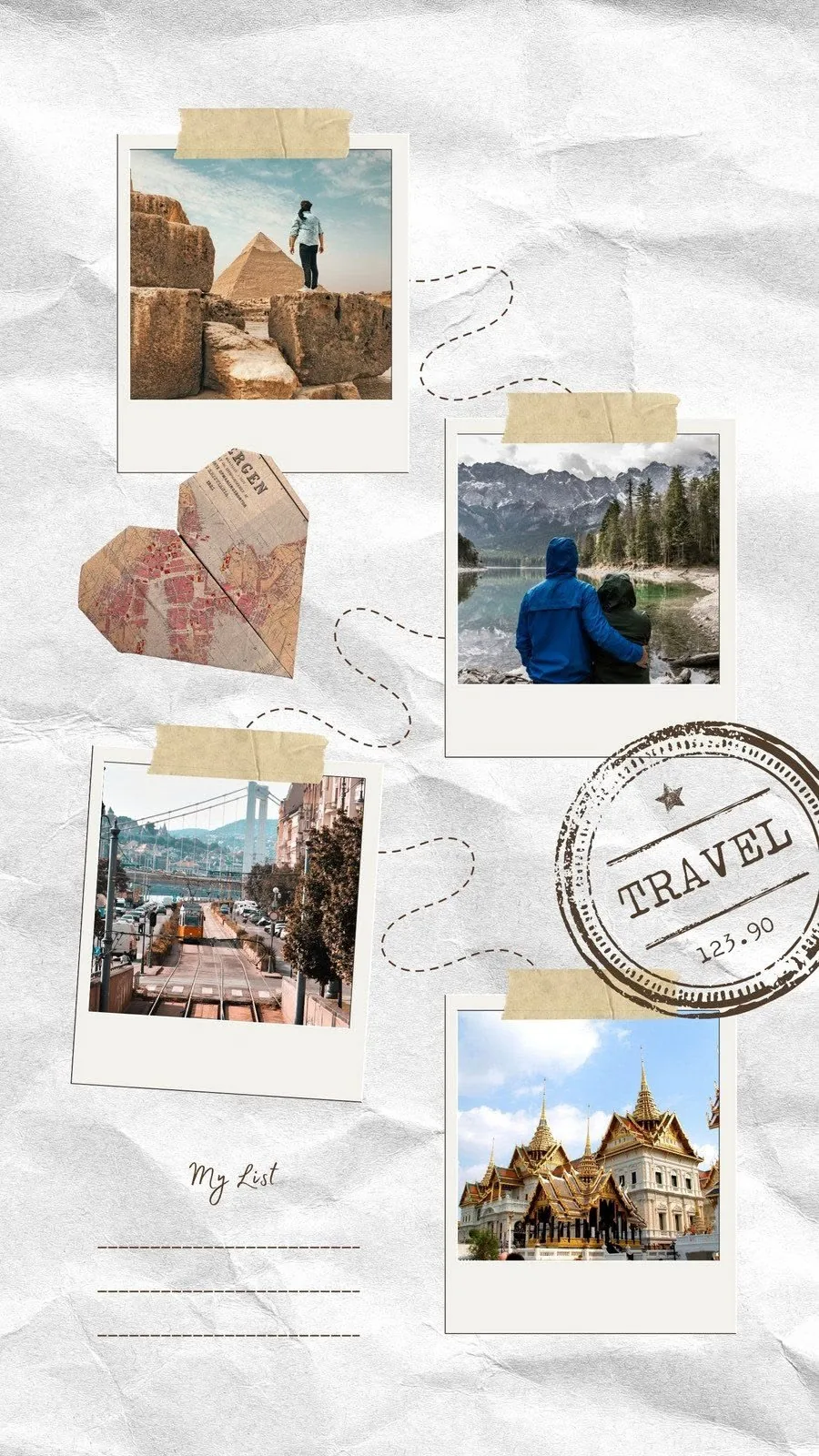
travel photo collage templates
Turn a camera roll from a trip into a polished travel memory page. Add place names, route details, dates, captions, and the photos that made the journey feel real.
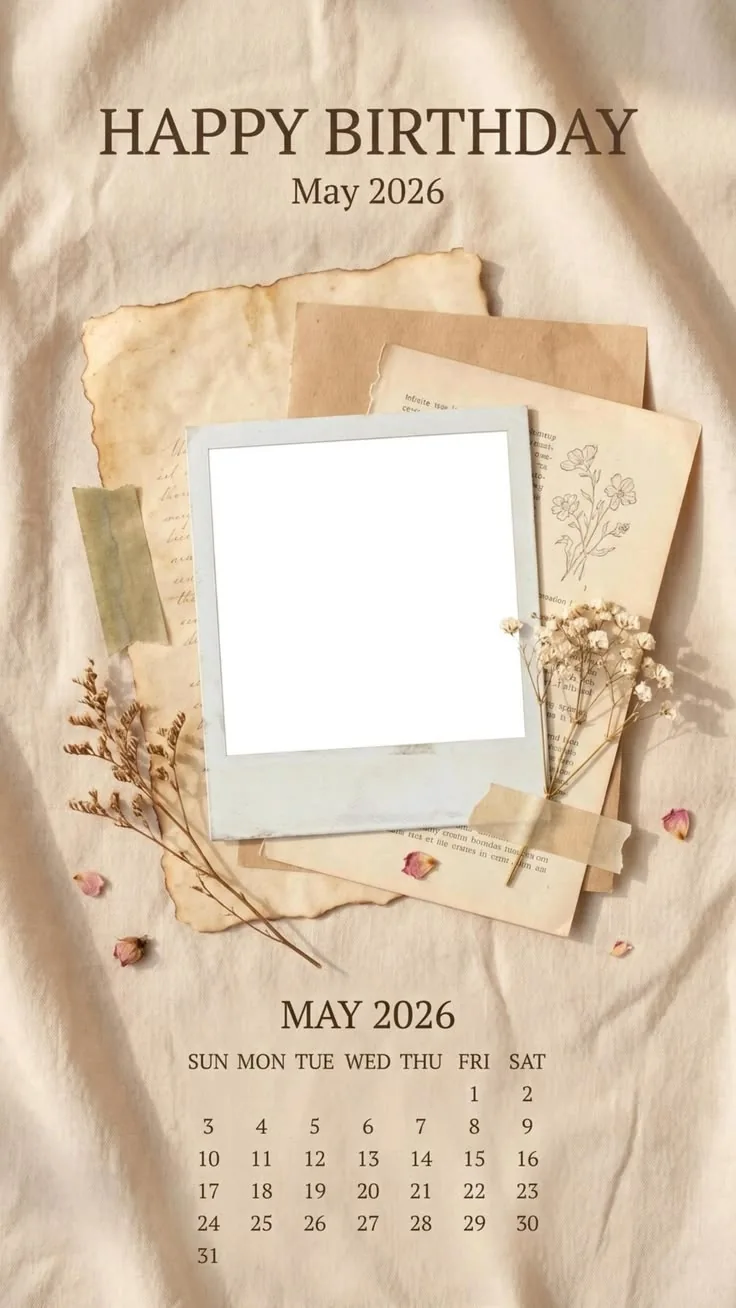
vintage photo collage templates
Use vintage templates when you want a memory page to feel tactile: paper edges, film strips, aged calendars, handwritten captions, and soft editorial spacing.
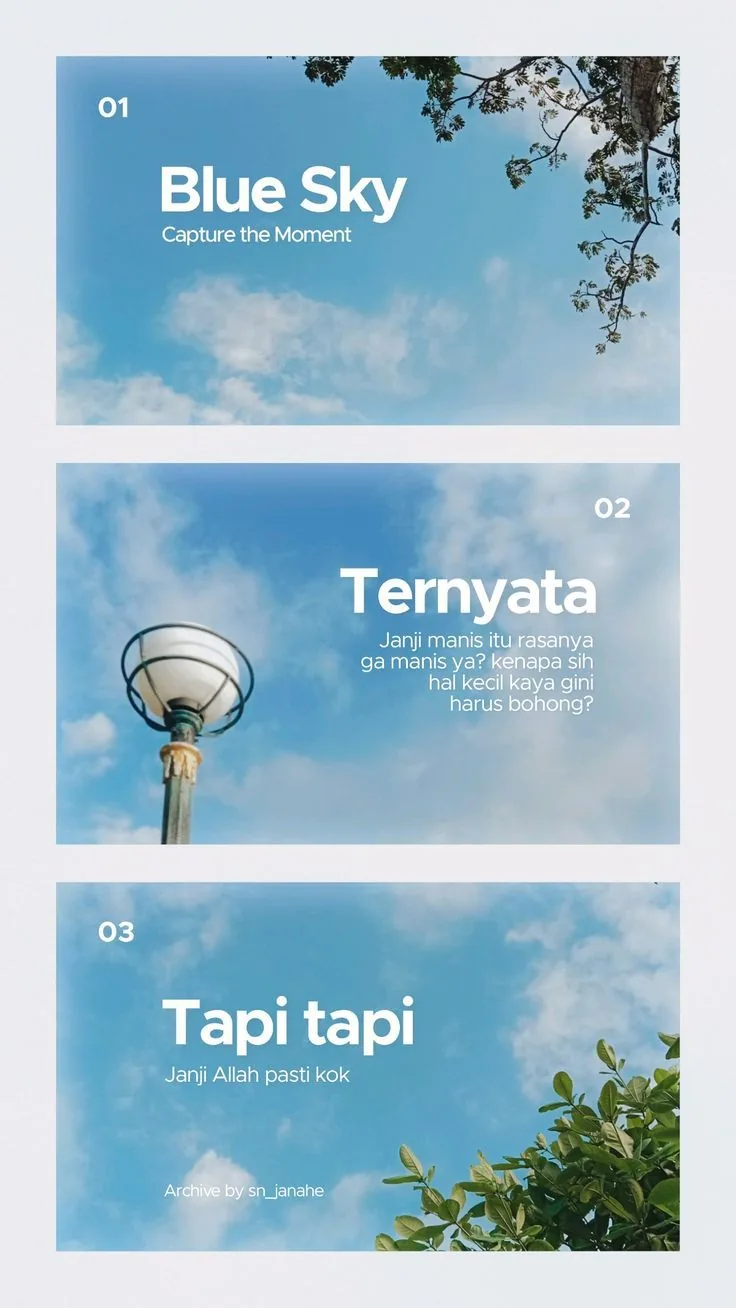
Polaroid photo templates
Create instant-photo layouts without drawing frames by hand. Pick a Polaroid or film template, add photos, edit captions, and export a finished image.
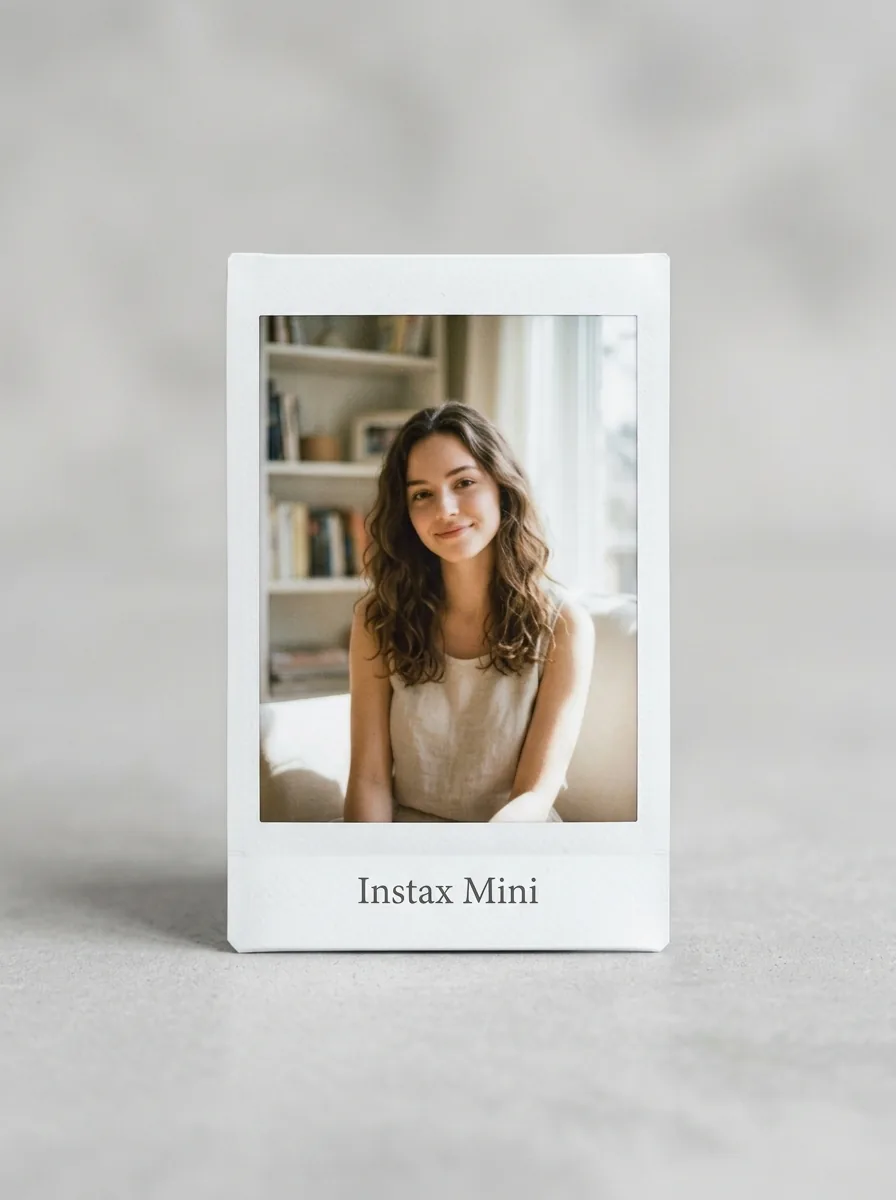
Instax collage templates
Use Instax-inspired layouts to make compact photo galleries, square instant frames, and memory pages that feel casual, warm, and easy to share.