vintage scrapbook photo collage template guide
Vintage Scrapbook Photo Collage Template Guide
Learn how to make a vintage scrapbook photo collage with paper textures, retro captions, film frames, and editable MemoryPaper templates.
Quick checklist
- Choose photos with warm light, personal details, or a nostalgic subject.
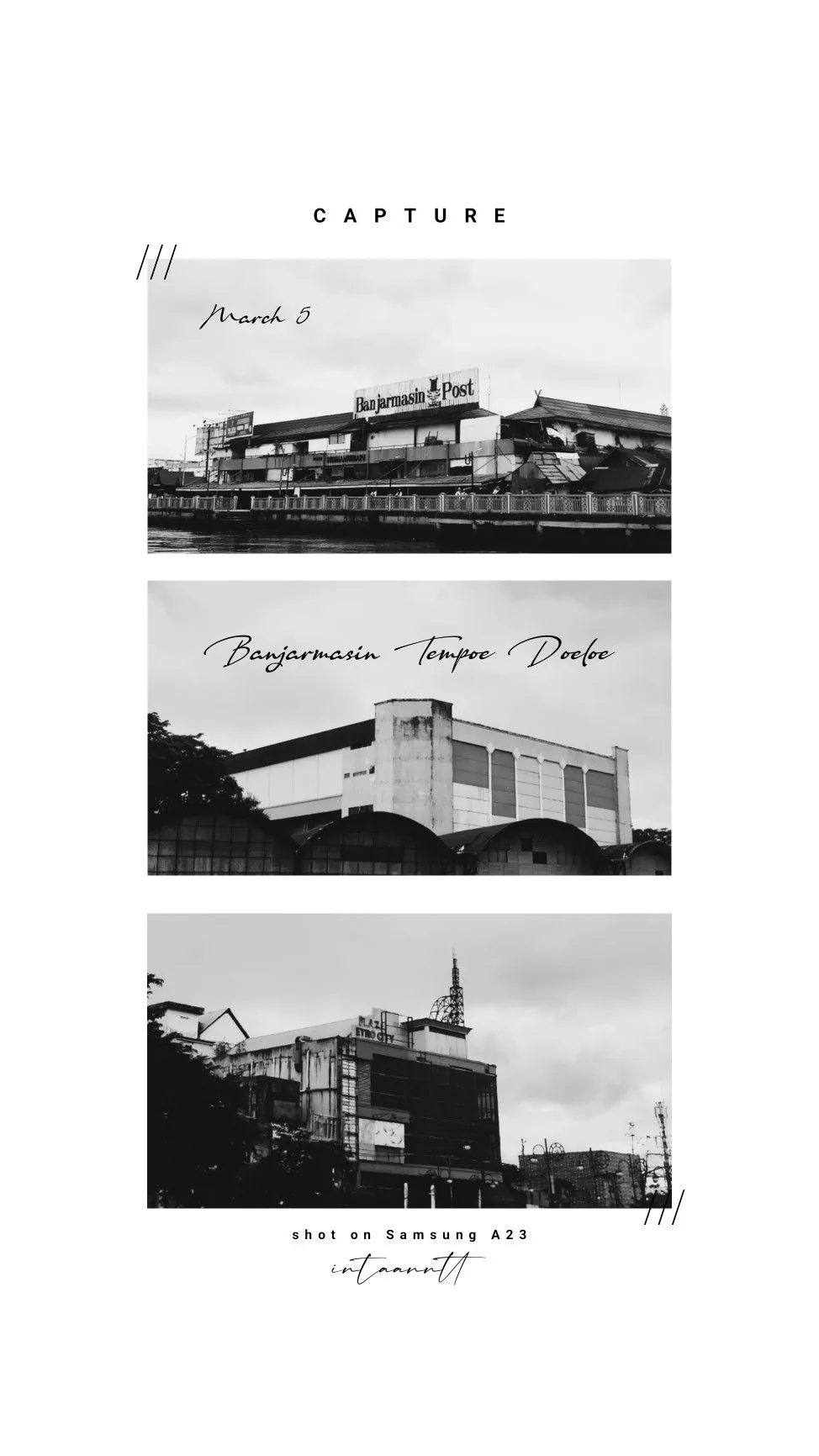
- Use a vintage template with paper, tape, calendar, or film texture already included.
- Edit only the most meaningful labels so the layout does not become crowded.
- Export one final image after checking contrast on small screens.
Let texture do the heavy lifting
Vintage layouts can become busy quickly. Start with a template where paper, tape, and film elements are already balanced, then make fewer edits with more intention.
Use captions as artifacts
Short labels such as a month, place, name, or tiny quote can make the collage feel like something saved from a notebook.
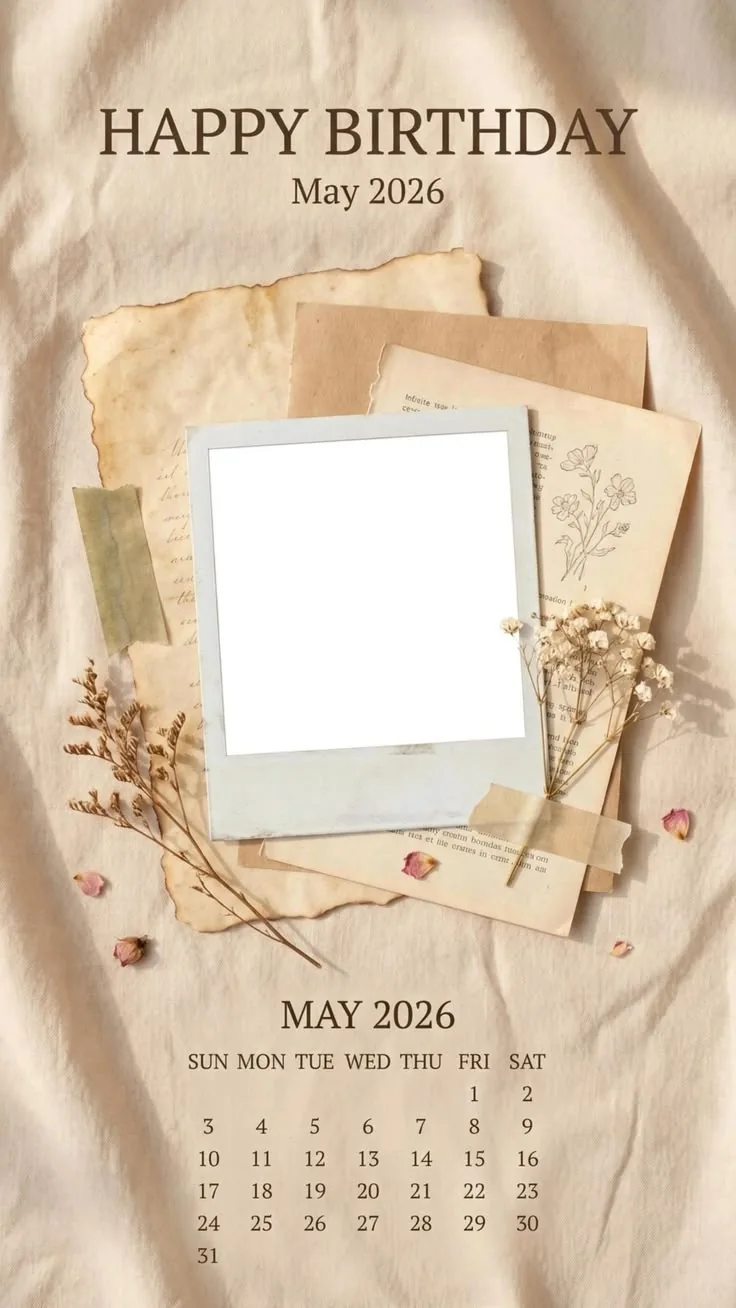
- 1Use a calendar collage for birthdays or monthly recaps.
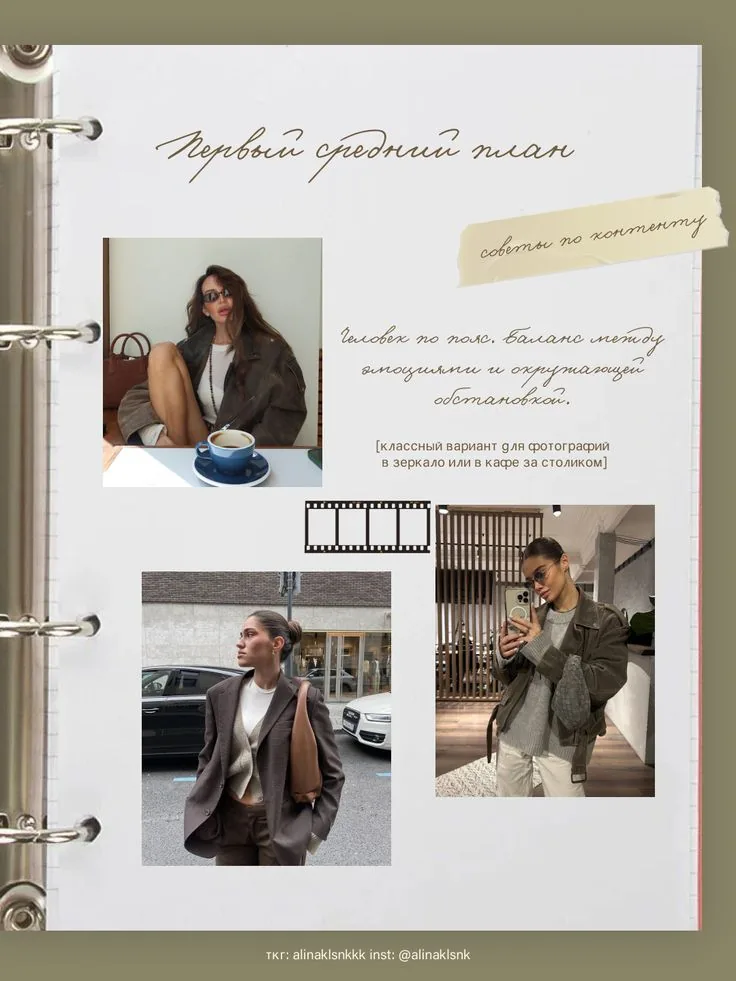
- 2Use Vintage Binder for a journal-like memory page.
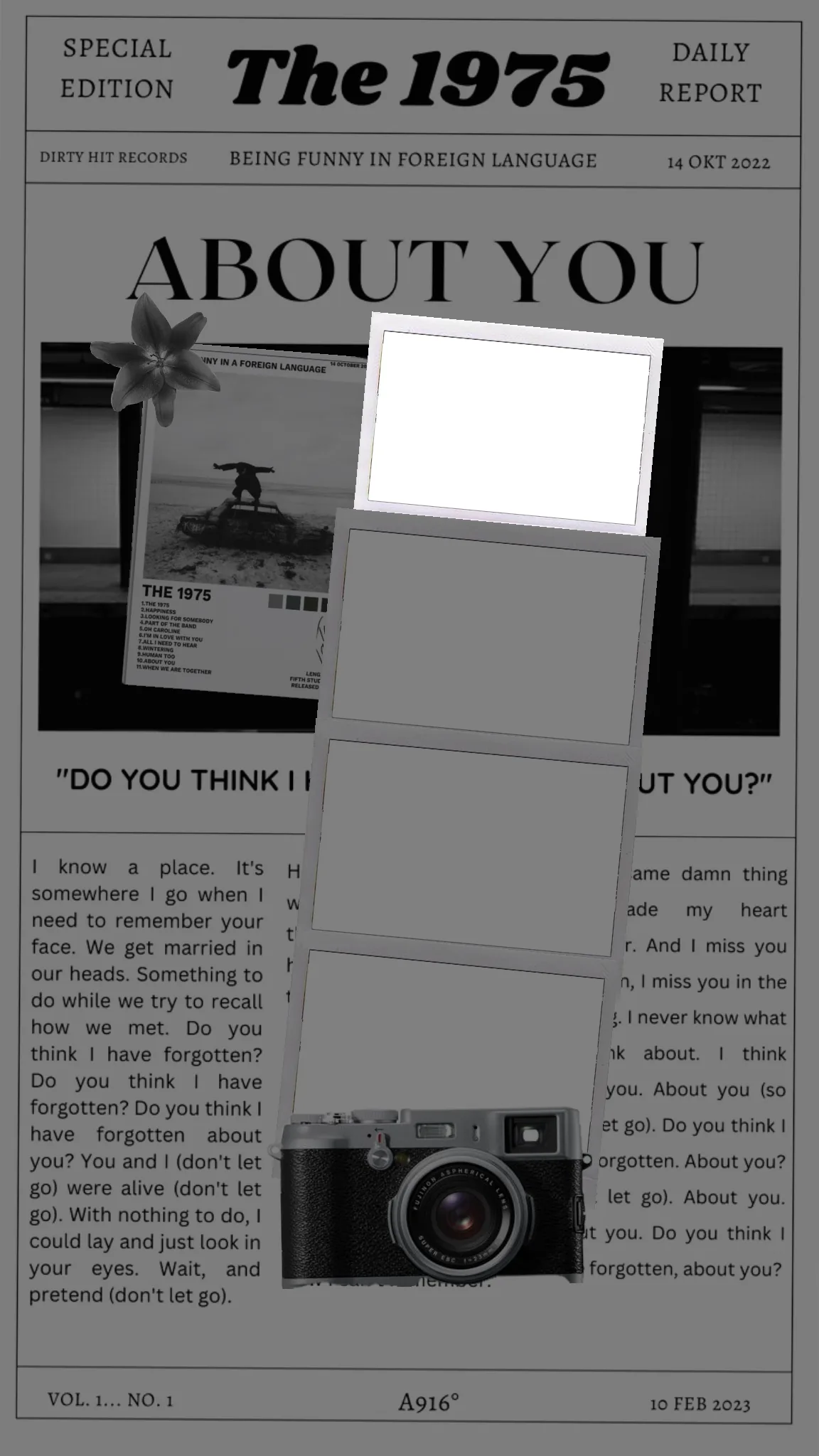
- 3Use About You Scrapbook when you want a music or relationship mood.
Keep photo tones consistent
If one image is much brighter or colder than the others, adjust it before export or choose a different slot so the page still feels intentional.
Check readability at phone size
Vintage typography can be delicate. Preview the design small enough to match where people will actually see it, then enlarge important text if needed.