
Upload photo
Add your own image from a phone, camera, or saved download and place it into the design.
EXIF signature photo editor
MemoryPaper helps couples, travelers, photographers, small brands, and anyone saving personal memories create EXIF photo editor without opening heavy design software. Upload your photo, choose a template, and edit frames, captions, colors, and layout details directly in the browser. Most designs can be started in under a minute because the spacing, photo slots, and typography are already prepared for you. Replace the sample images, fine-tune the text, and download the final image when it looks right for sharing, printing, or keeping.
Add your own image from a phone, camera, or saved download and place it into the design.
Start from a related MemoryPaper layout so the frame, spacing, and typography are already prepared.
Adjust photos, text, colors, and layout details without installing desktop design software.
Export the finished design as an image for sharing, printing, or keeping with your memories.
Bring in the image or photo set you want to turn into a finished layout.
Pick a template that matches the style, occasion, and final format you need.
Replace sample content, edit captions, then download the final image when it looks right.
Choose from EXIF photo editor templates, then open the selected design in the MemoryPaper editor.
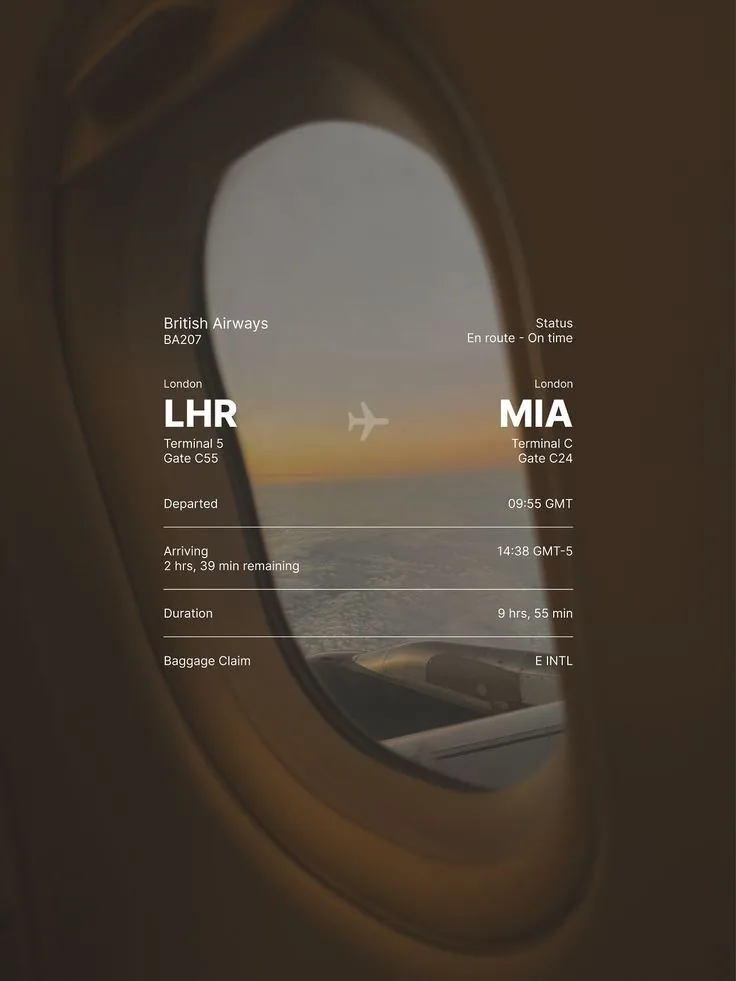
Overlay your travel photo with a sleek flight status card — airline, route codes, times, and terminal info in clean white text.
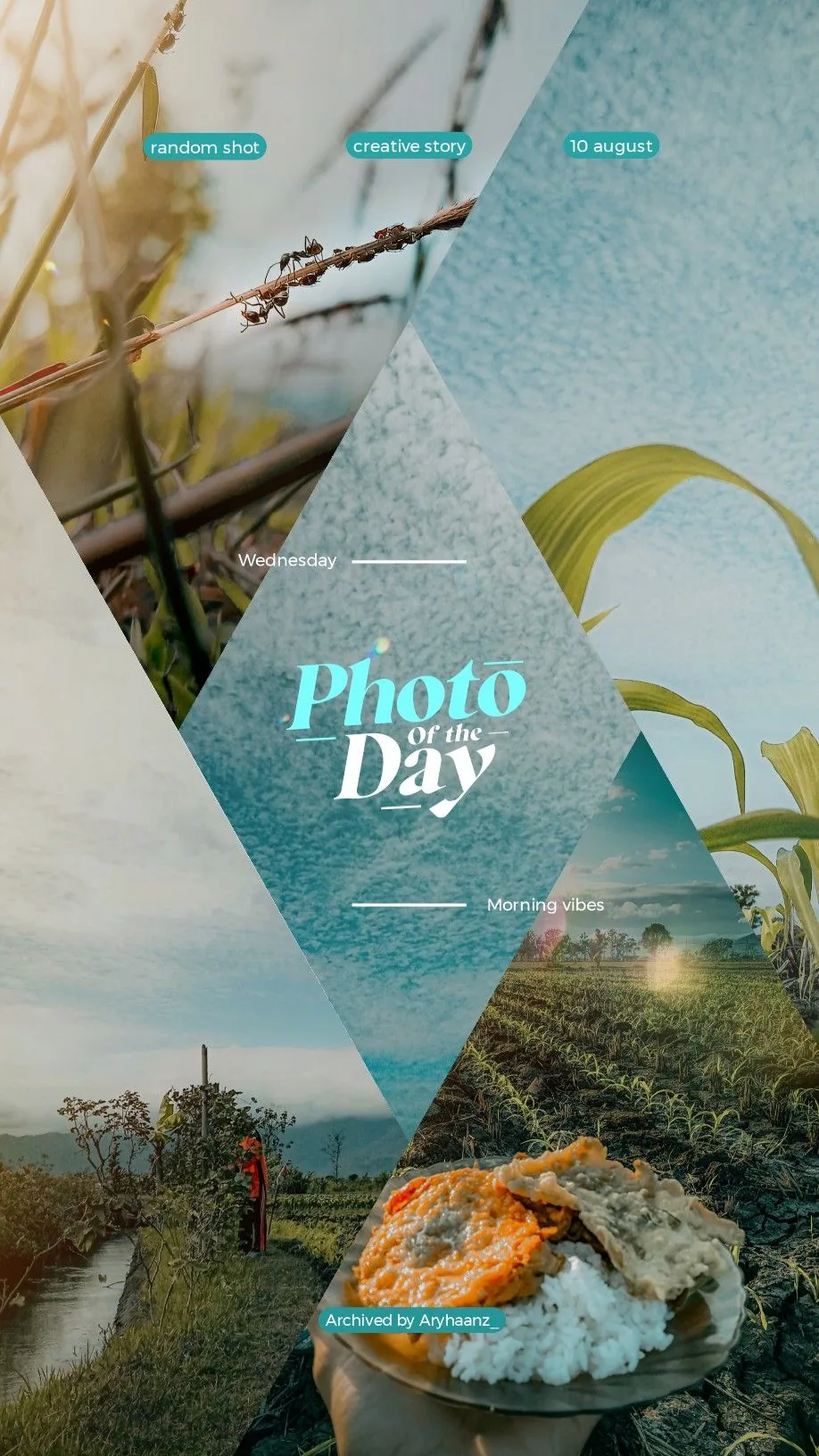
A five-panel daily photo collage with angular crop masks, teal badges, side labels, and bold editorial title typography.
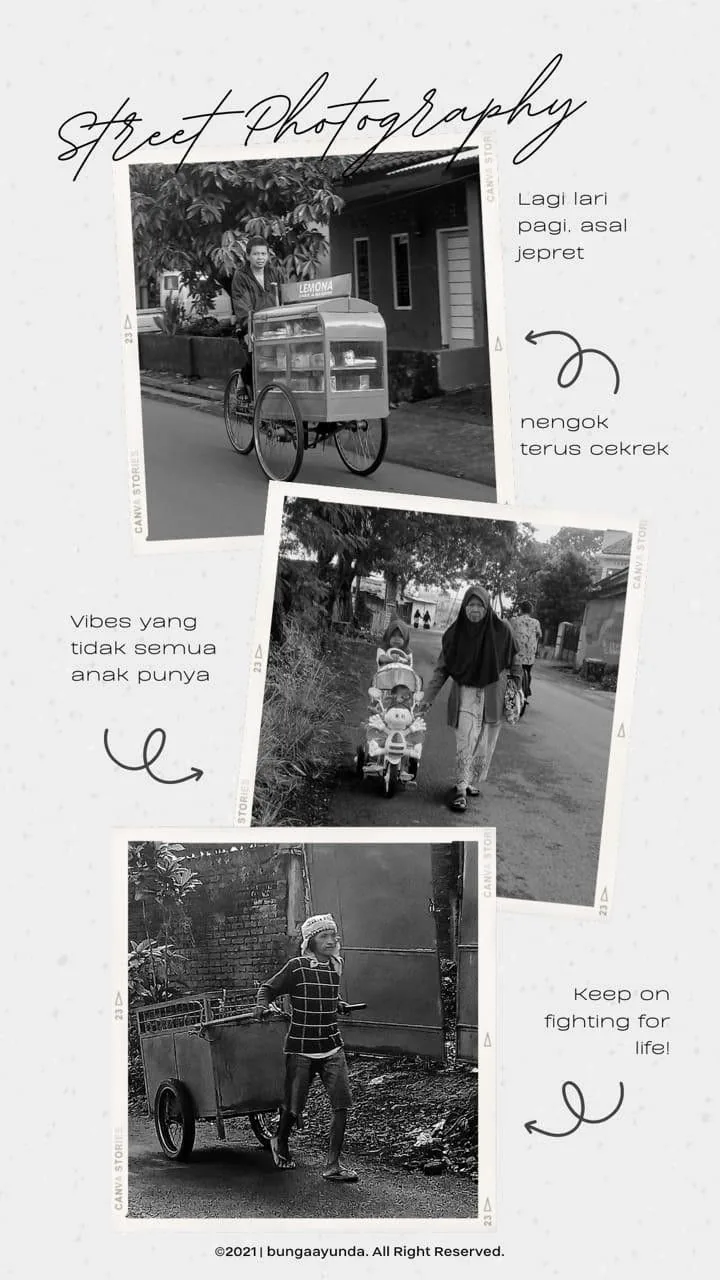
A stylish 3-photo street photography gallery with scattered polaroid-like frames and playful typography.
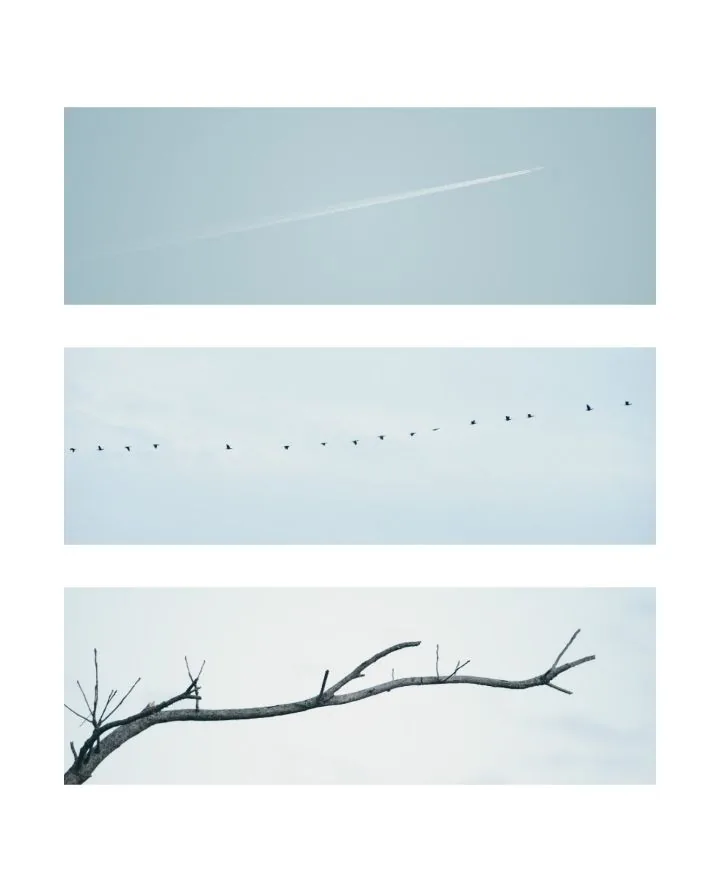
A minimalist white vertical layout featuring a three-panel vertical photo grid.
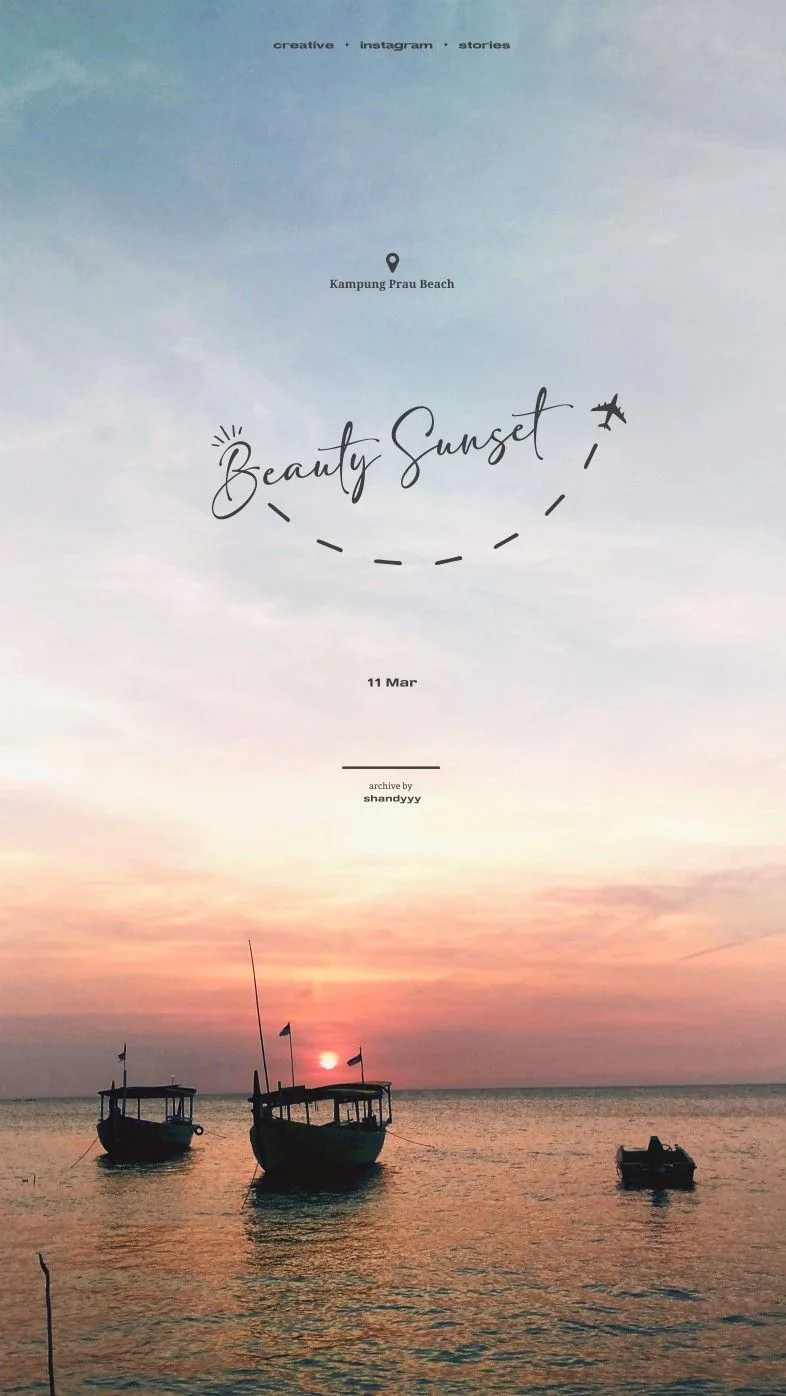
An elegant vertical Instagram story template featuring handwritten headers, location pins, and a full-bleed replaceable sunset background.
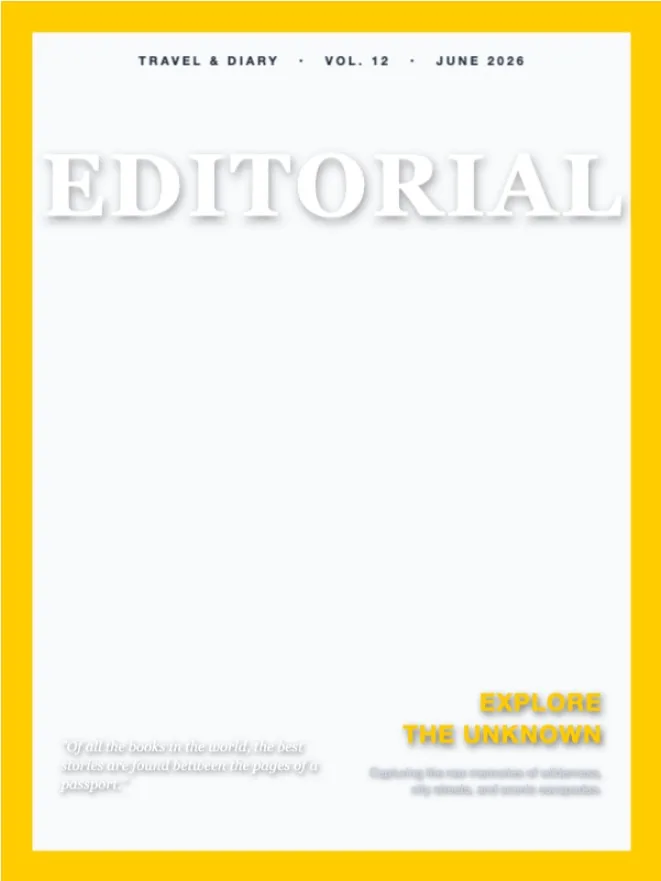
Elegant fashion and travel magazine cover template with a 3D depth effect where the title sits behind the subject.
Photographers
Portfolio posts
Travel
Camera tests
Photo memories
MemoryPaper supports camera-style EXIF signature layouts and editable text controls so you can present photo details clearly.
Yes. Many templates focus on a single hero photo with supporting typography and frame details.
Yes. Text layers can be edited in the MemoryPaper editor after you open a template.
Start with a related template, replace the sample photo, and export a finished MemoryPaper design.
Create your photo now